
Manual to Update Milestone in Research Progress Report
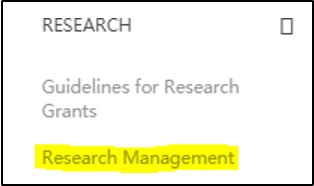
STEP 1: Select Research Management
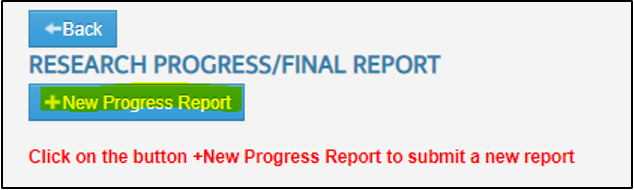
STEP 2: Click +New Progress Report
STEP 3:

i. Select Project ID
ii. Select Phase
iii. Select Year
iv. Click +New Progress Report
STEP 4:

Current status of the progress report is Draft.
Then, go to Research menu -> select Edit Milestone. After that select Progress ID that have been created in (Research Management).
Now, you can update or add the milestone in this page.
No comments to display
No comments to display