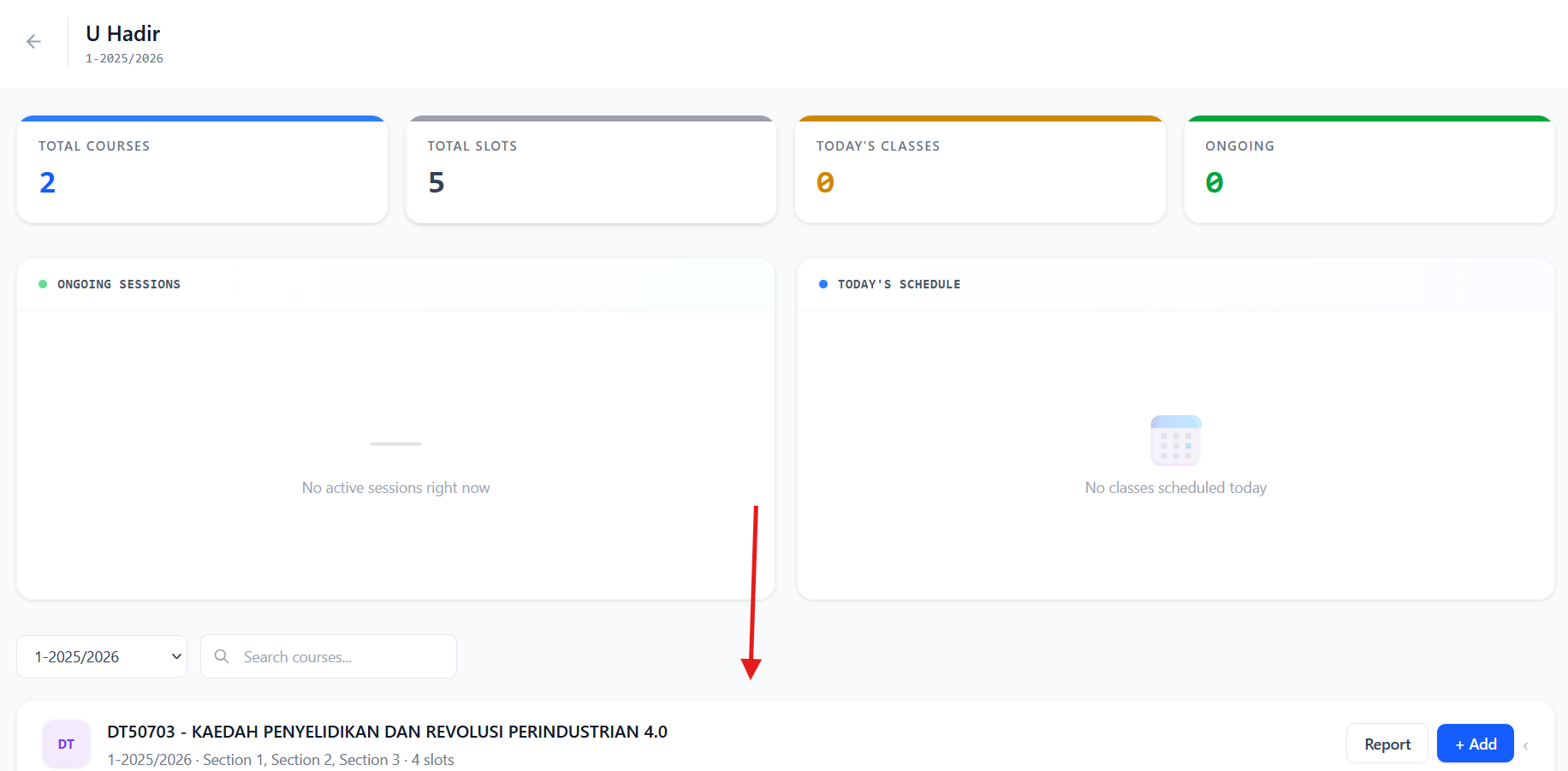
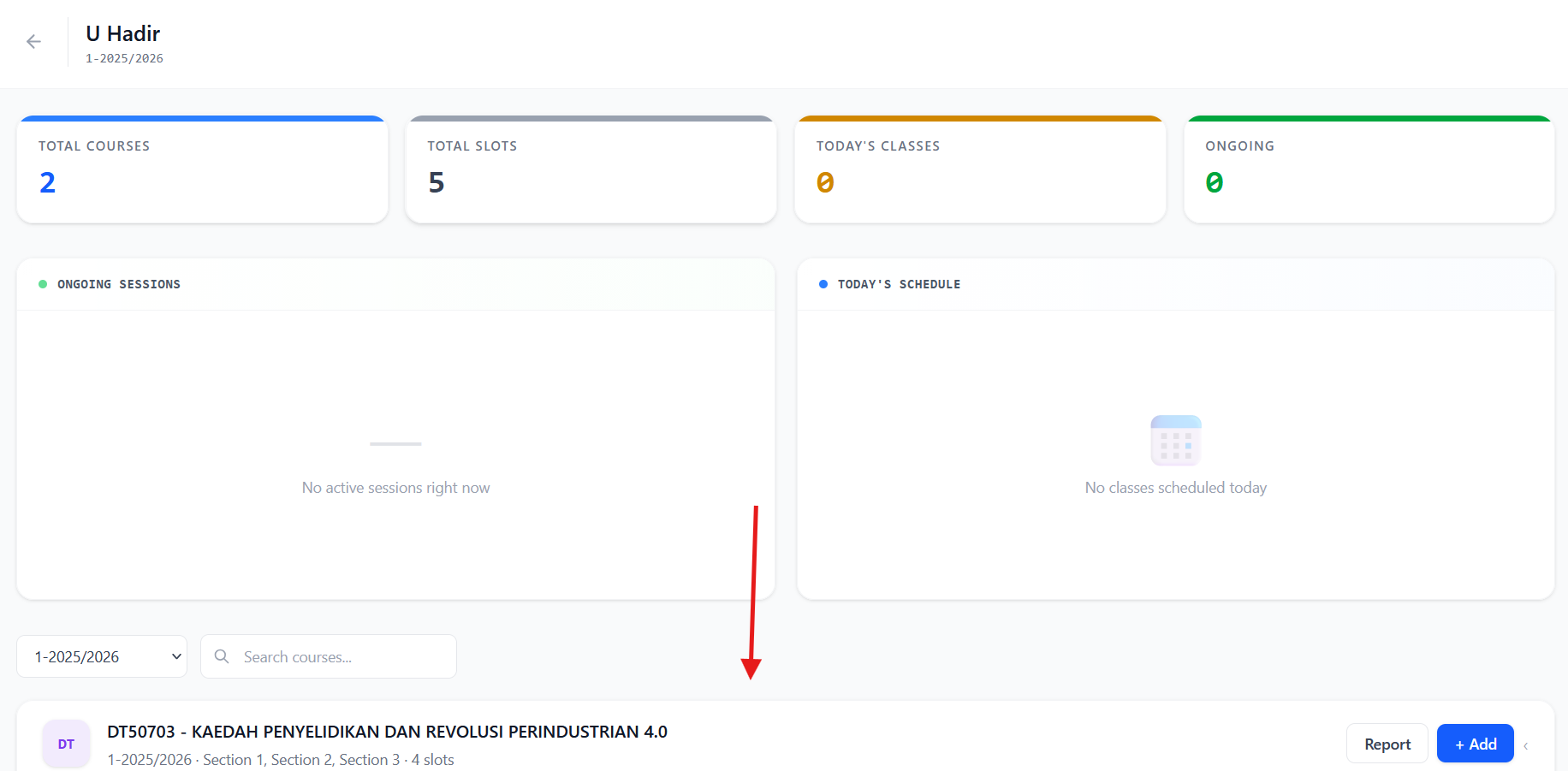
It will redirect to this screen, please scroll down to find your teaching courses
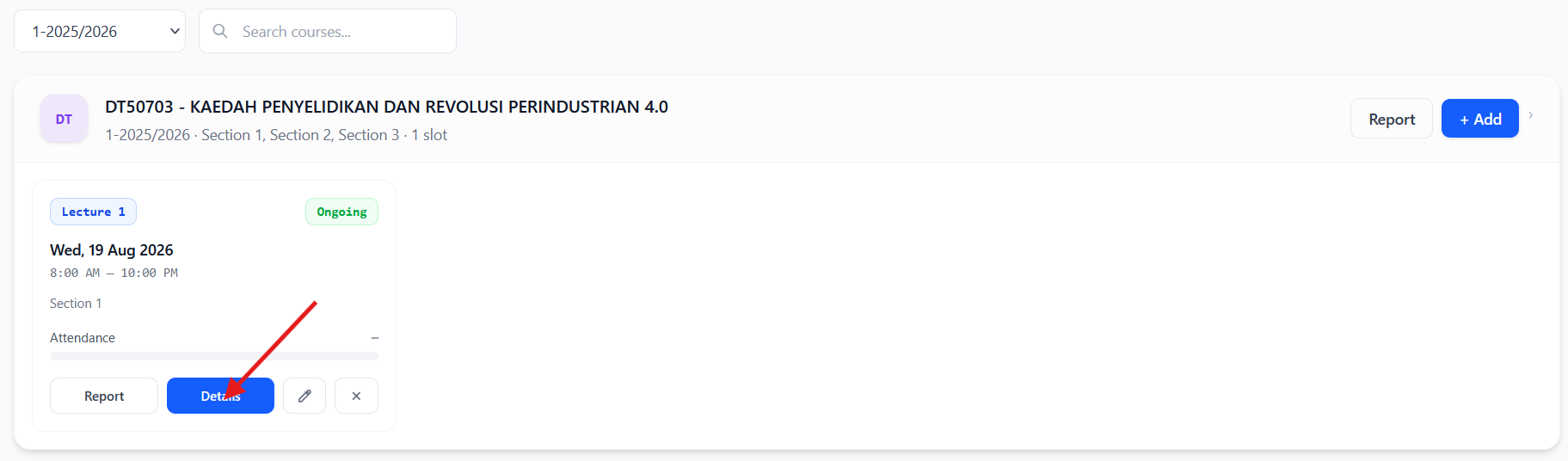
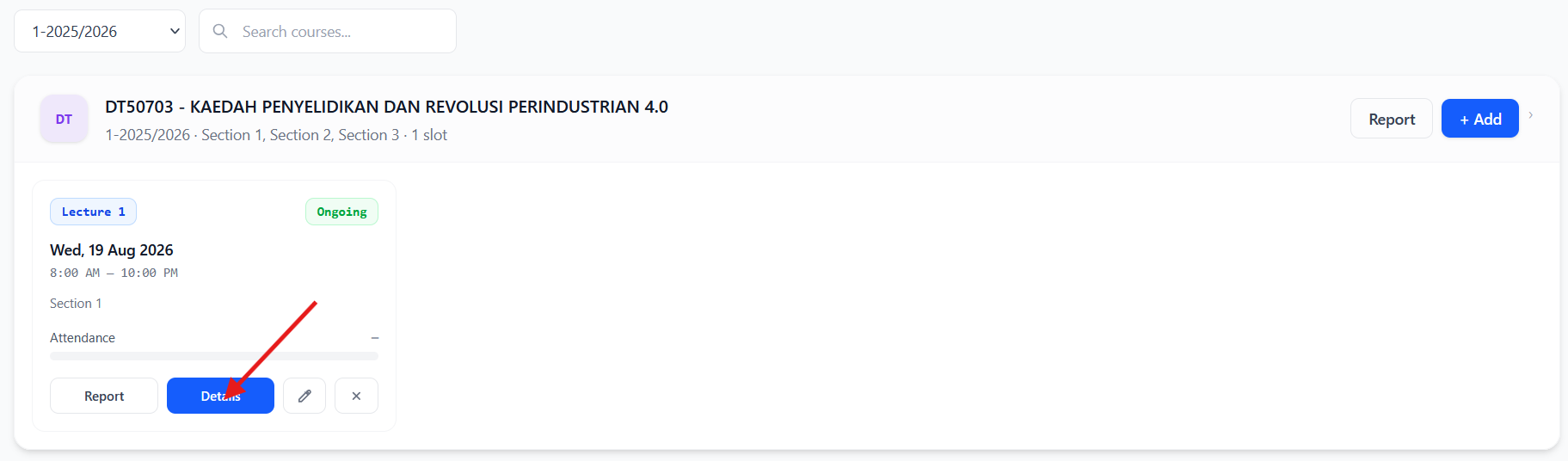
click the details
At the top of the info, click the Slot Report it will show the report for only 1 class that you selected on Number 3
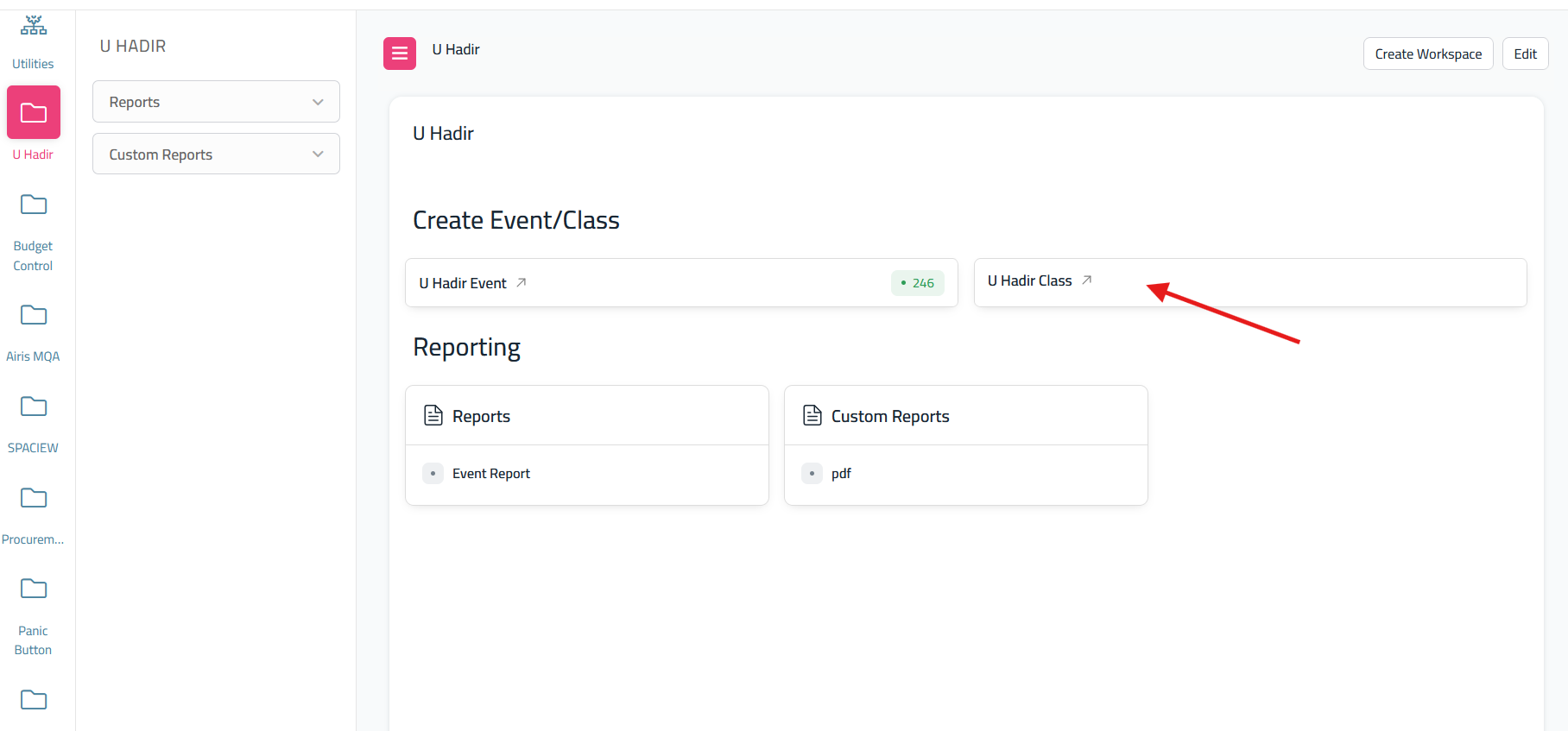
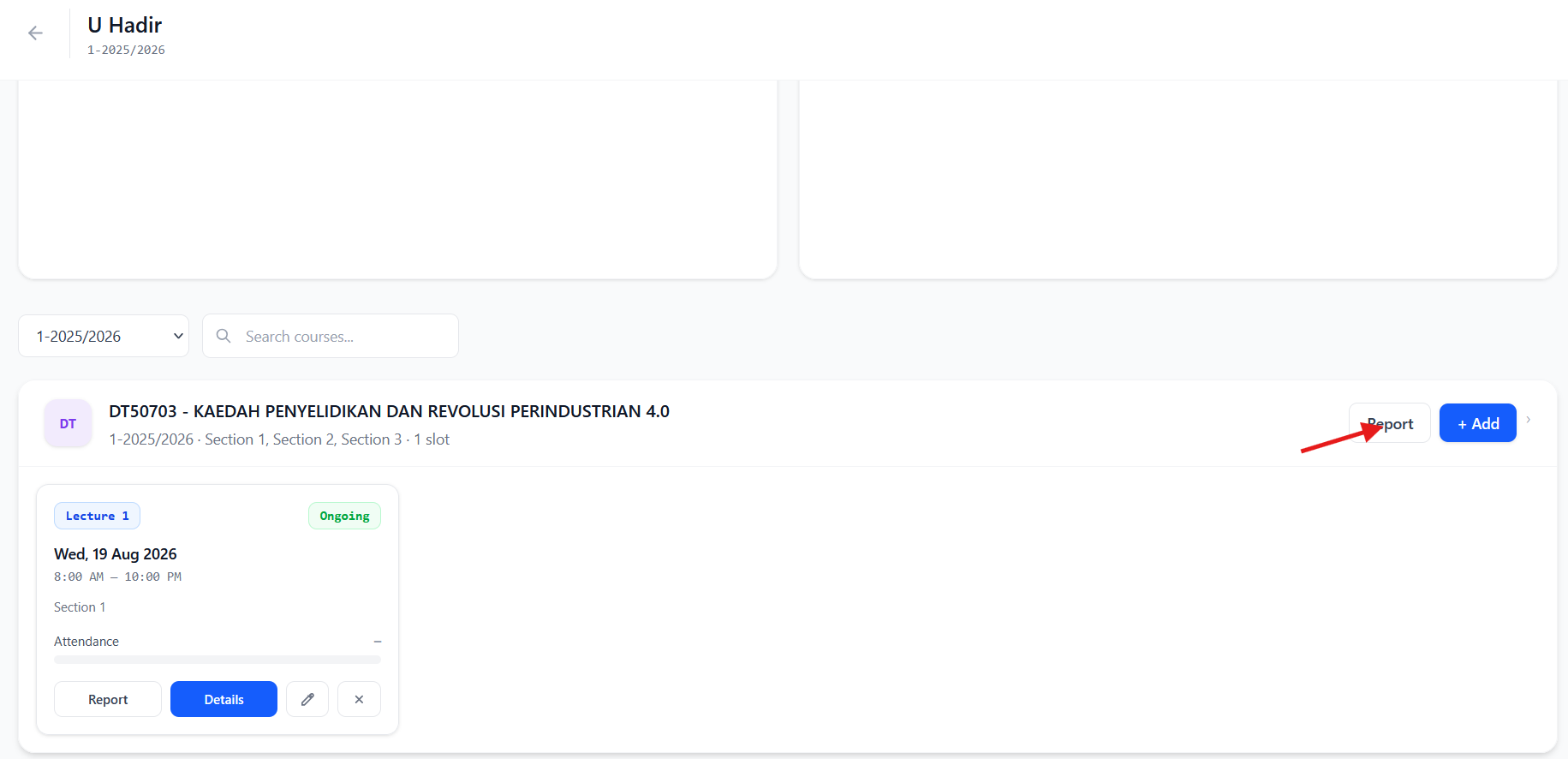
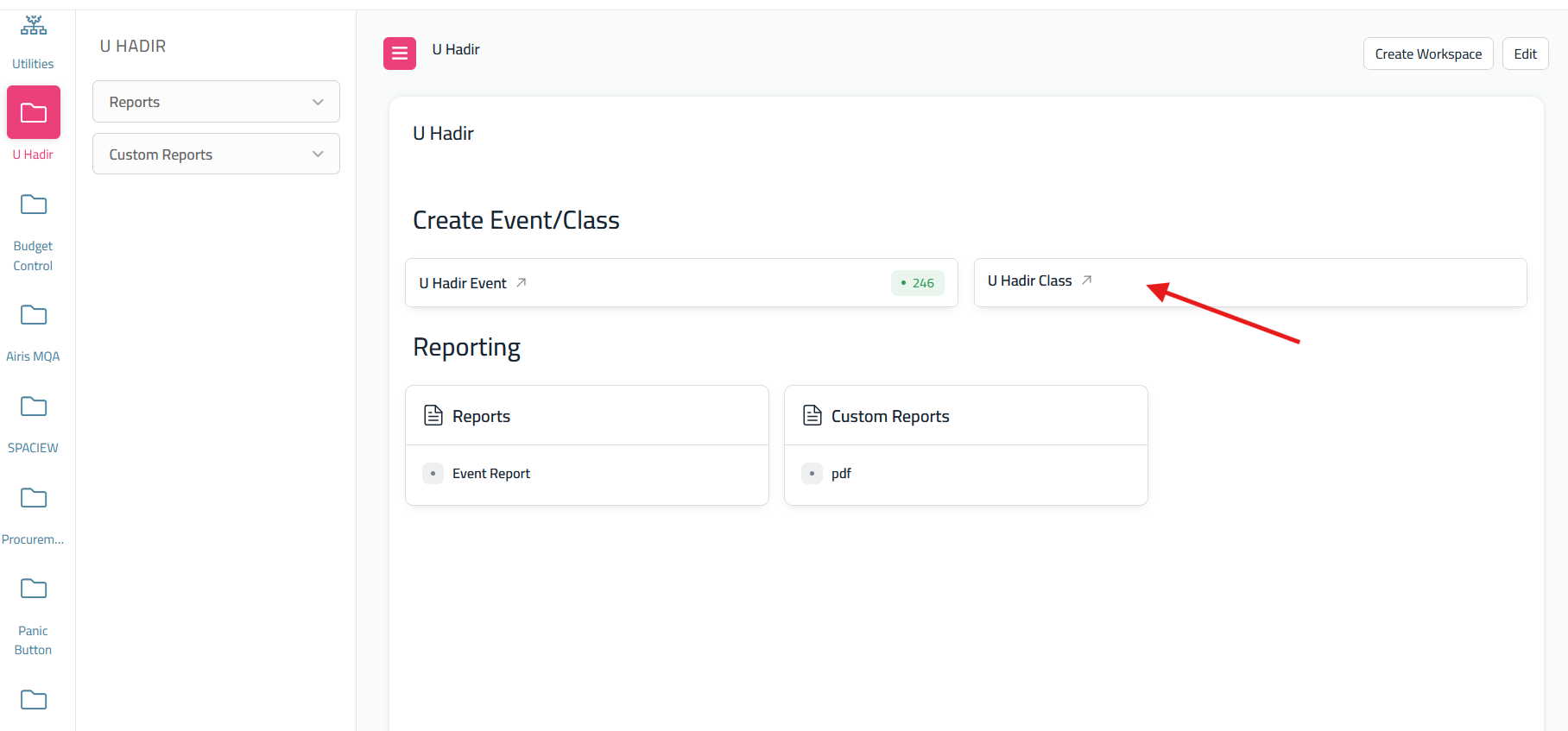
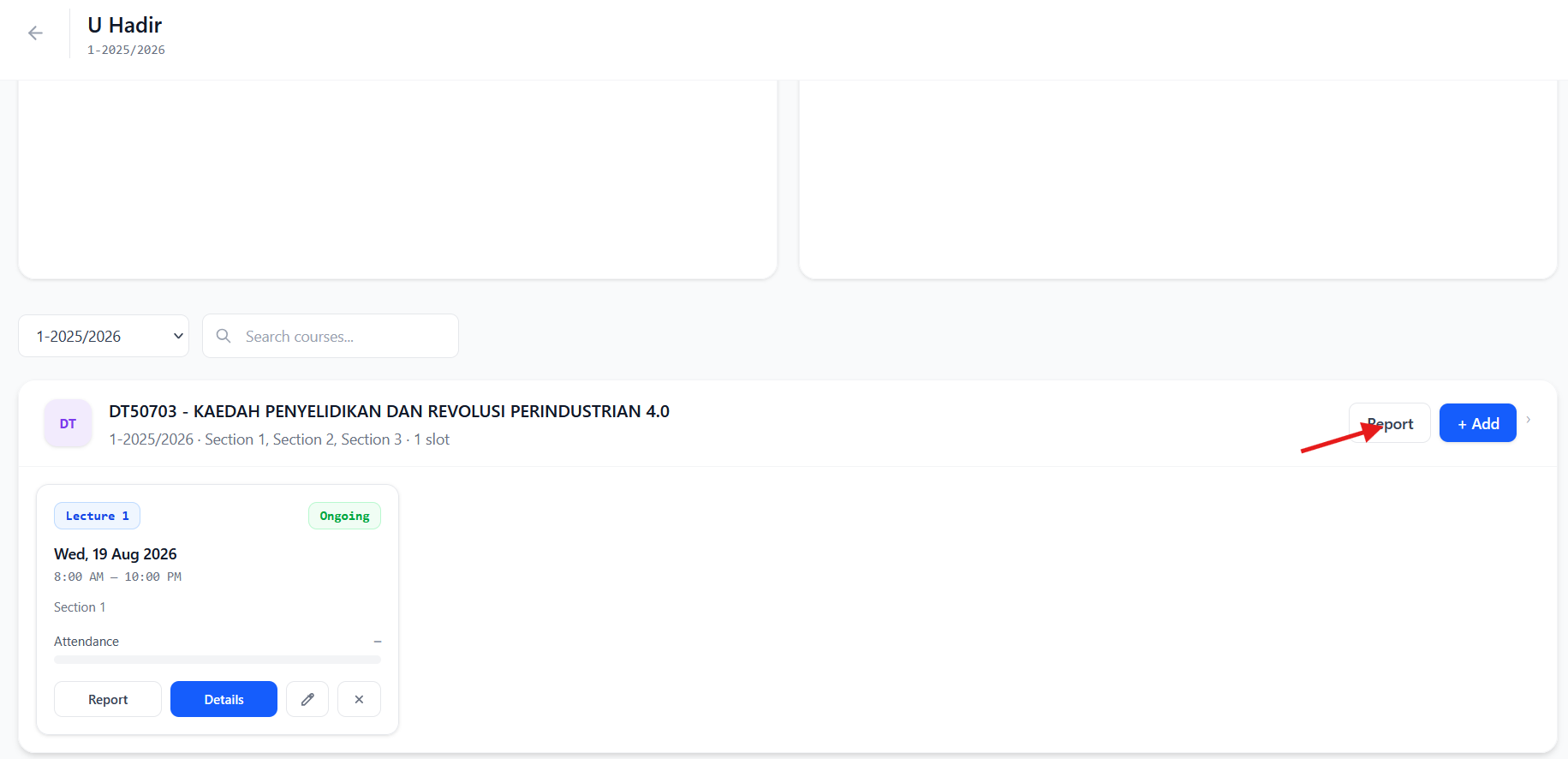
if you want to summary report for all of the teaching courses class, please click back and then on the dashboard u hadir class please click report
And after click Report, it will redirect to another screen and on top of that info please click print if you want to print the summary or save as pdf. This will show the summary report for all created class on selected course.





No comments to display
No comments to display