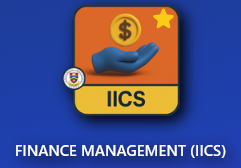
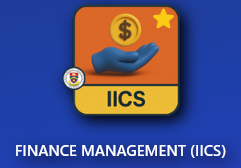
Go to IICS Website (Login into Portal Kinabalu and search for the Finance Management(IICS))
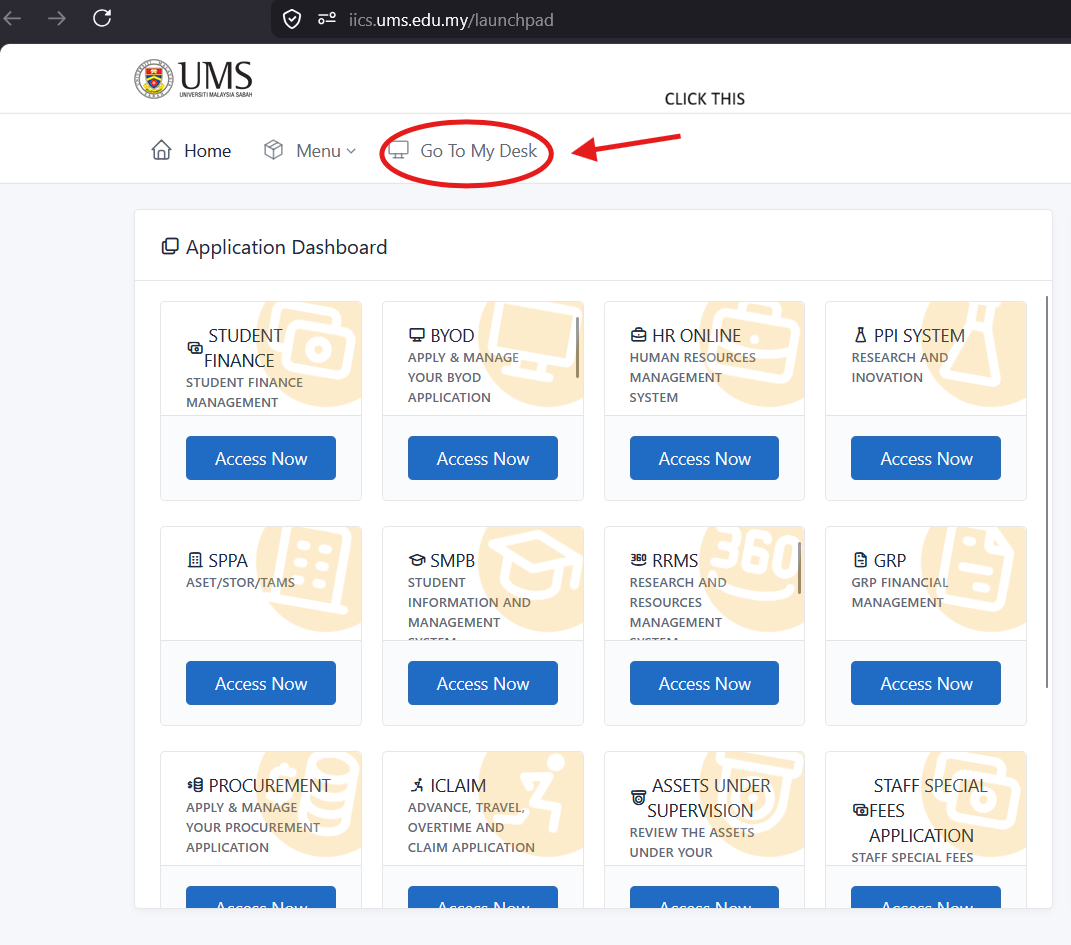
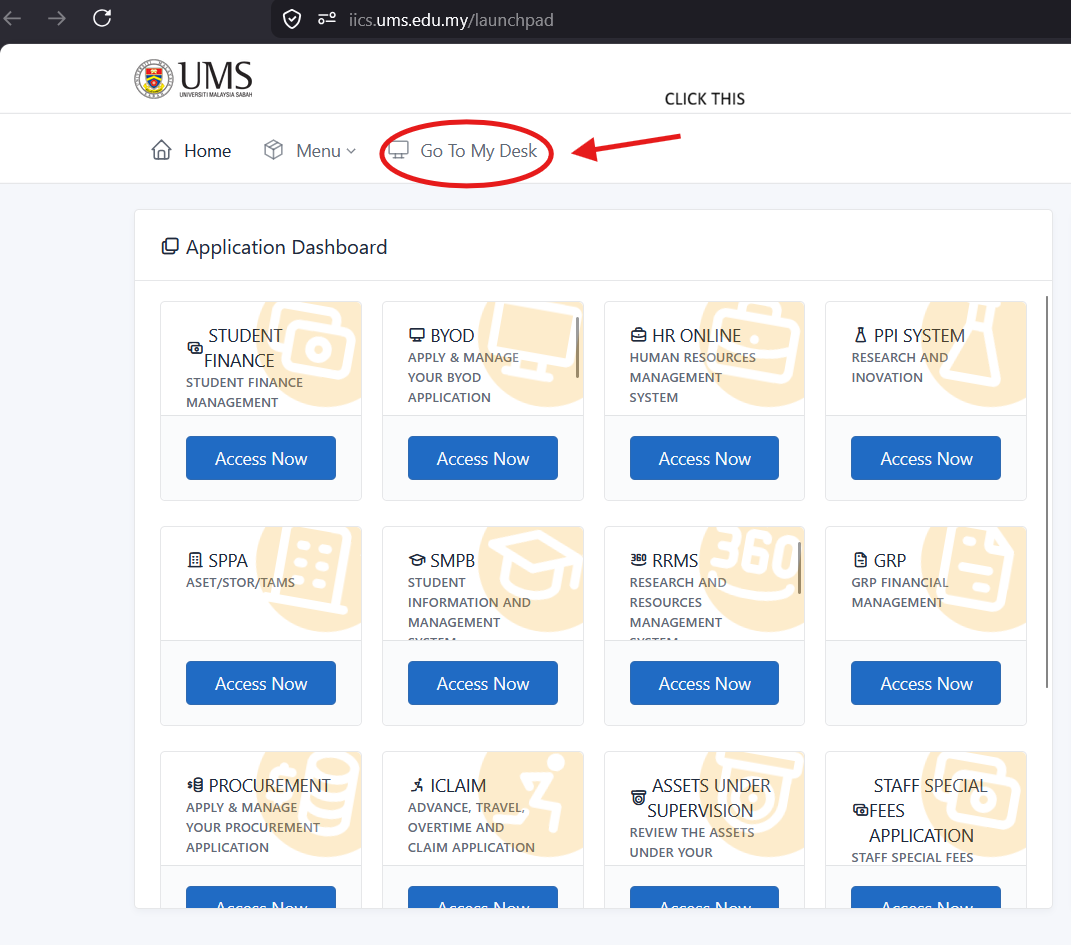
On Portal Kinabalu, Click the IICS and then on the launchpad page
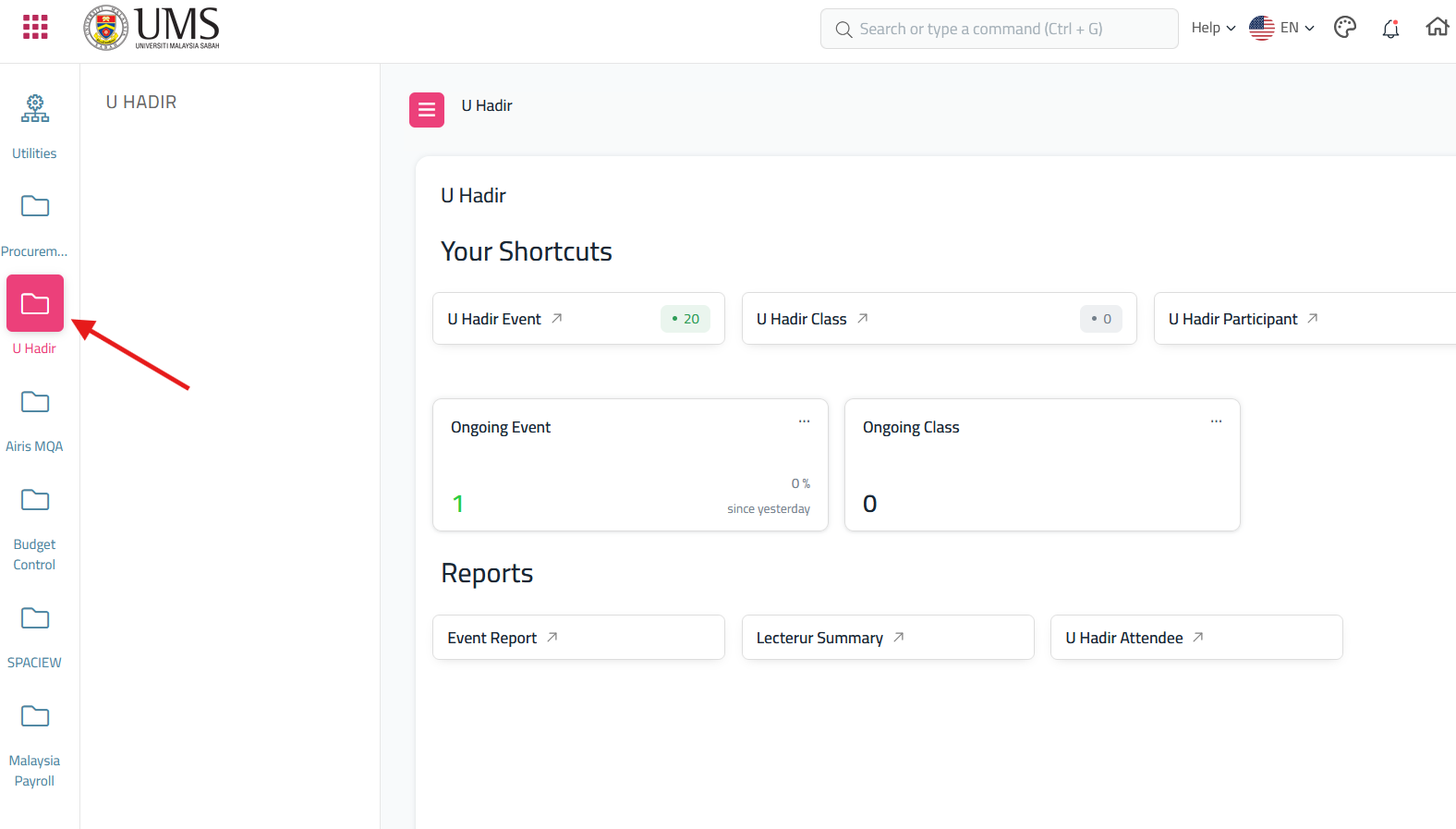
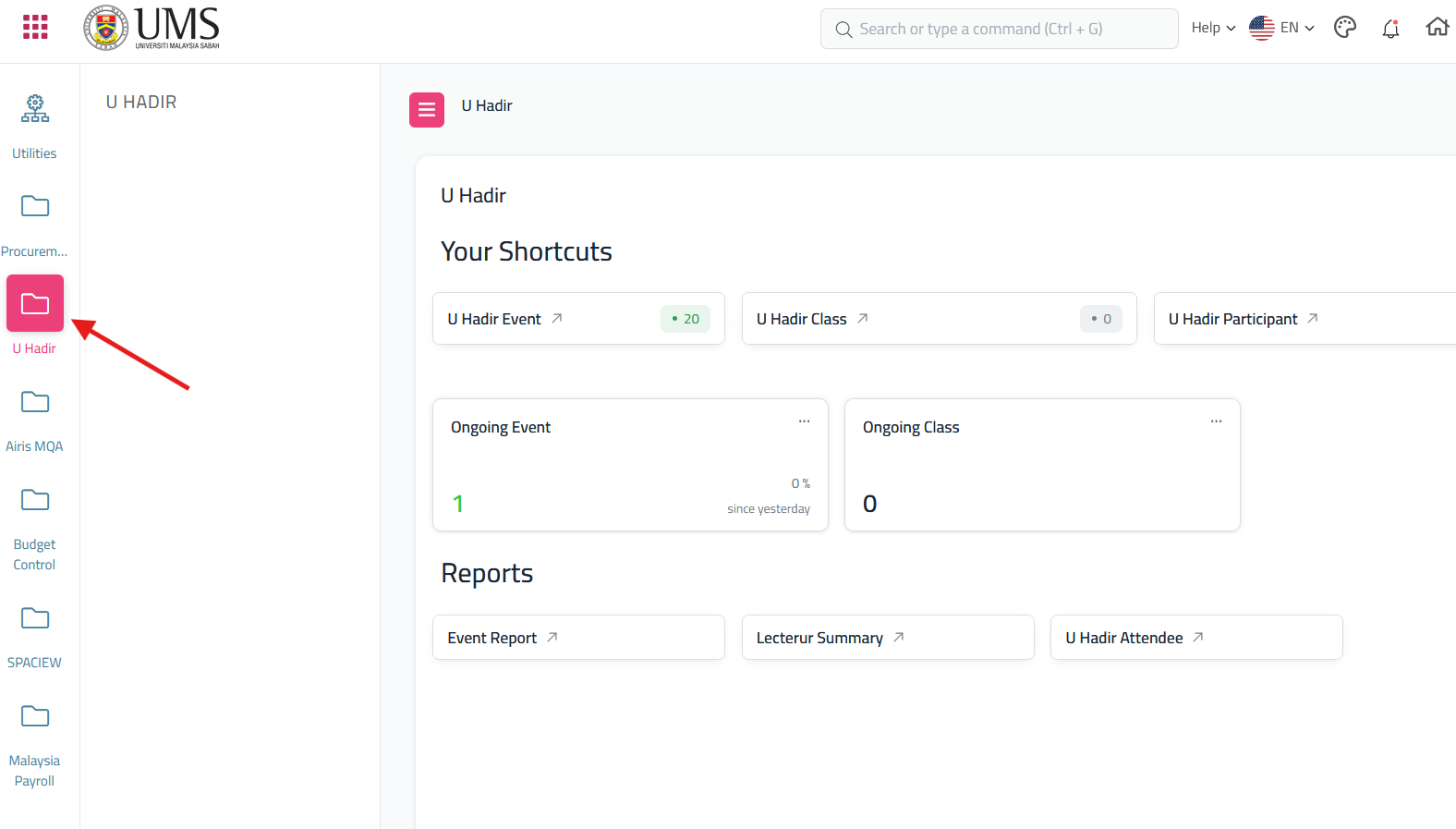
After click 'My Desk' scroll until you find U Hadir
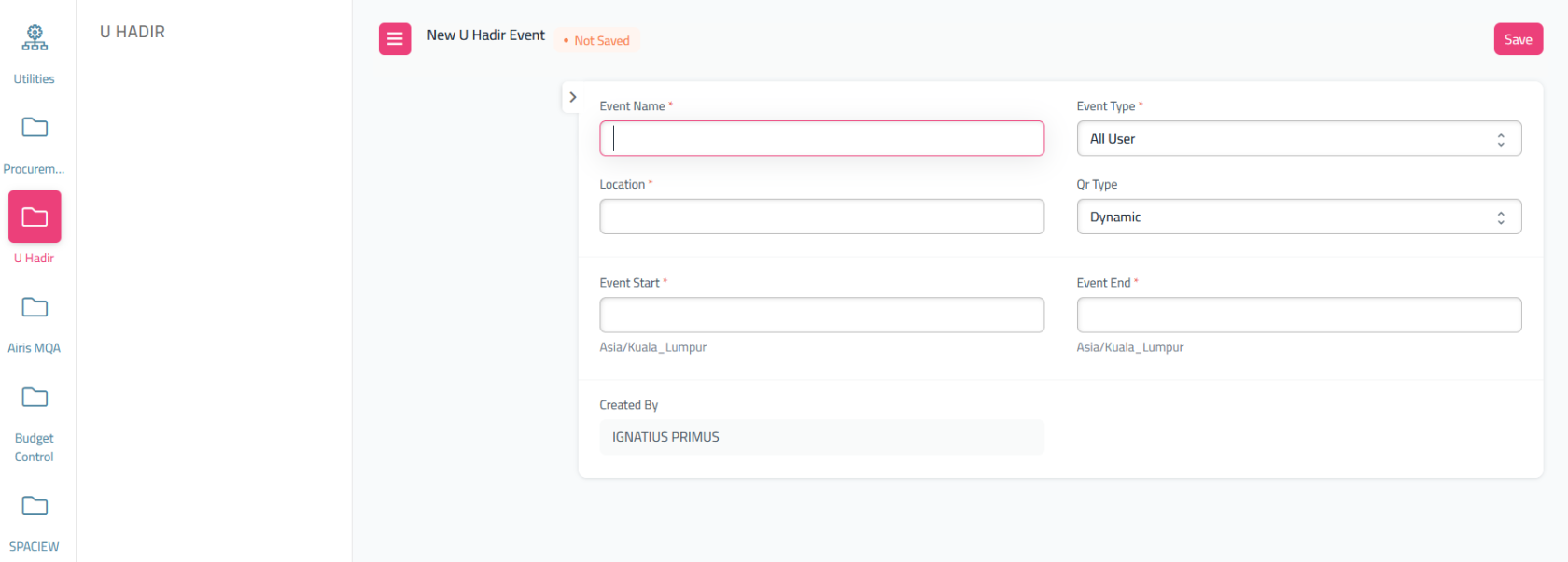
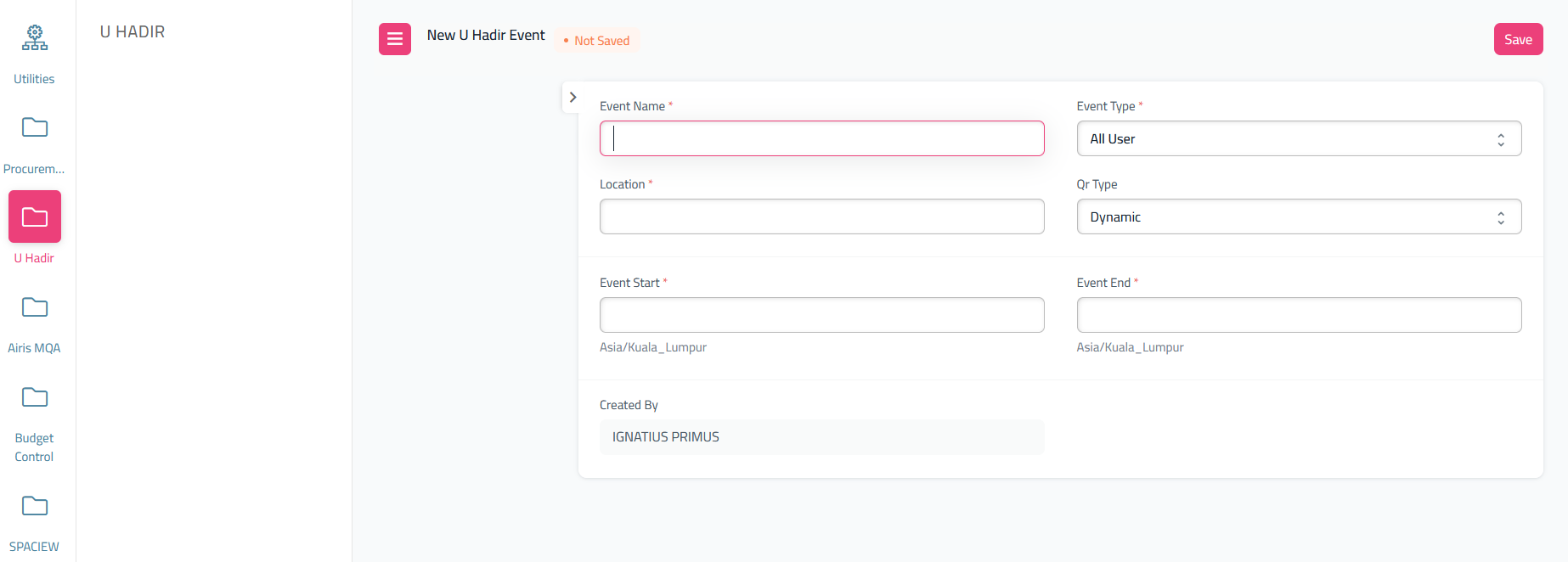
It will display the dashboard for the U Hadir, If you want to create a Qr Event, from the dashboard U Hadir, Click The U Hadir Event, and it will redirect to U Hadir Event Doctype, then at the U Hadir Event doctype, click the 'Add U Hadir Event'
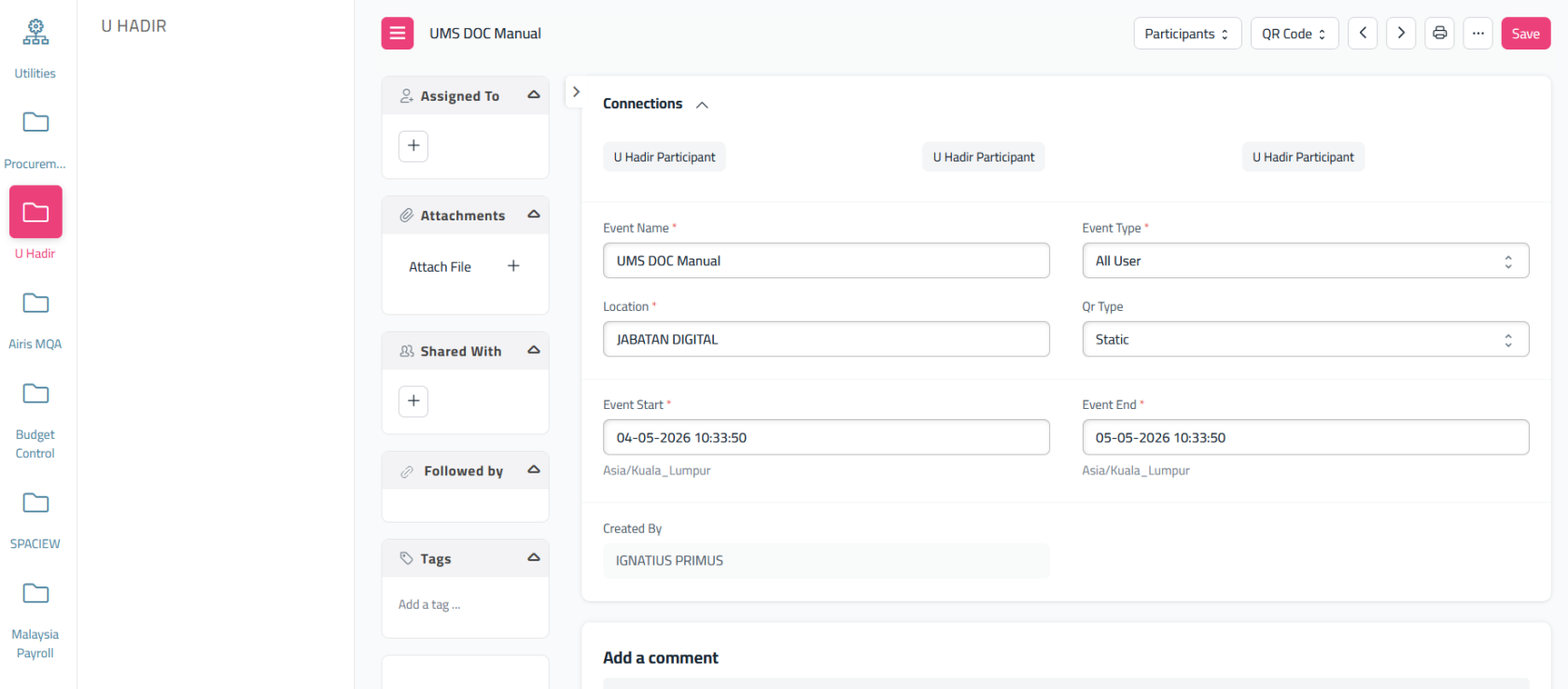
Fill all the form provided and click 'Save'
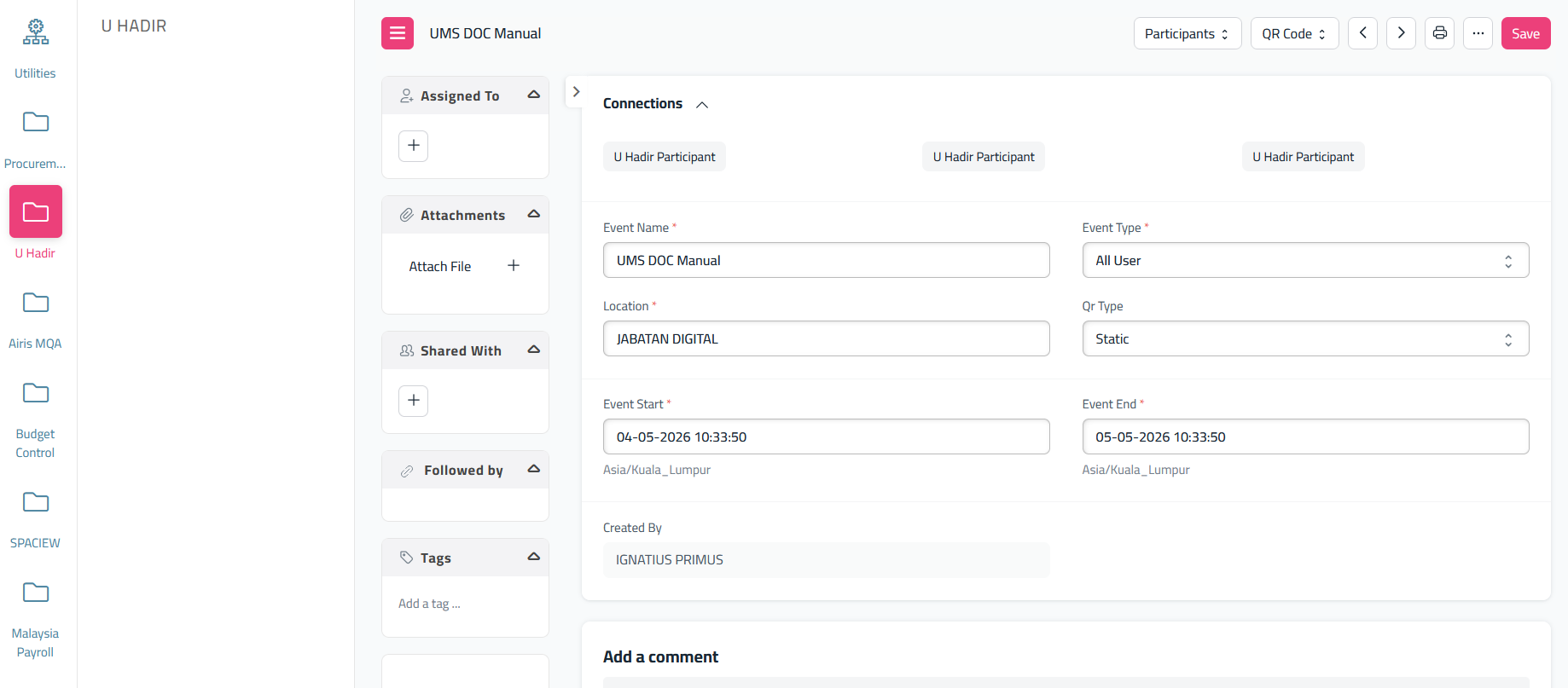
After save, the page will show like this
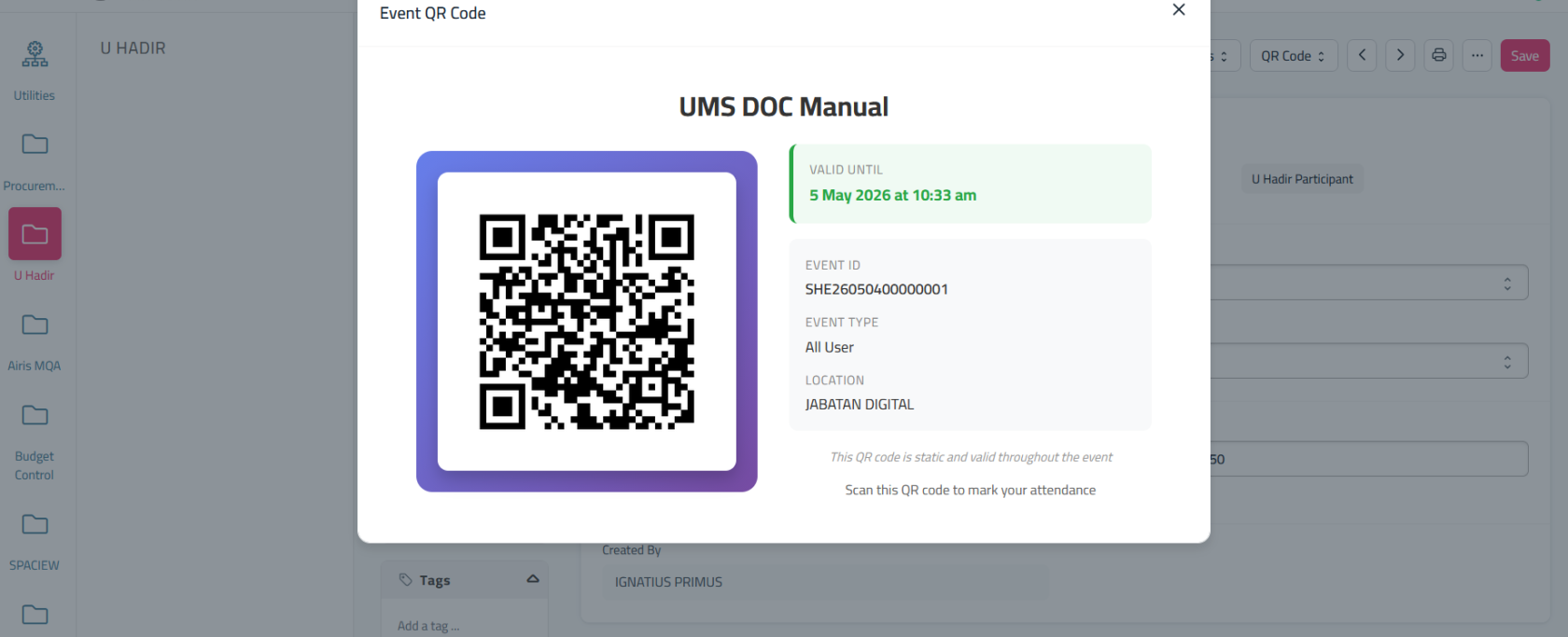
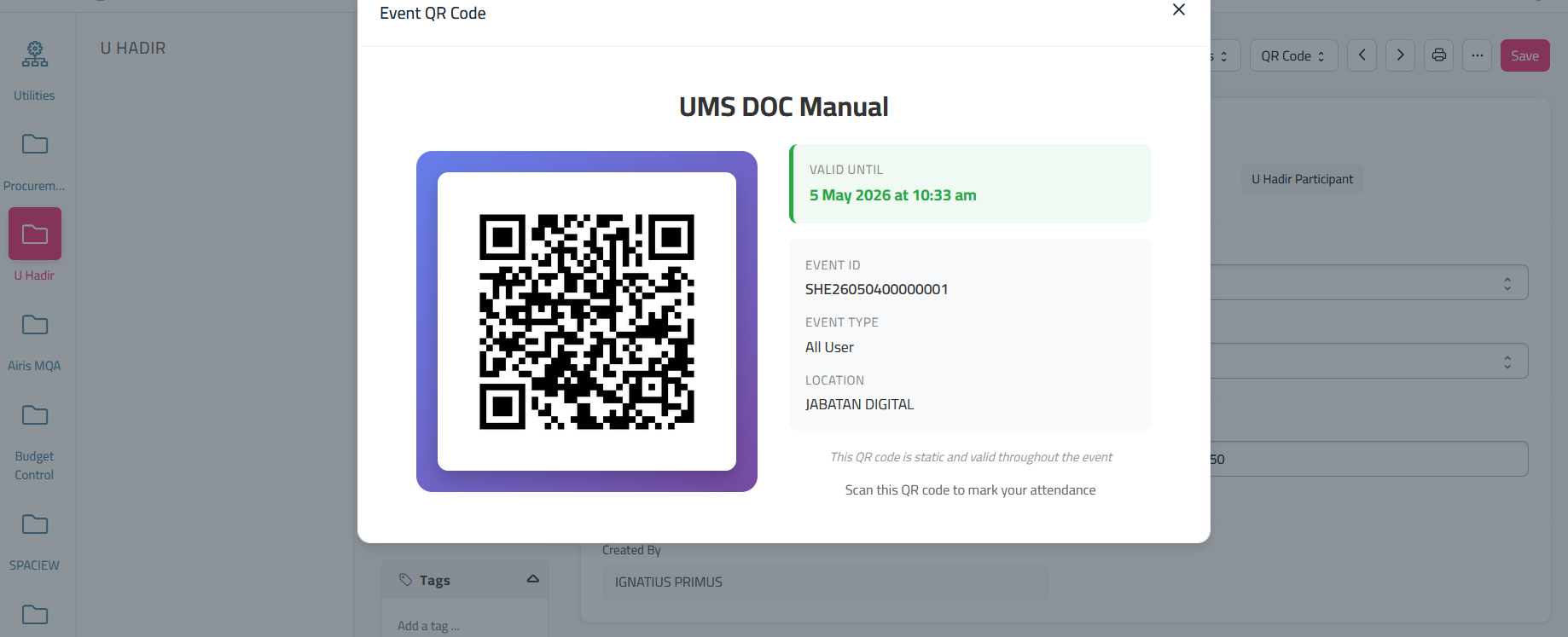
If you want to get the qr for the user to scan qr during event, click the 'QR Code' and select 'Show QR Code'



No comments to display
No comments to display