
How to scan QR using UMS GO?
Open UMS GO Superapp on student dashboard and on the bottom navigation bar click here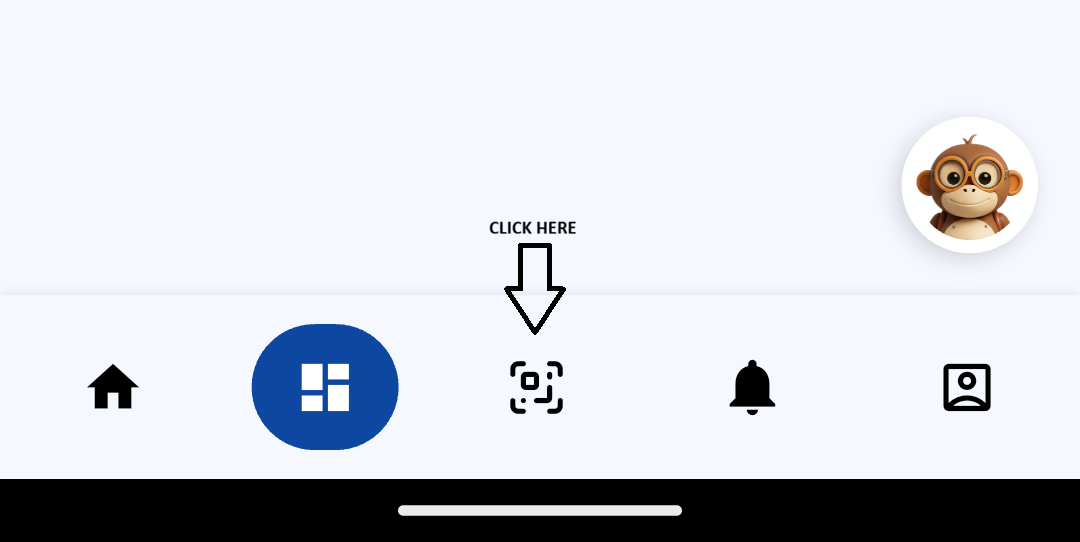
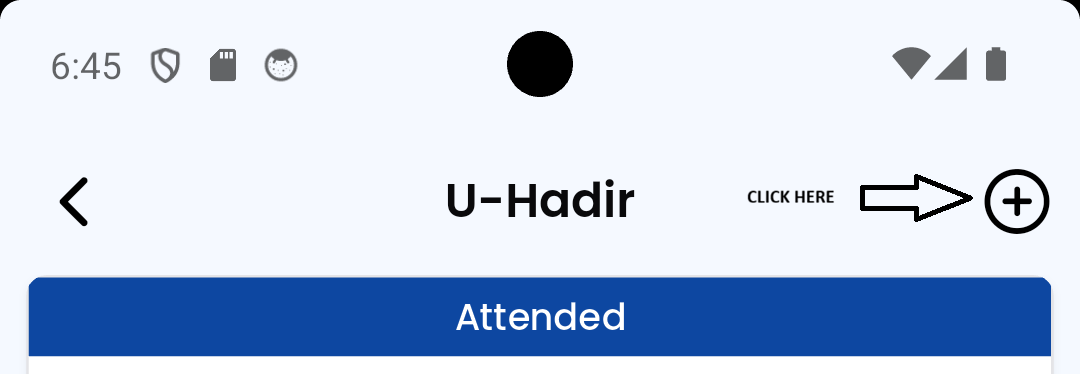
After that, click the icon plus at top right
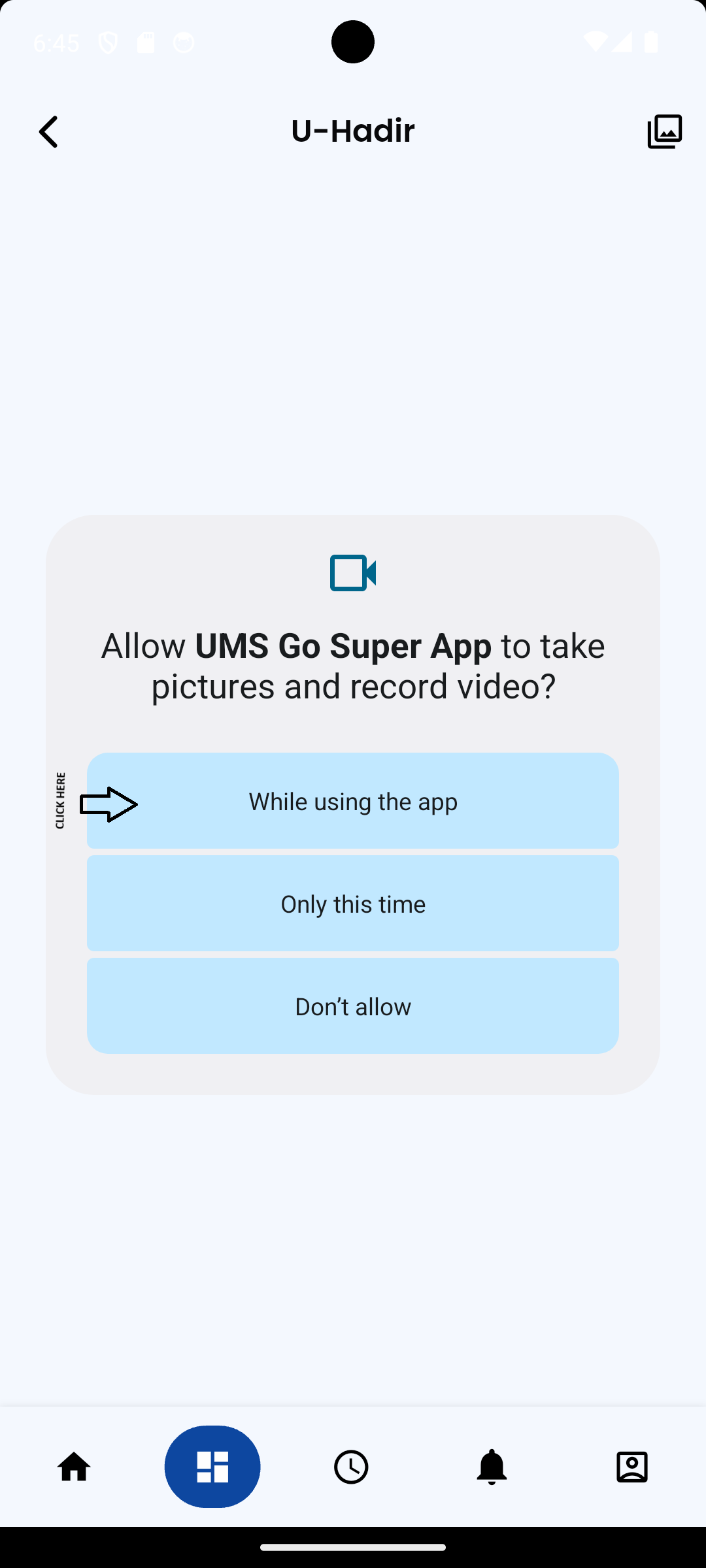
Please allow UMS GO SuperApp to access your camera to scan the QR code for the class created in IICS.
No comments to display
No comments to display