User Manual - Peraku - Penolong Pendaftar Kanan
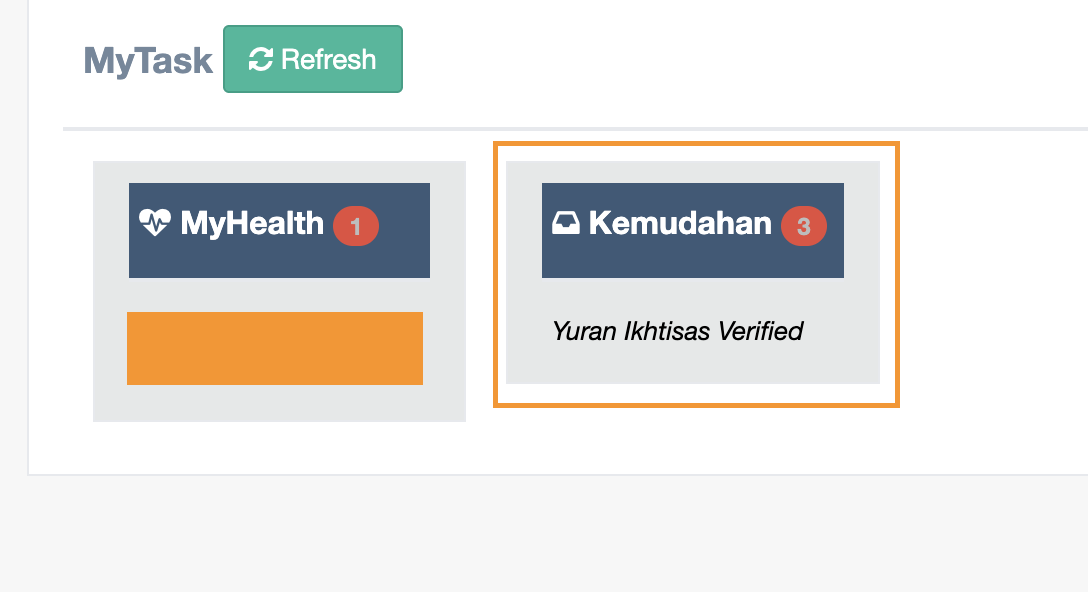
Step 1 : Click Green Button (Refresh) to get the updated notification or task then click the Kemudahan box (notification)
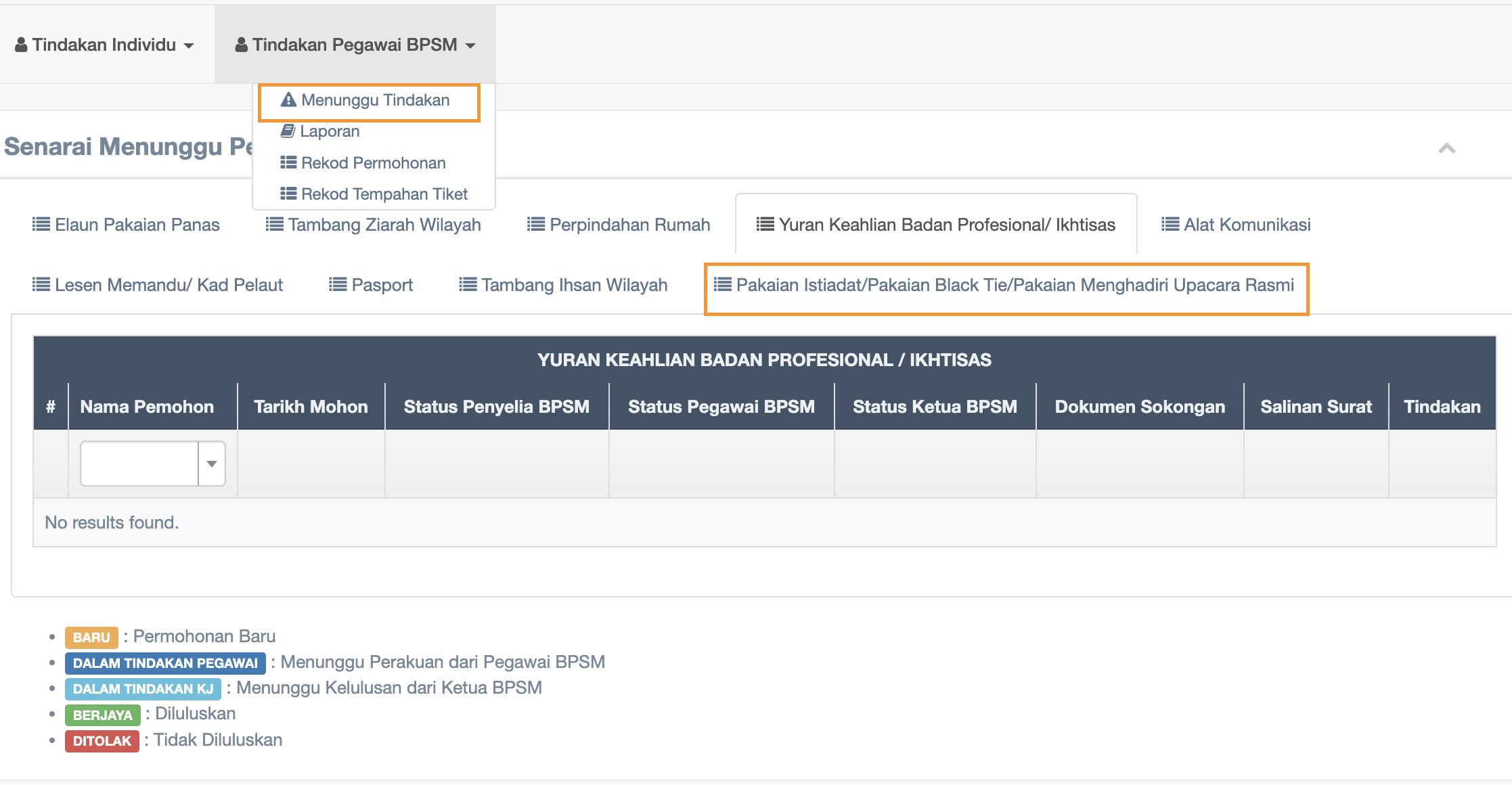
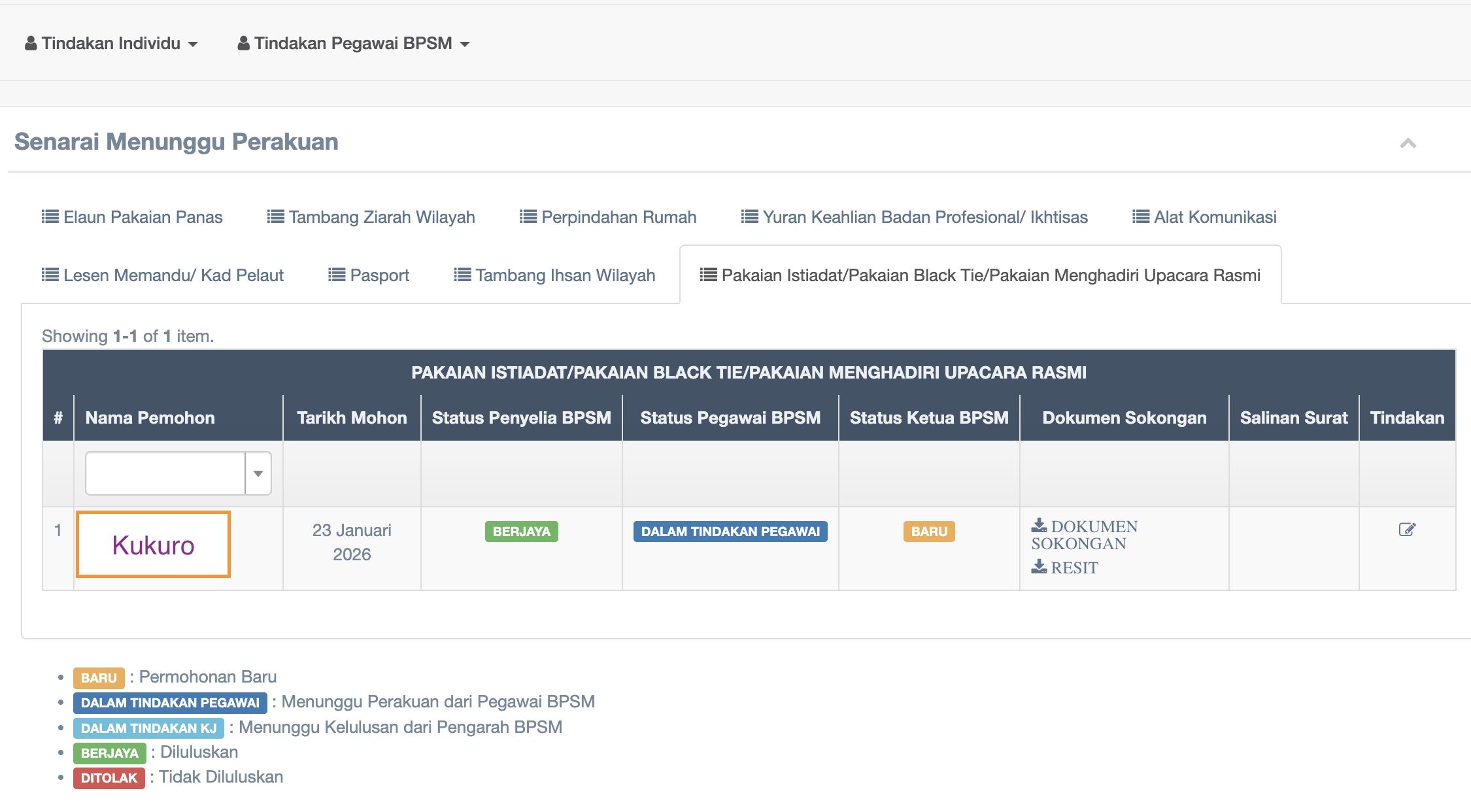
Step 3 : Click the DOKUMEN SOKONGAN or RESIT to review the documents of claim and click the name of applicant or checkbox  on Tindakan column to view the details of claim and to proceed with approval or rejection.
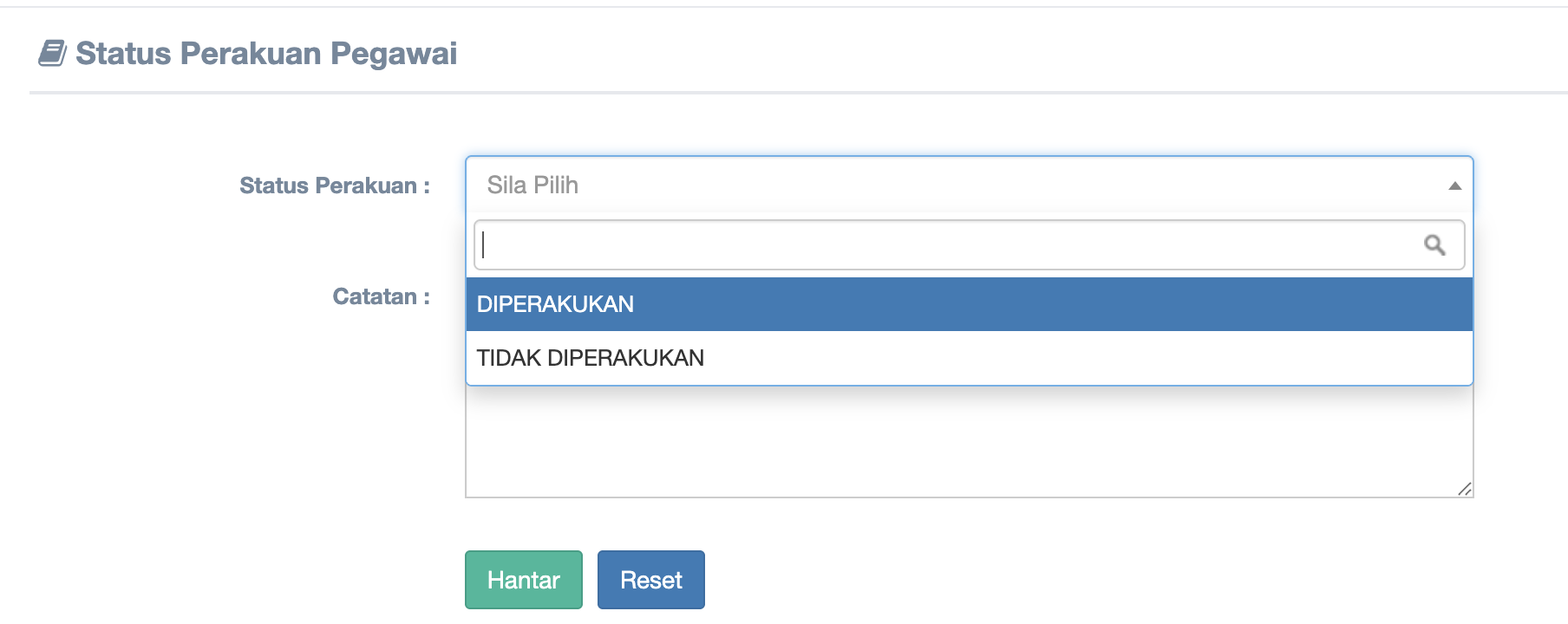
Step 4 : Please choose to approve or reject then click Hantar button
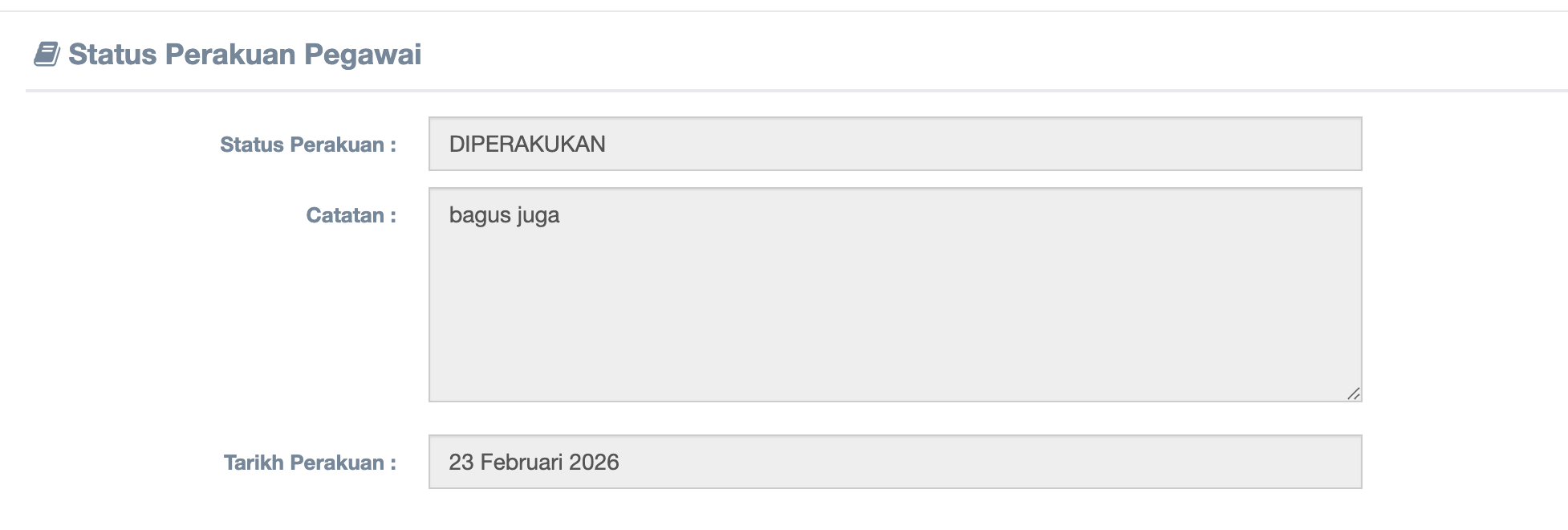
Step 5 : Approval status display
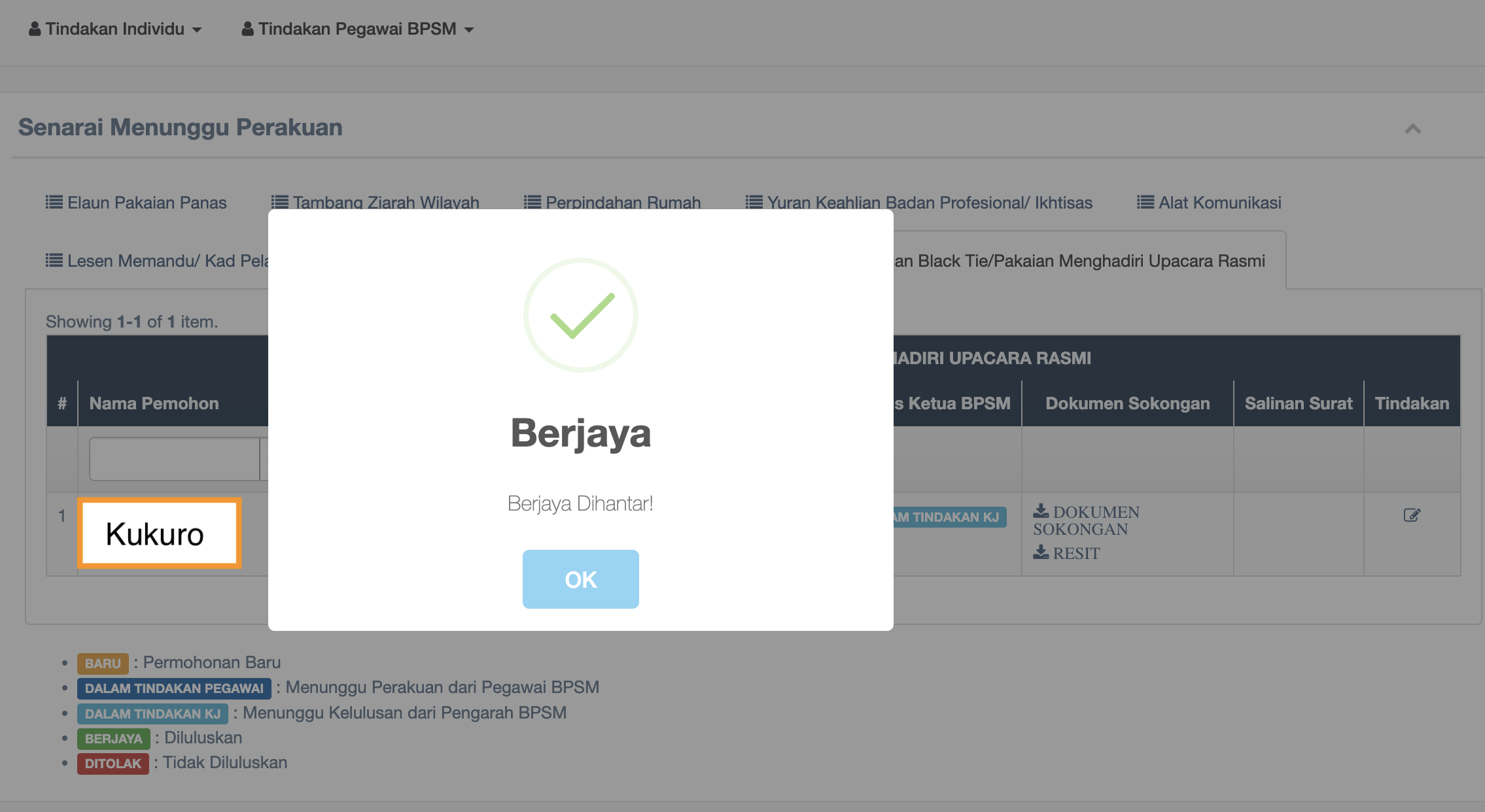
Step 6 : Applcation has been approved