How To get the report U Hadir Class
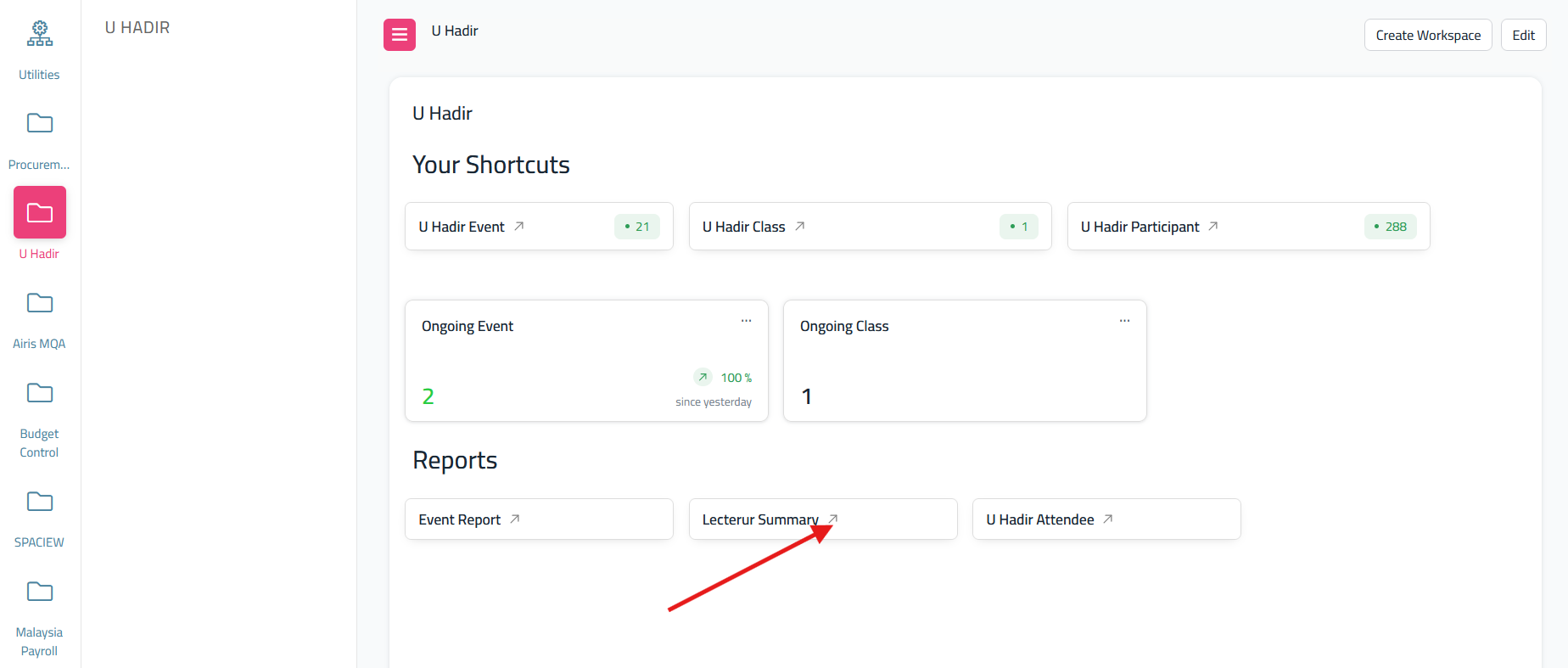
- Go to dashboard U Hadir and Click 'Lecturer's Summary'
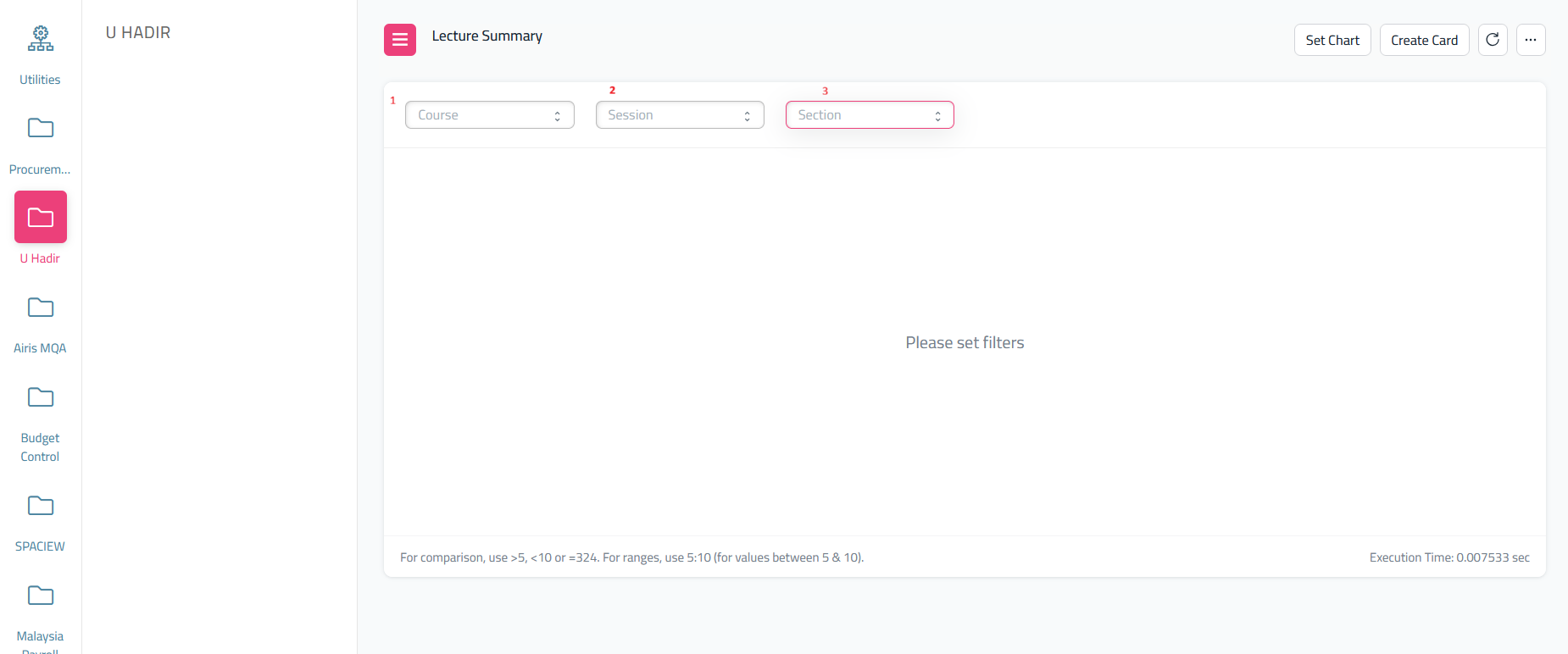
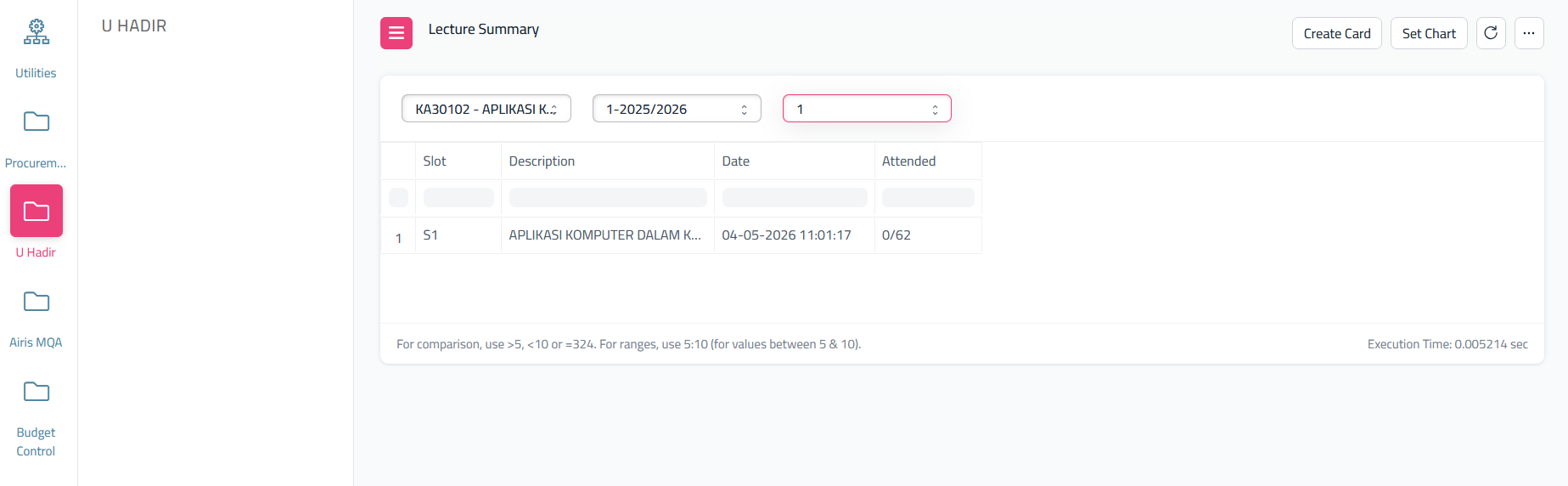
- From this, it will show nothing, you need to filter one by one follow this step; select course, then session and lastly section
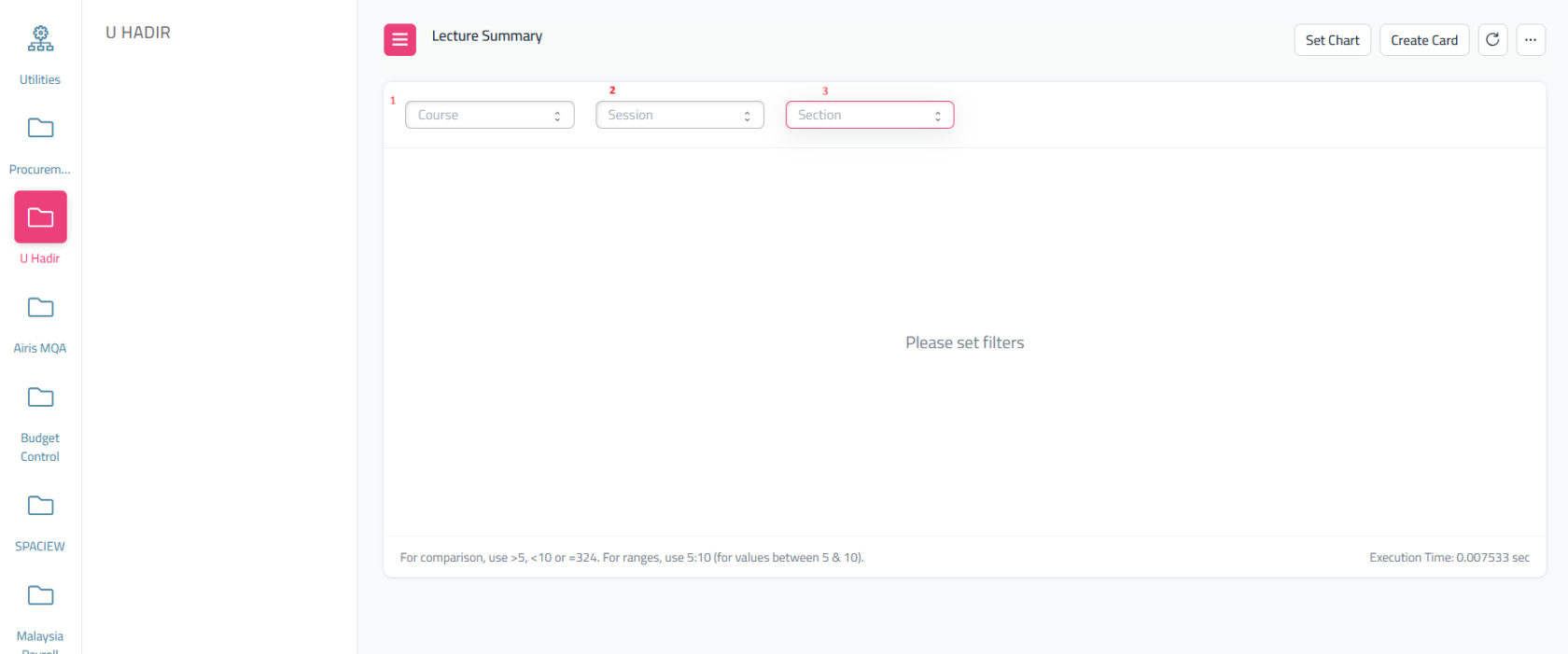
This page will show how many student that not attended for your class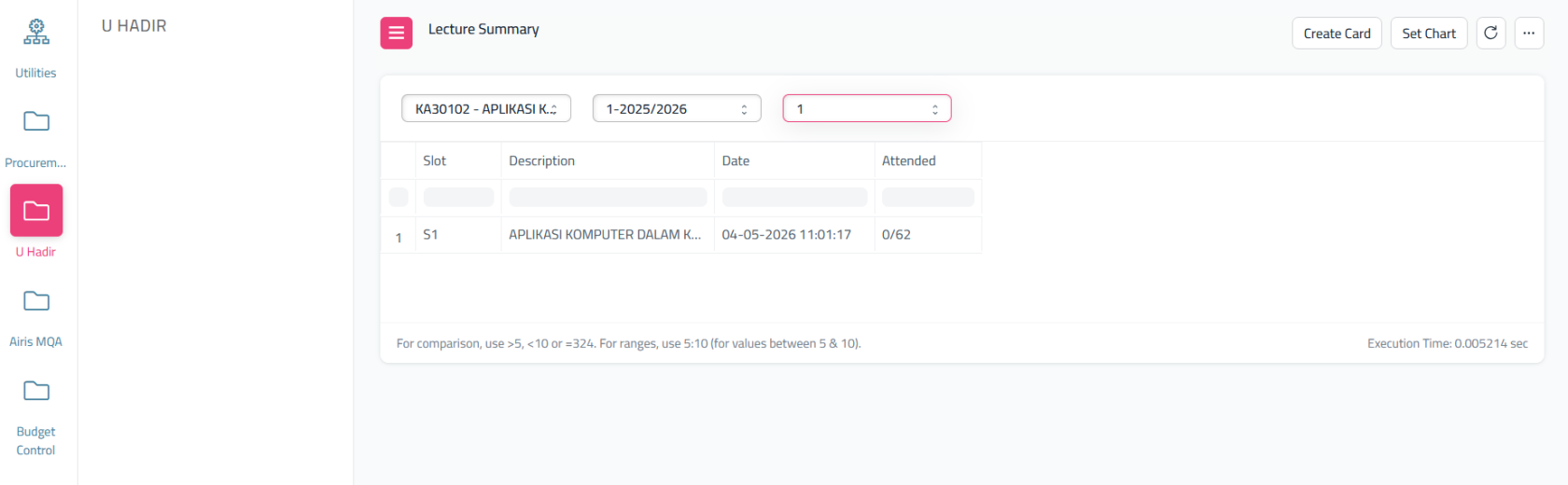
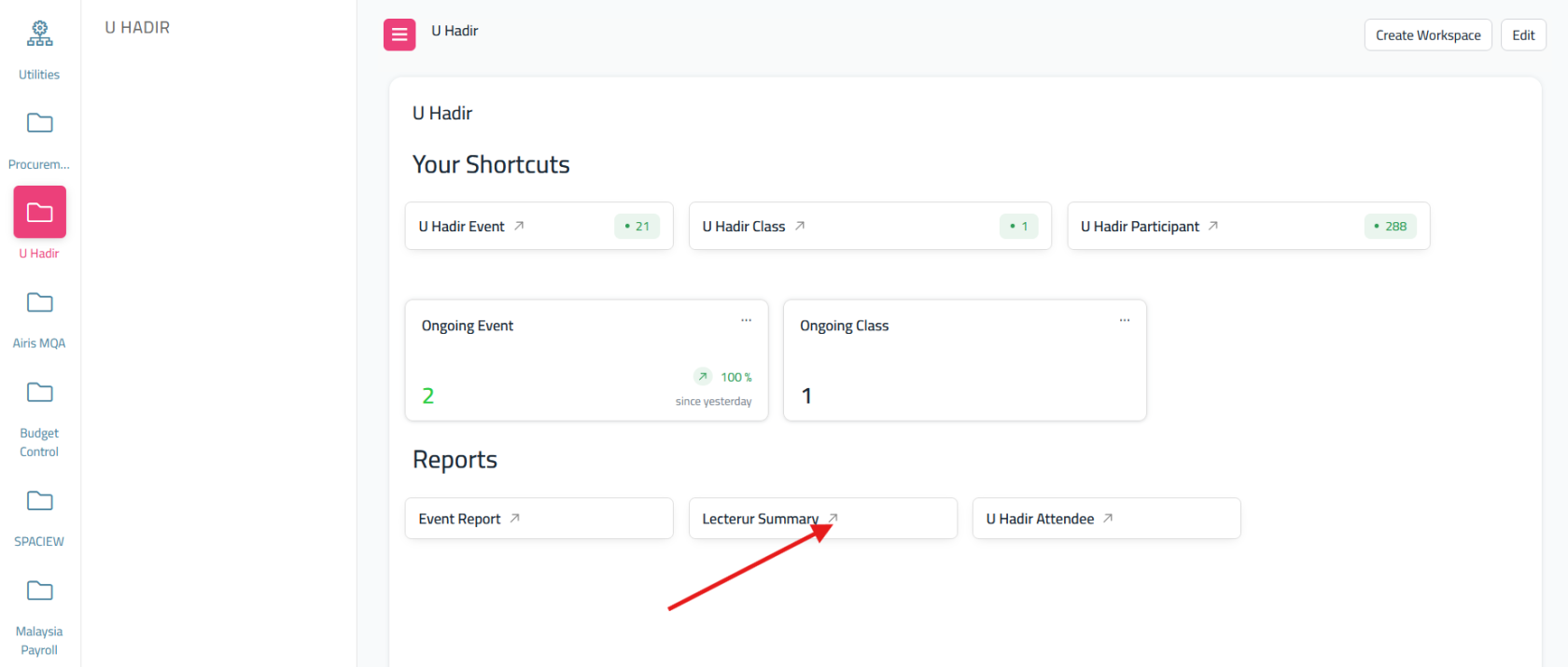
- what about the percentage for your student that attend your class? Go back to dashboard U Hadir and select 'U Hadir Attendee'
- As same as before, it will show nothing, you need to filter it. Folliw this step; Select Course, then Session lastly Section

it will display list of student and their status record in percentage if the student attend the class or not. - To download in excel, click here then export it