Skip to main content
How To Create Qr Code For Event
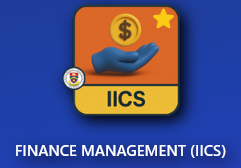
- Go to IICS Website (Login into Portal Kinabalu and search for the Finance Management(IICS))
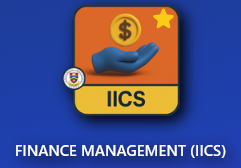
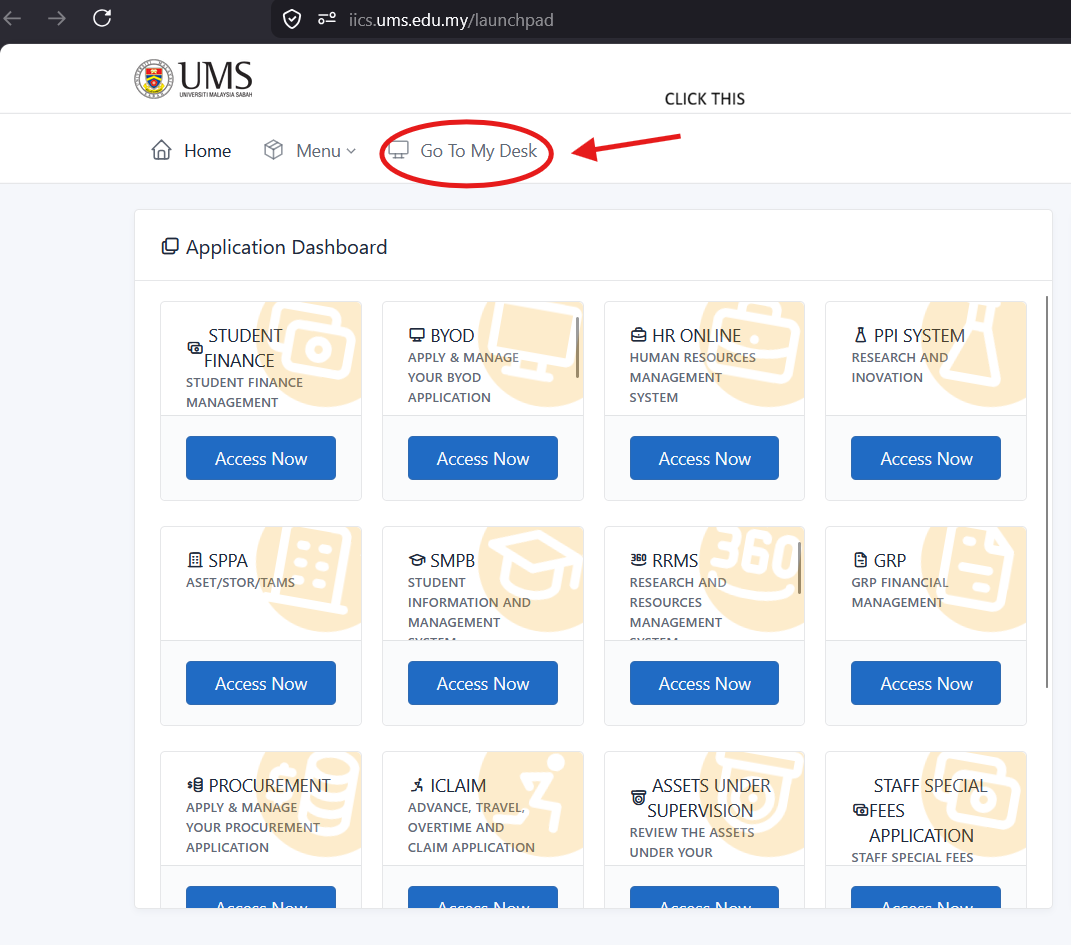
- On Portal Kinabalu, Click the IICS and then on the launchpad page
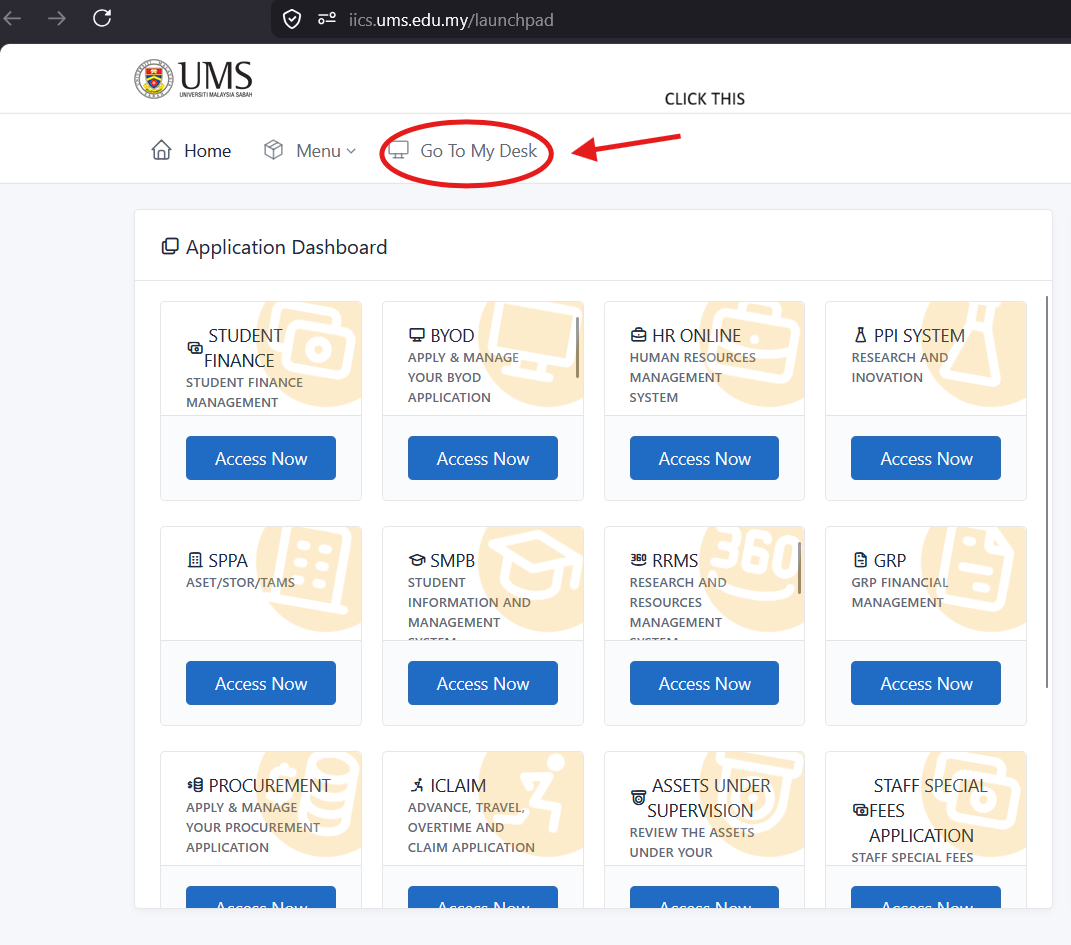
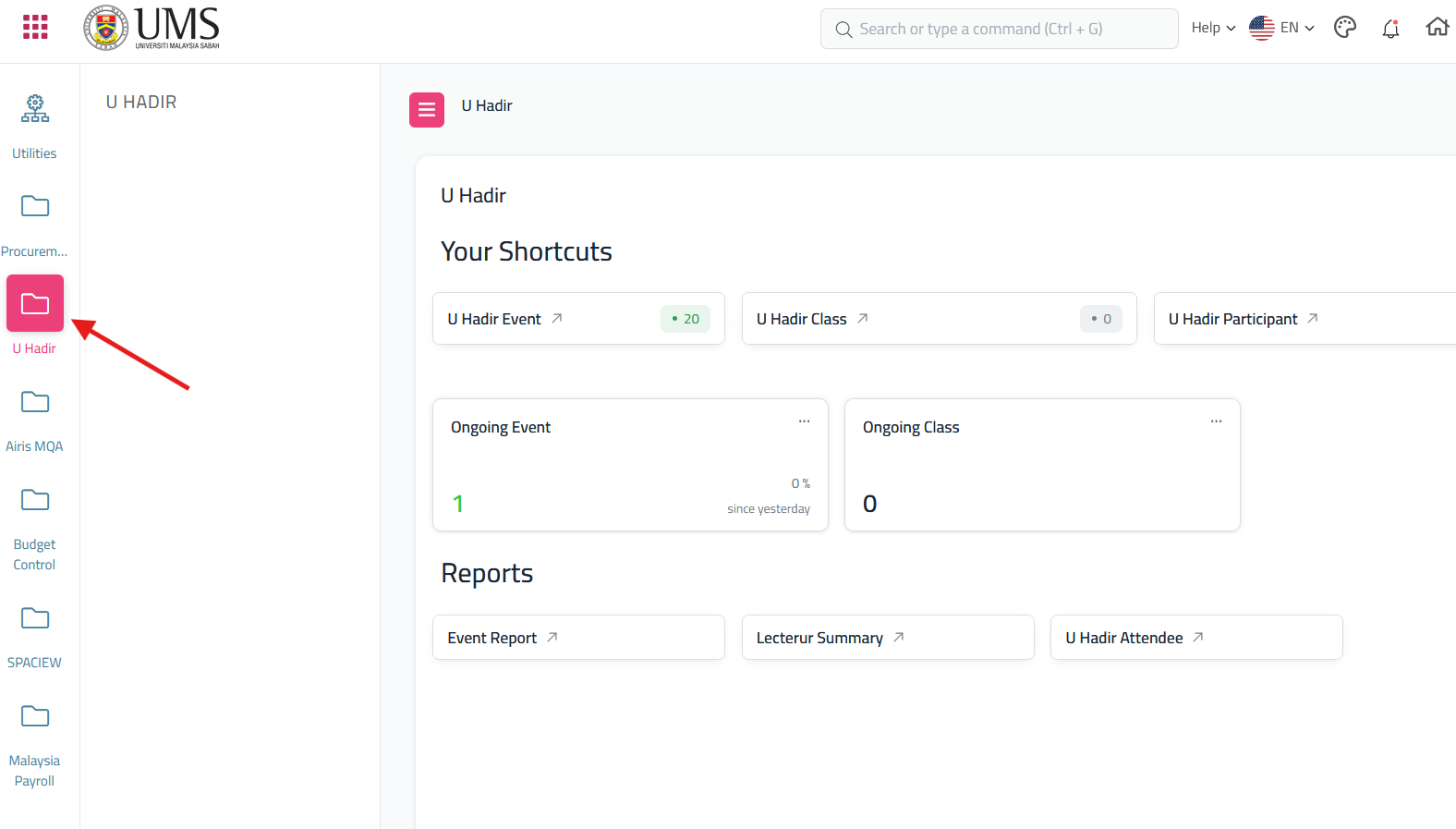
- After click 'My Desk' scroll until you find U Hadir
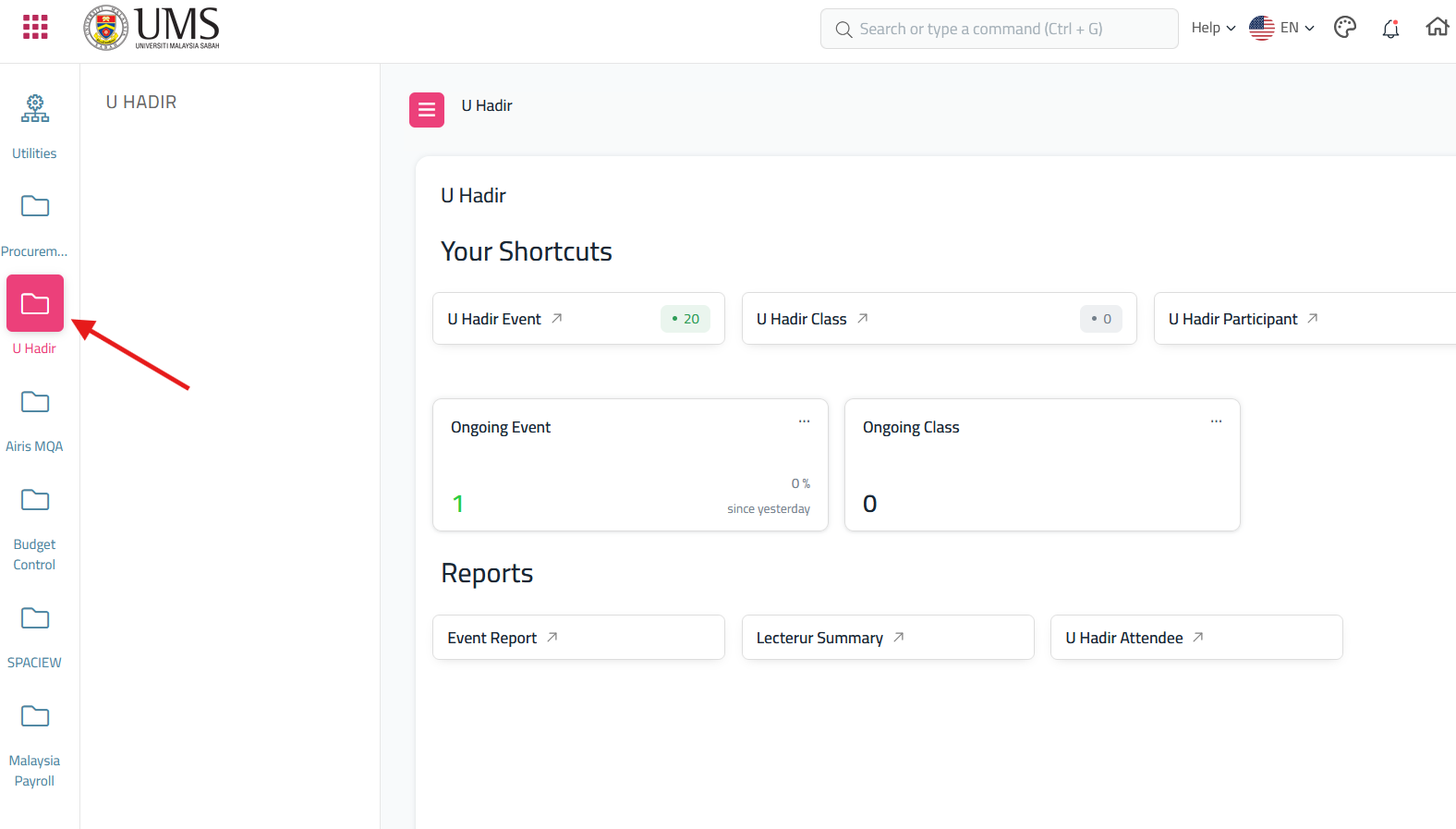
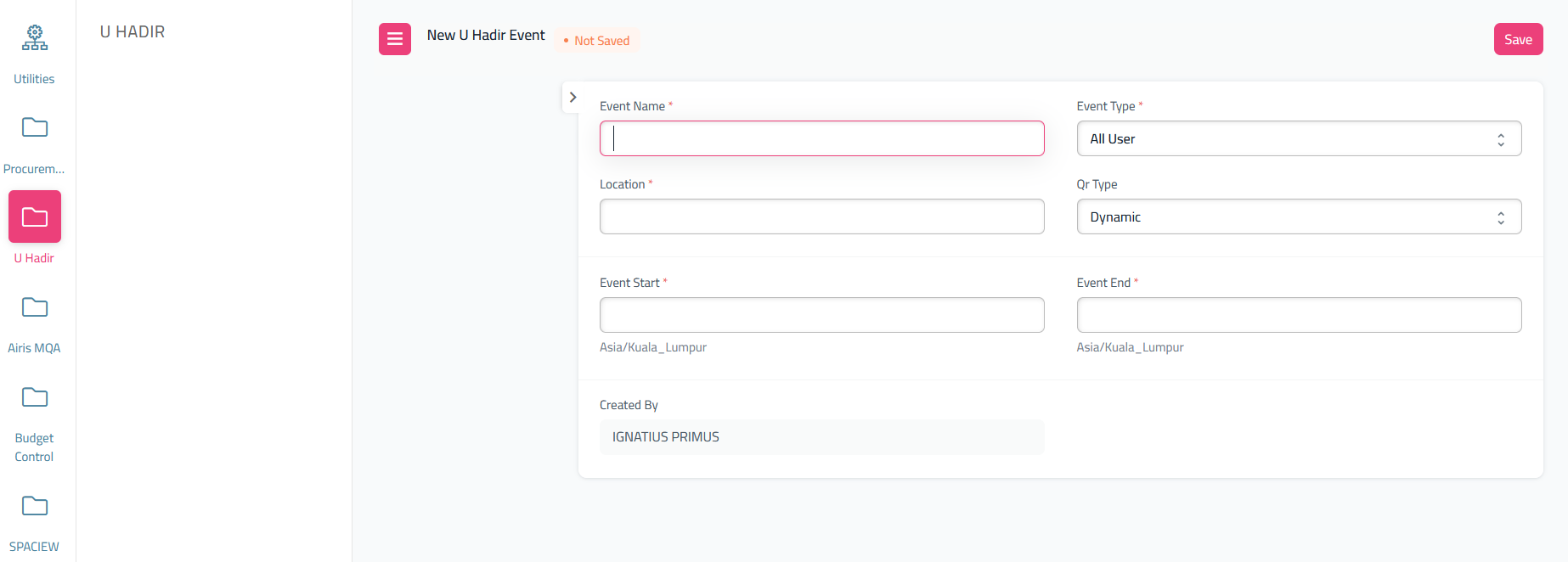
- It will display the dashboard for the U Hadir, If you want to create a Qr Event, from the dashboard U Hadir, Click The U Hadir Event, and it will redirect to U Hadir Event Doctype, then at the U Hadir Event doctype, click the 'Add U Hadir Event'

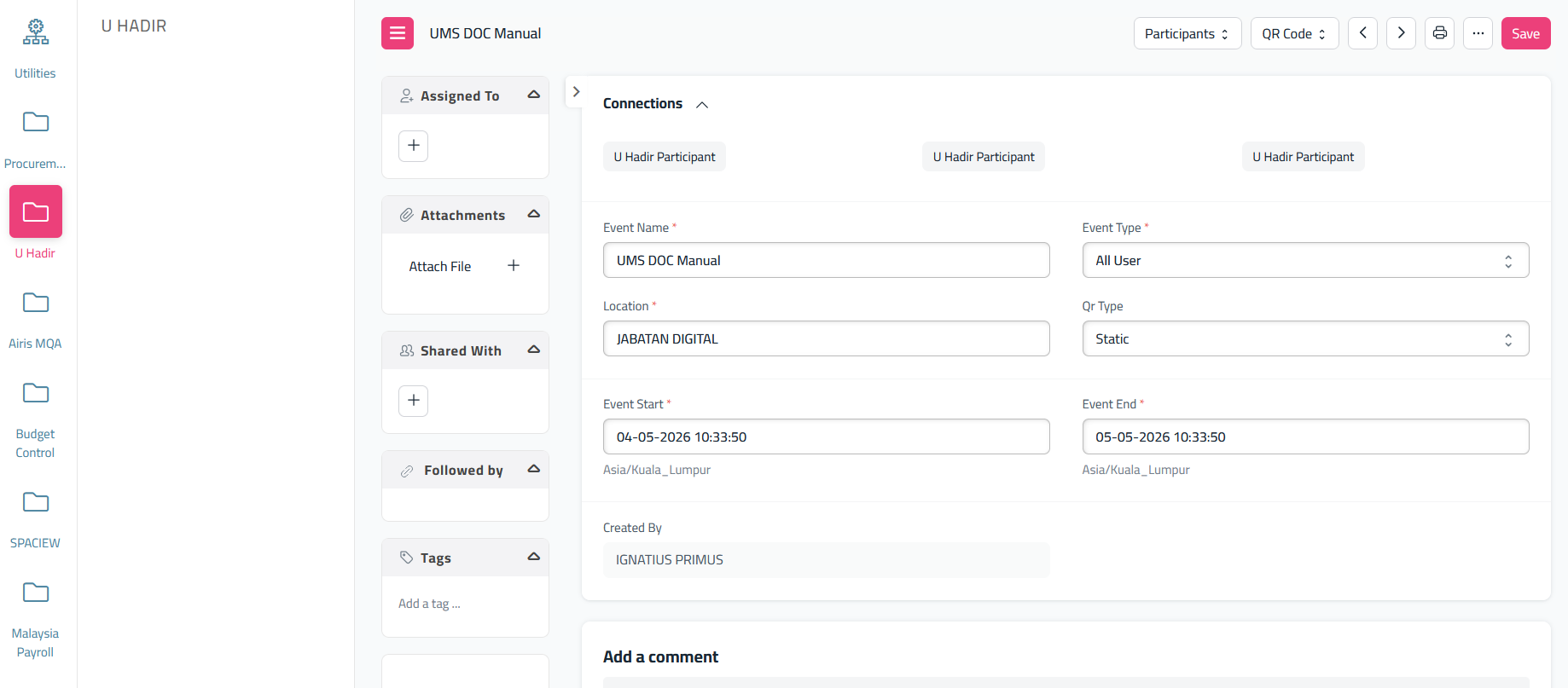
- Fill all the form provided and click 'Save'
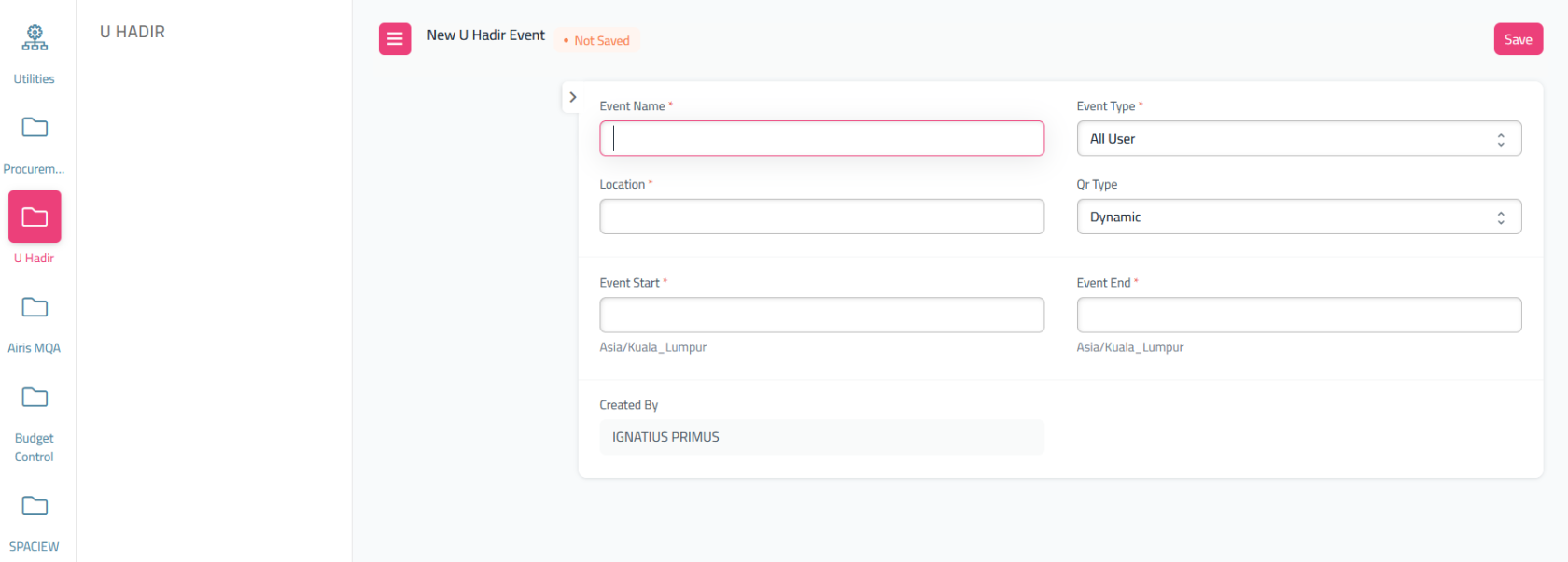
- After save, the page will show like this
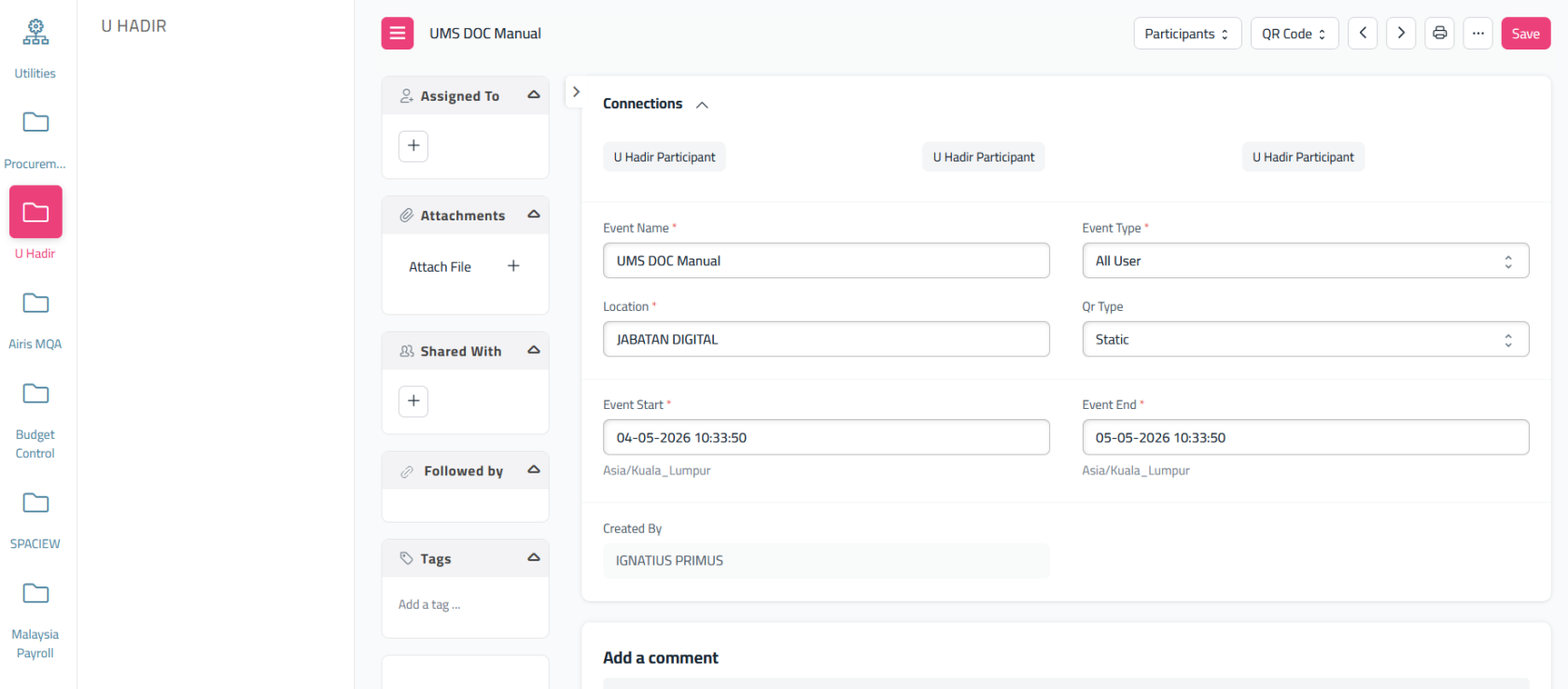
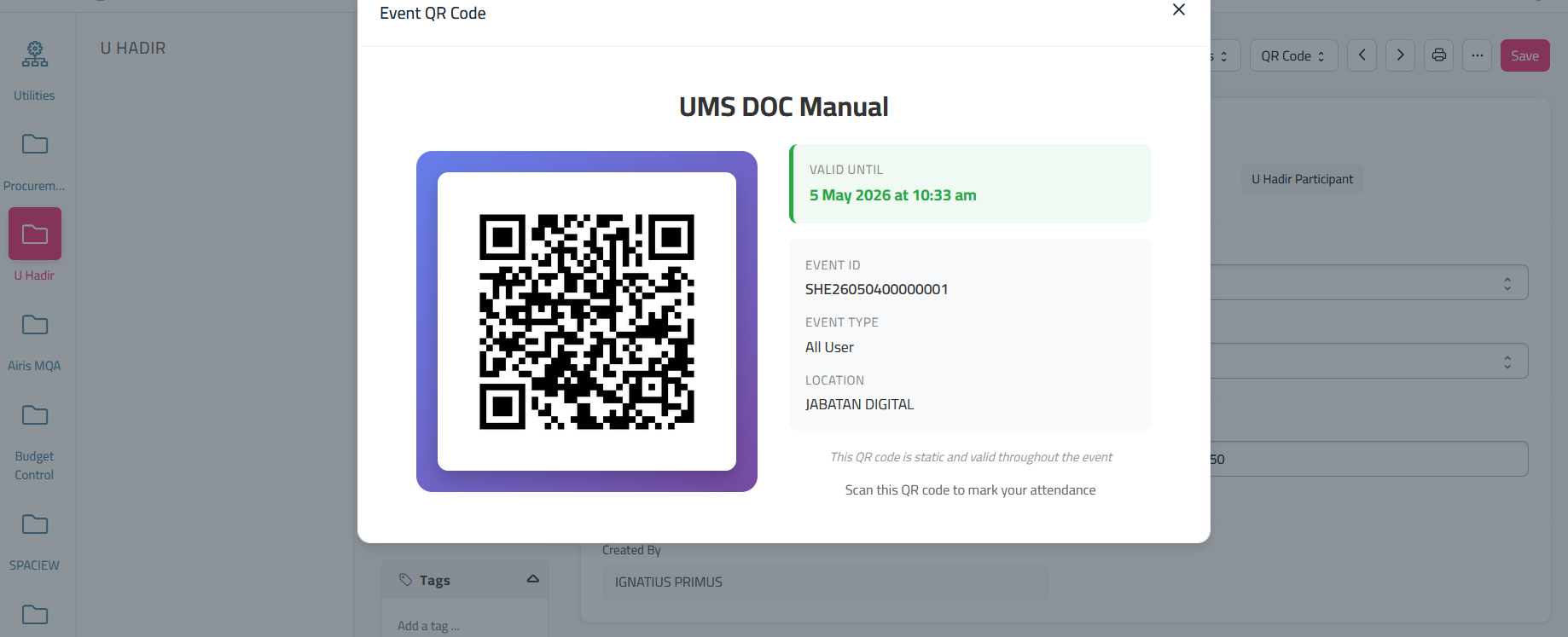
- If you want to get the qr for the user to scan qr during event, click the 'QR Code' and select 'Show QR Code'
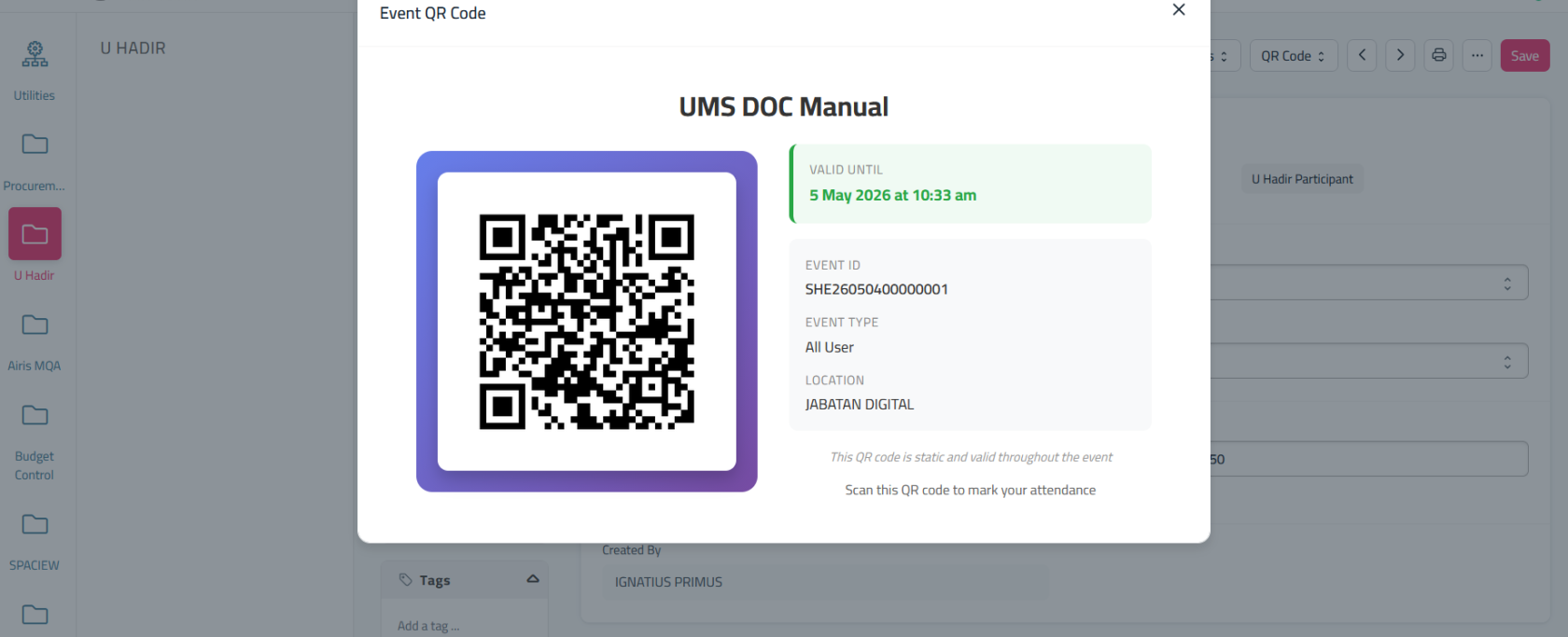
- Use UMS GO to scan the qr