
Dashboard Pentadbir JAFPIB
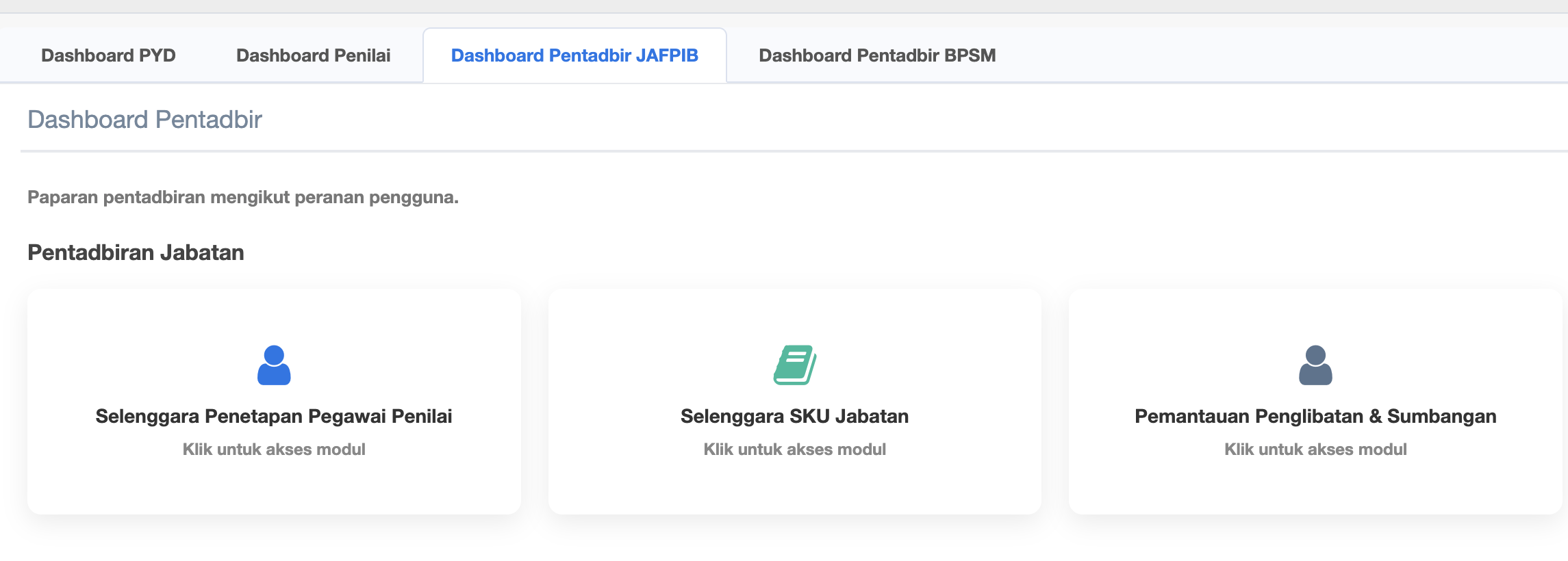
- Selenggara Penetapan Pegawai Penilai
- Selenggara SKU Jabatan
- Pemantauan Penglibatan & Sumbangan
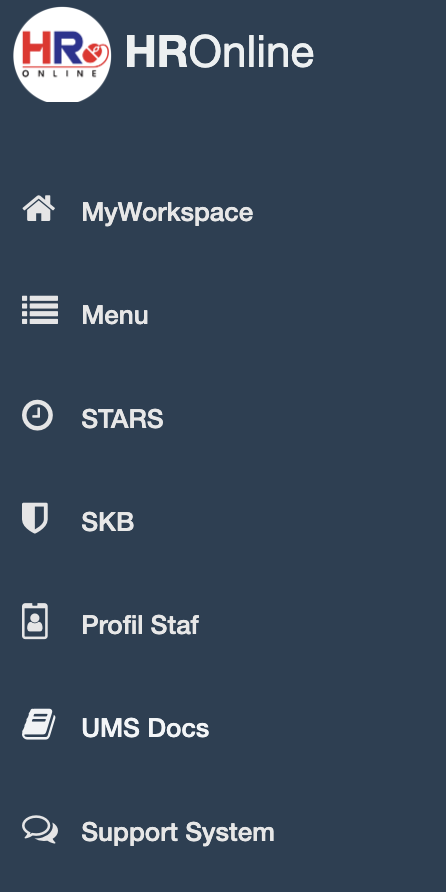
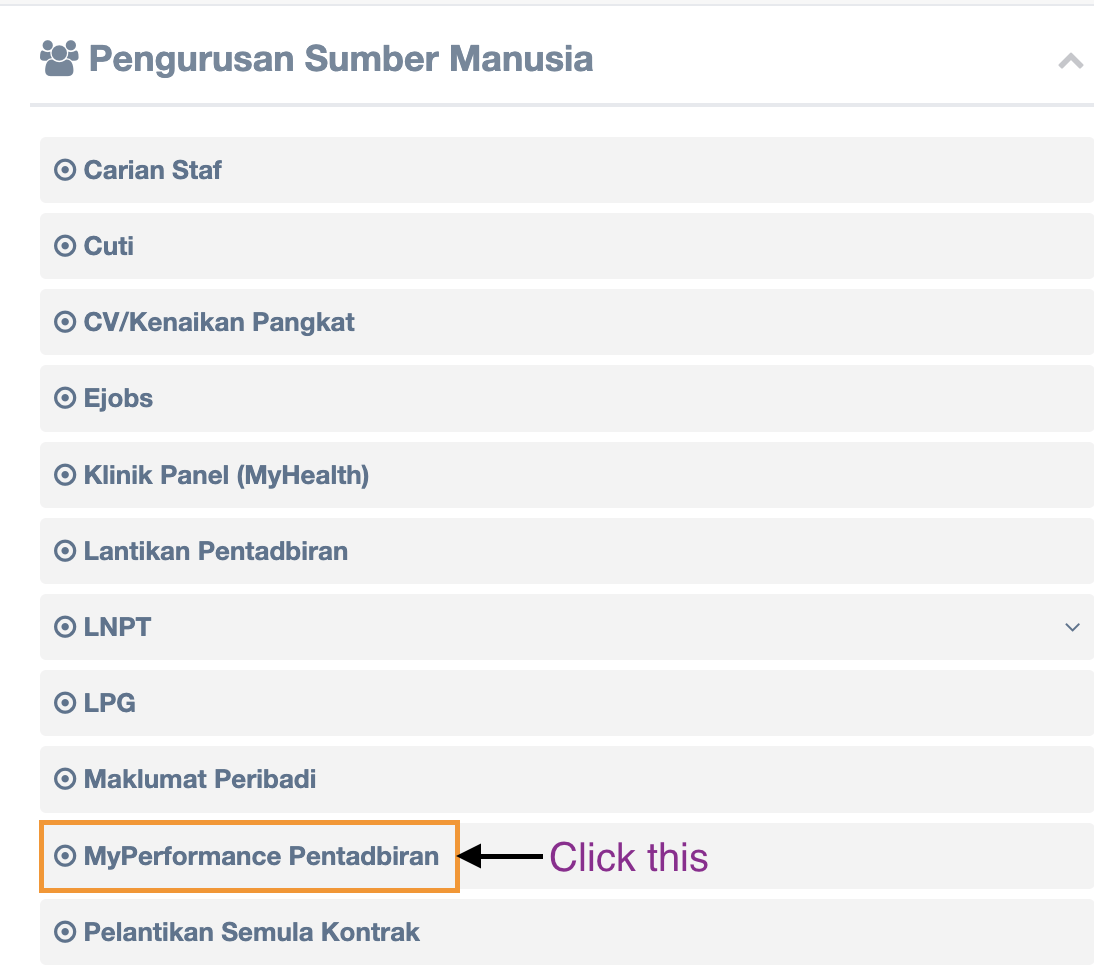
Step 2 : Click MyPerformance Pentadbiran
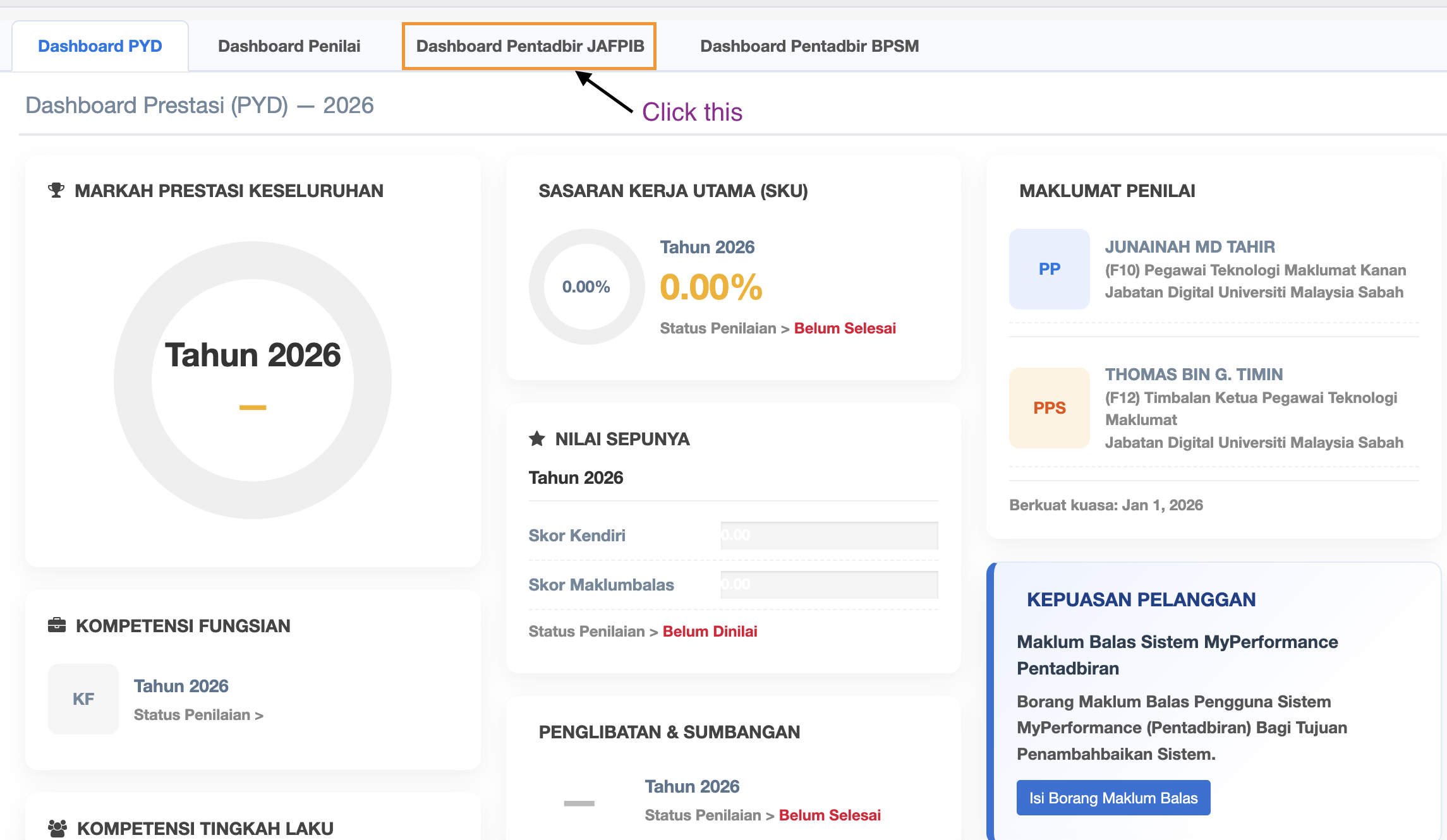
Step 3 : Click Dashboard Pentadbir JAFPIB
Step 4 : Three (3) SUb Menus under Dashboard Pentadbir JAFPIB
Step 5 : Click Sub Menu Selenggara Penetapan Pegawai Penilai
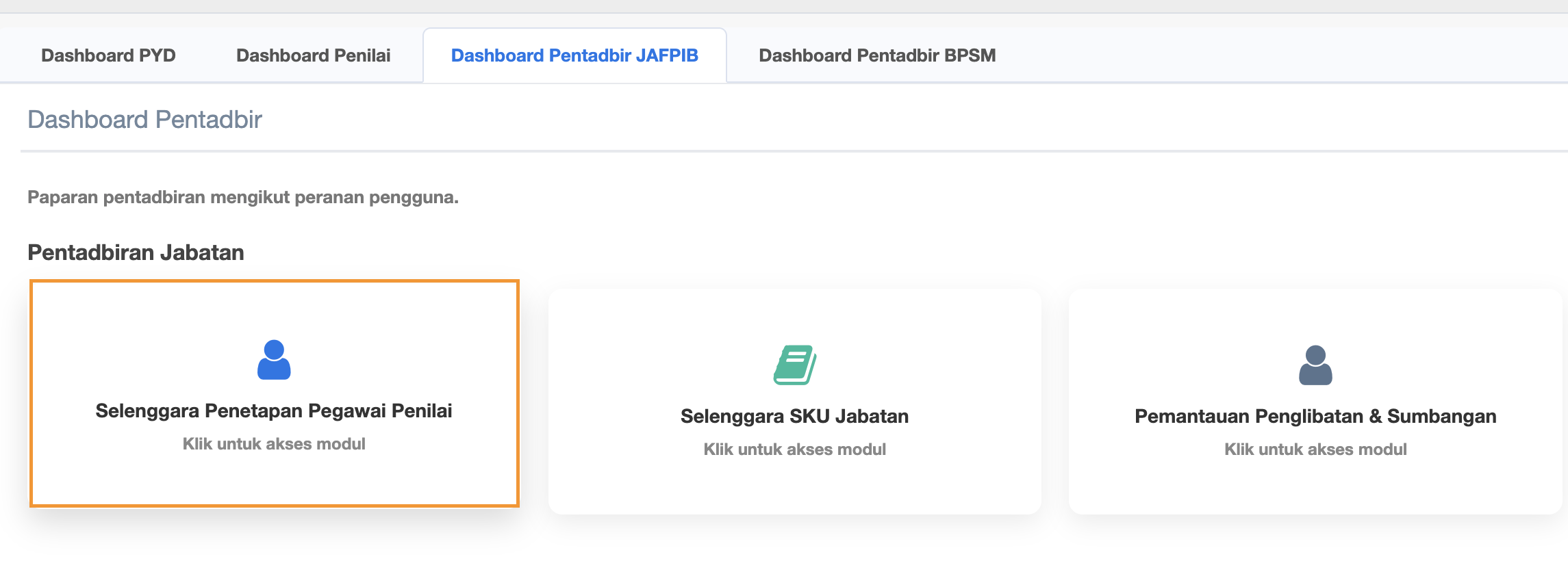
Step 6 :
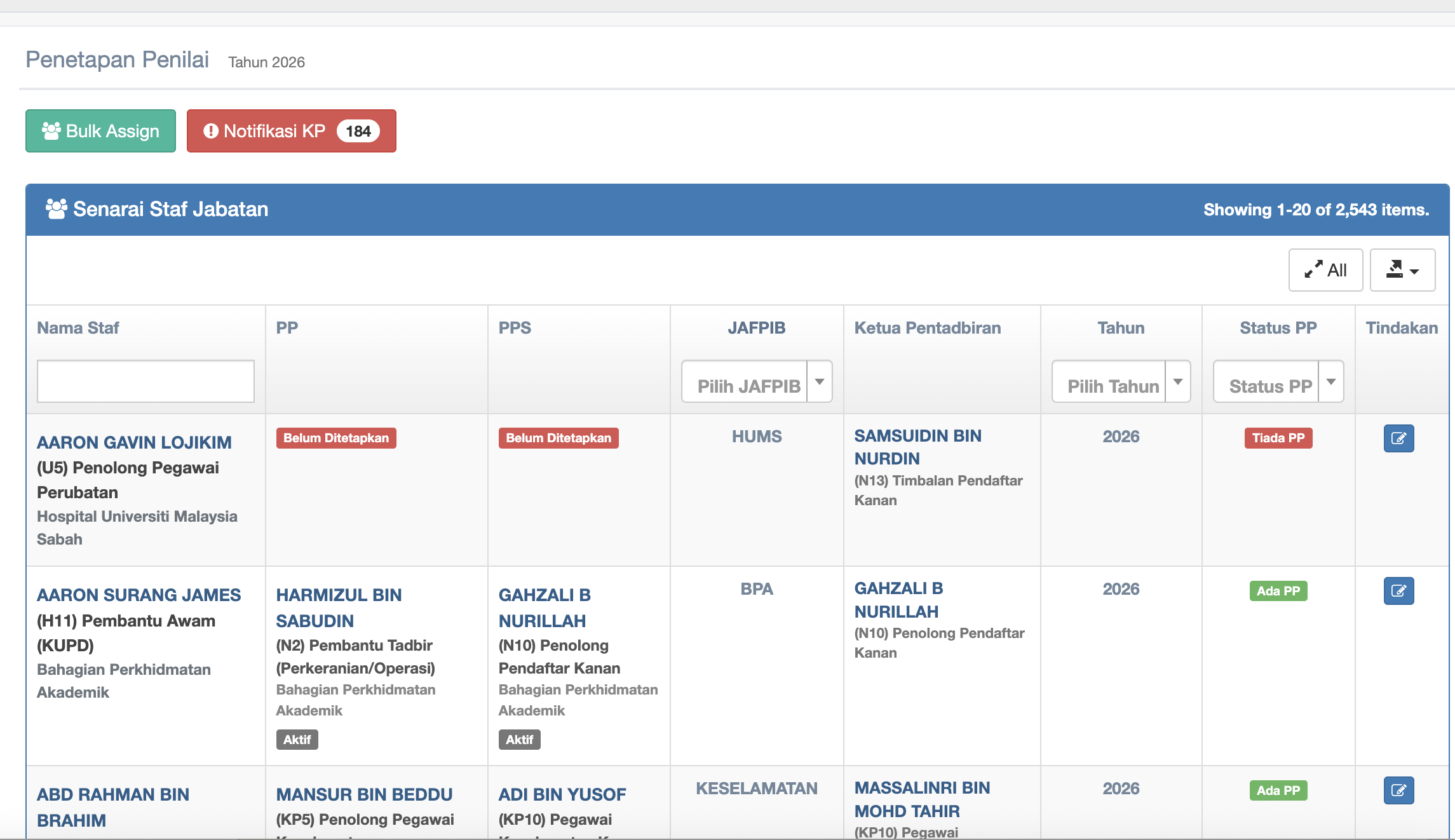
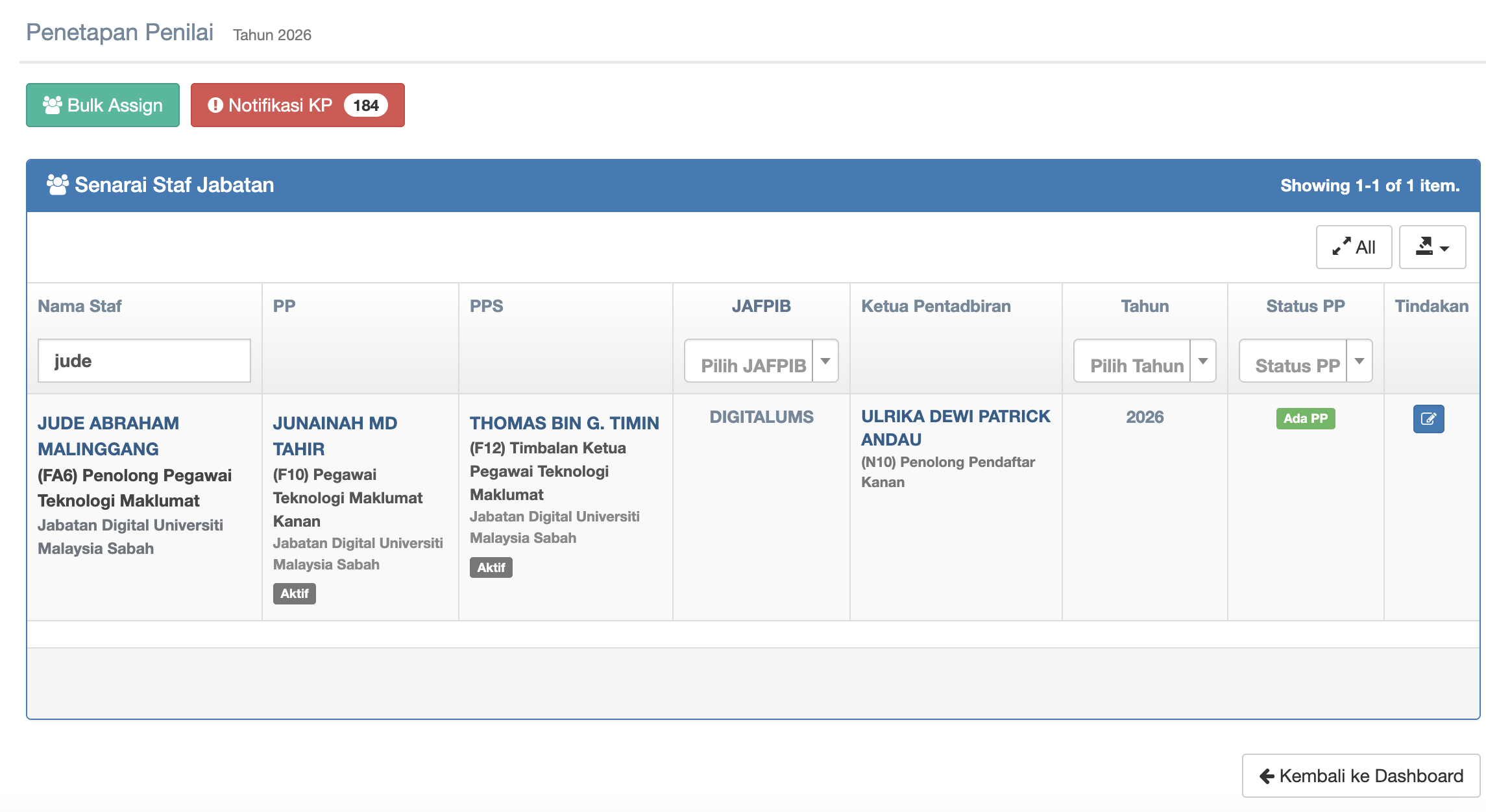
Step 7 : You may search for the Staff's name by entering name in the textbox under Nama Staf
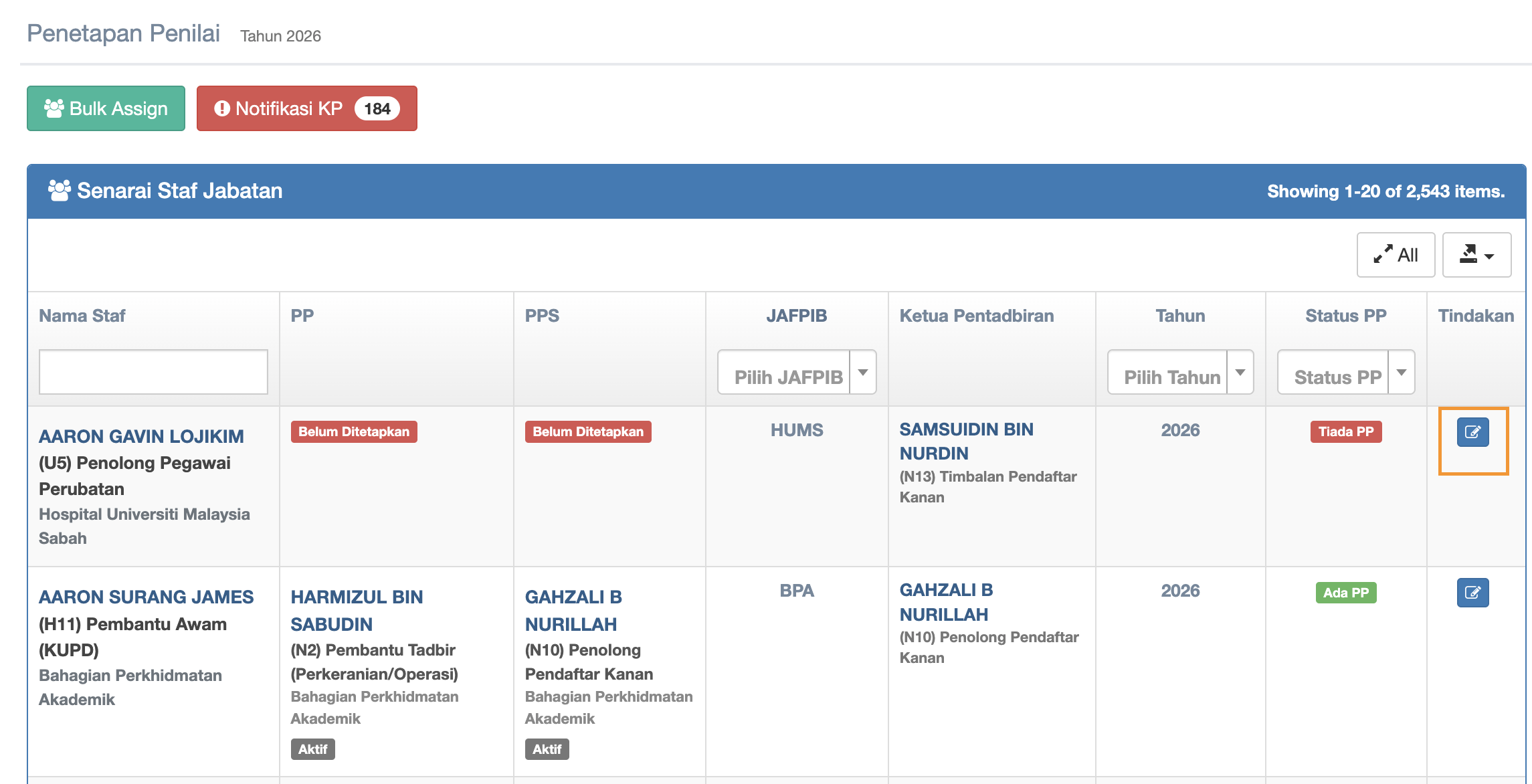
Step 8 : click the checkbox under Tindakan column to start edit
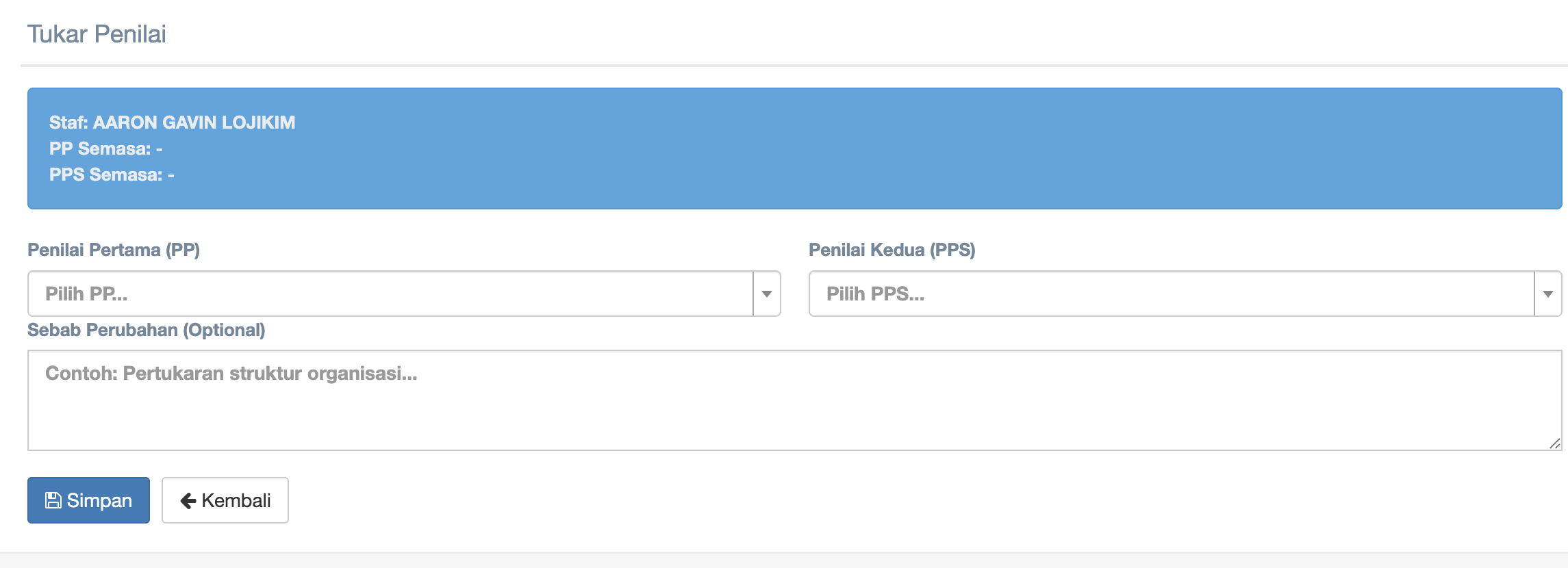
Step 9 : Click the dropdown of Penilai Pertama (PP) and Penilai Kedua (PPS) to choose
-
Click the dropdown of Penilai Pertama (PP)
-
Click the dropdown of Penilai Kedua (PPS) to choose
-
Fill in reason in the textbox of Sebab Perubahan (Optional)
-
Click Simpan button to start creating or updating
-
Click Kembali button to return to the Penetapan Penilai page
Step 10 :