UMS GO Manual APK Download
MANUAL INSTALLATION
** Notes:
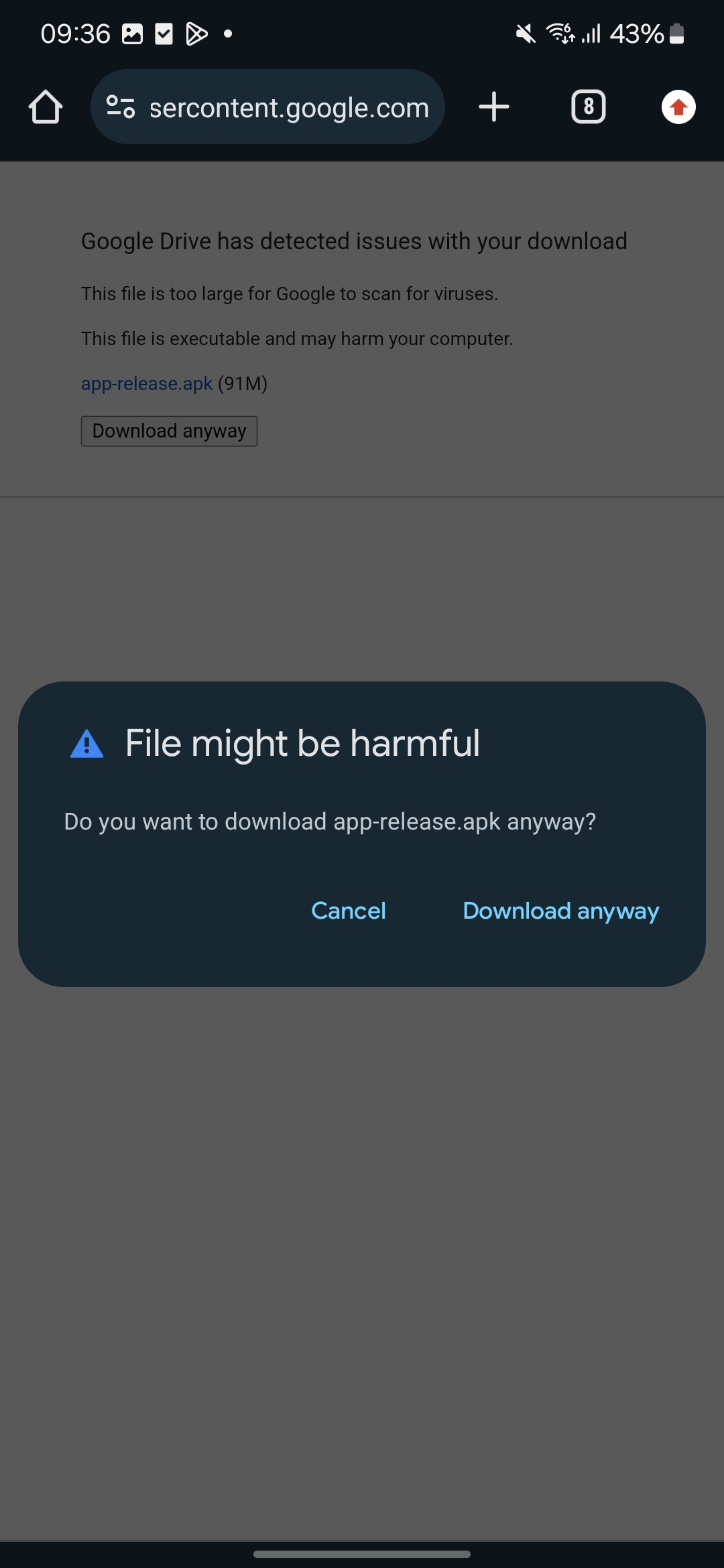
Please note that, if you get the following message, just ignore it. The application is secured. To avoid any misuse by other party, please ensure the link is from this document.
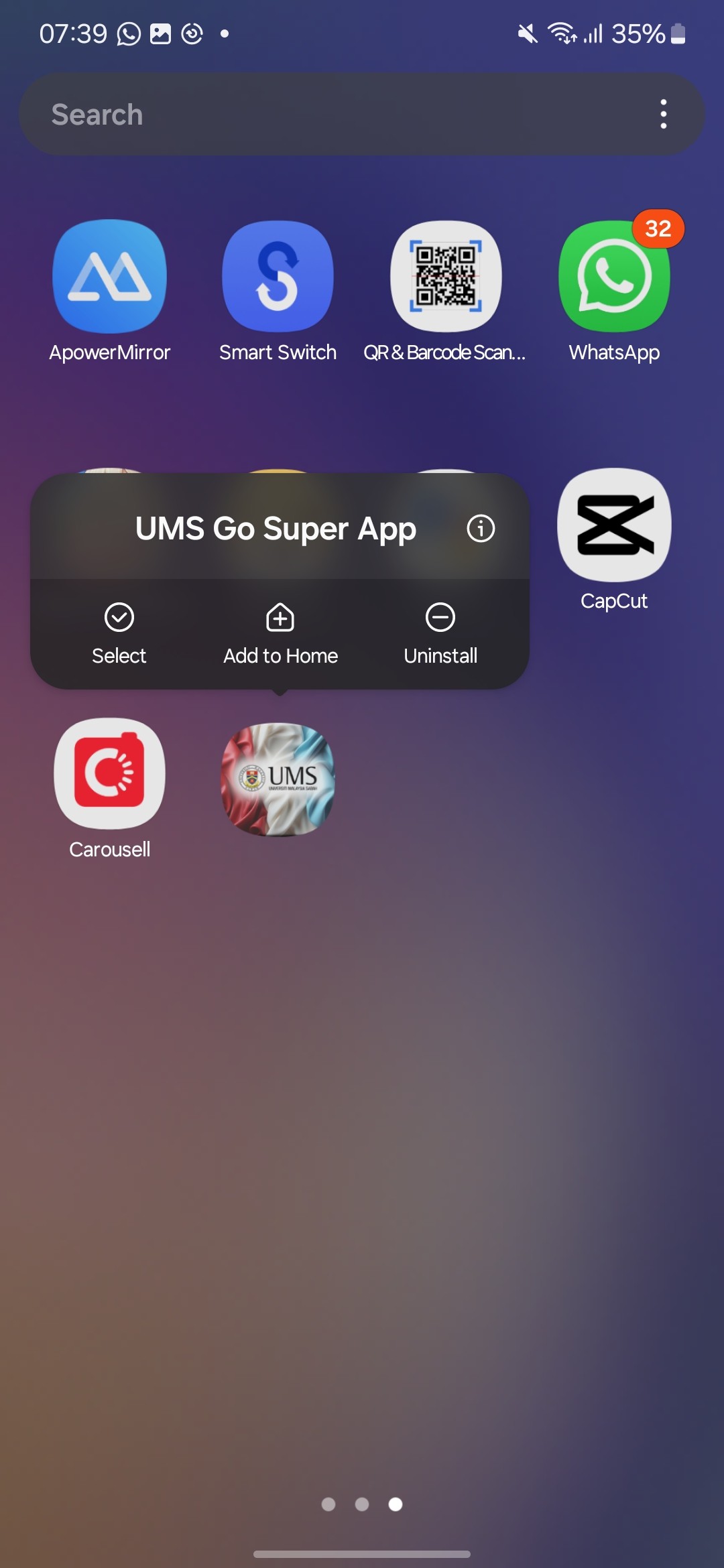
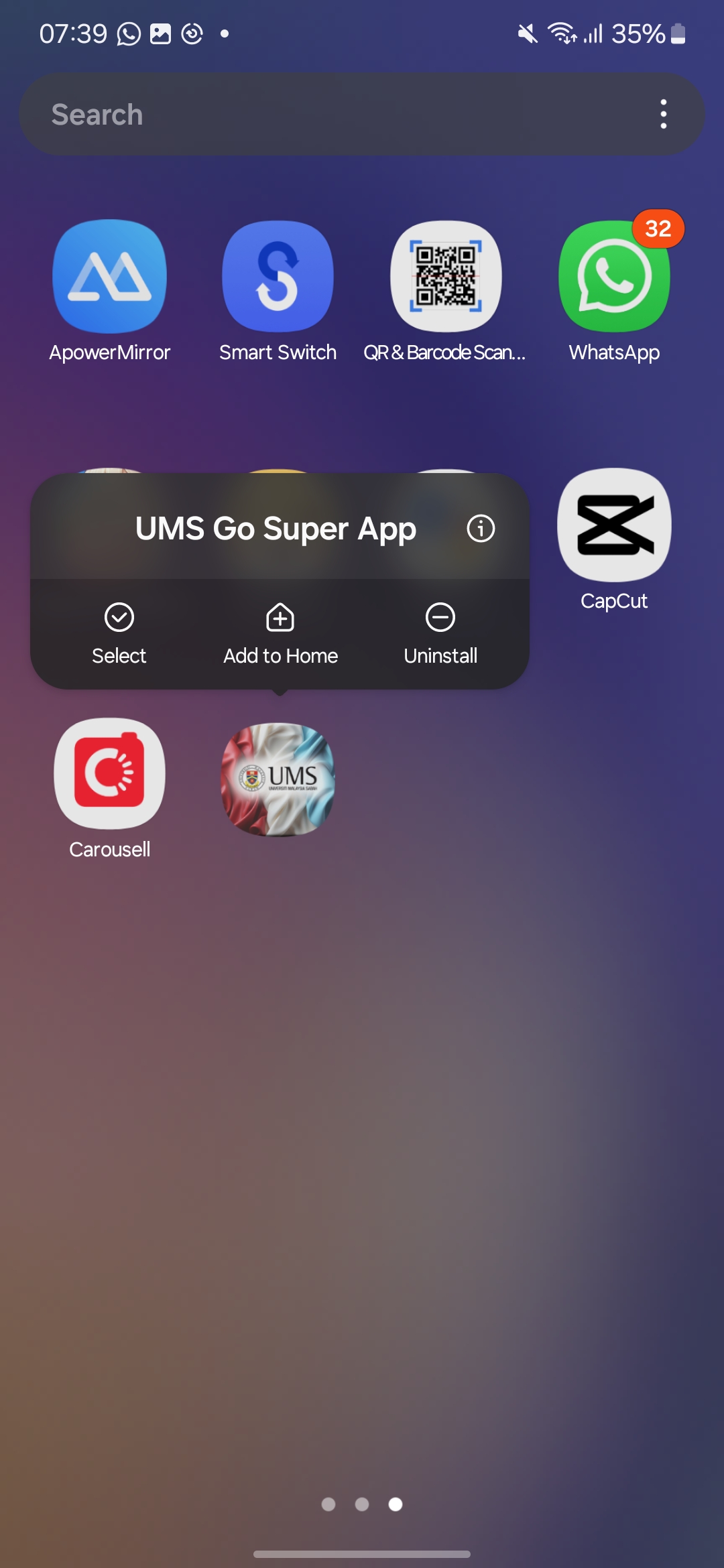
- Uninstall the old UMS GO
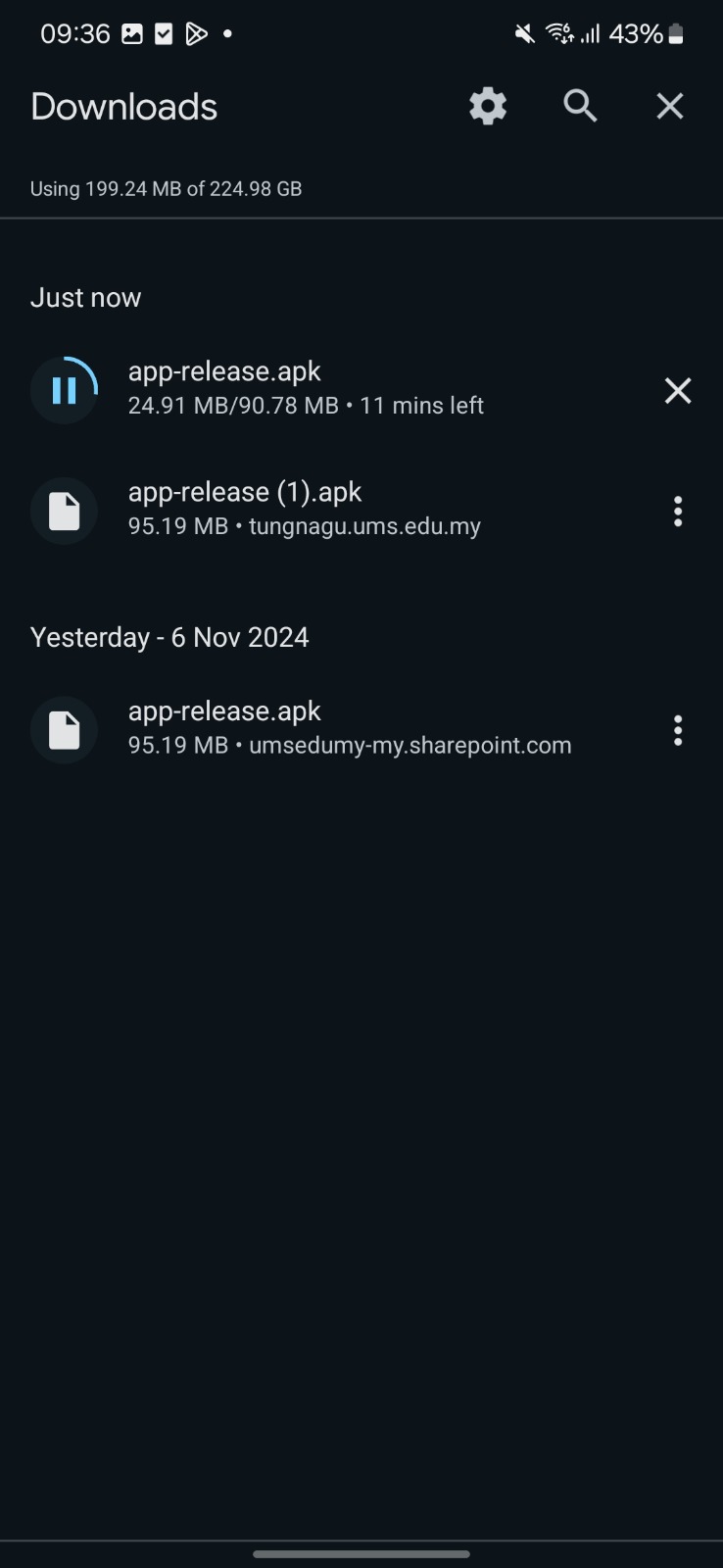
2. Click UMS GO APK to download the application package
Uninstall the old UMS GO
1.

2.
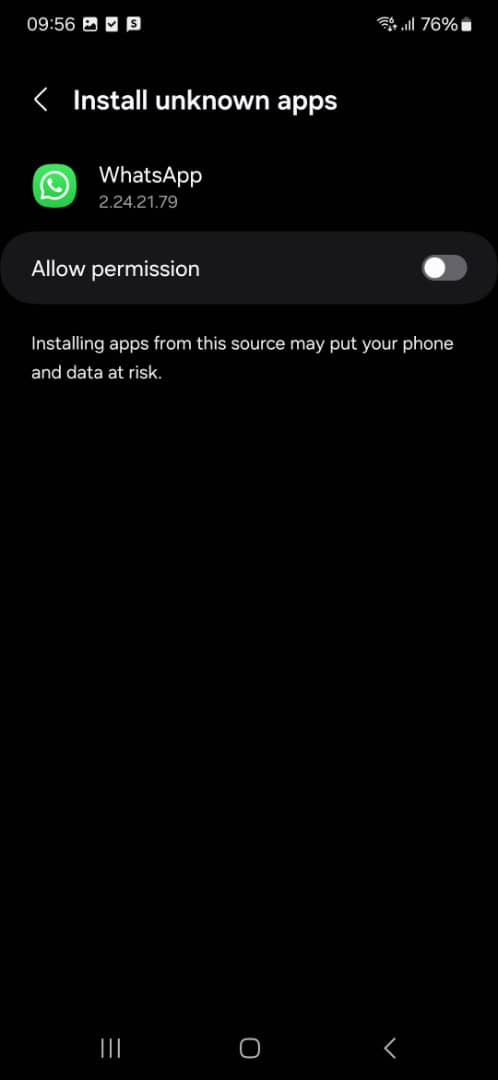
3. Allow Unknown Apps

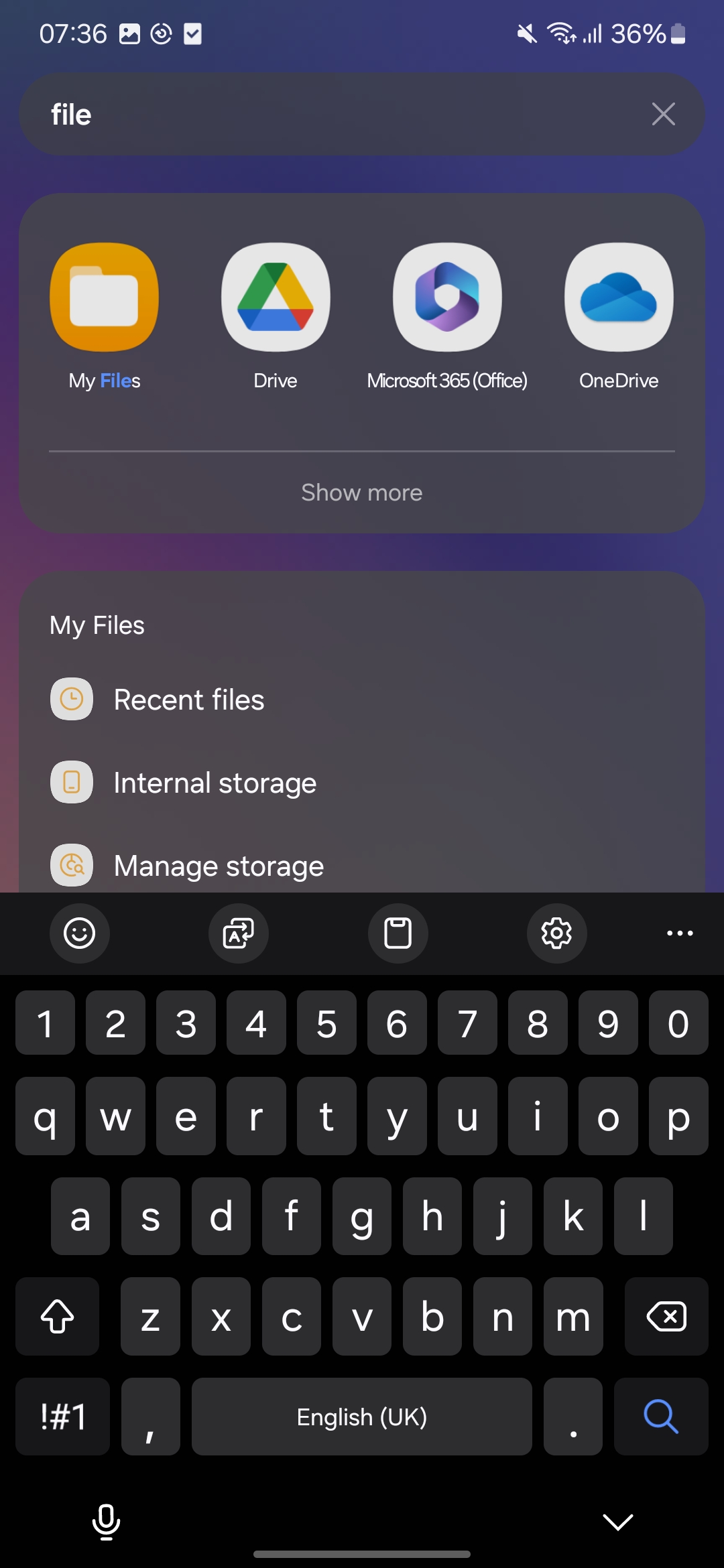
3. After download, please go to 'My Files' (For samsung) or 'File manager' for any android devices
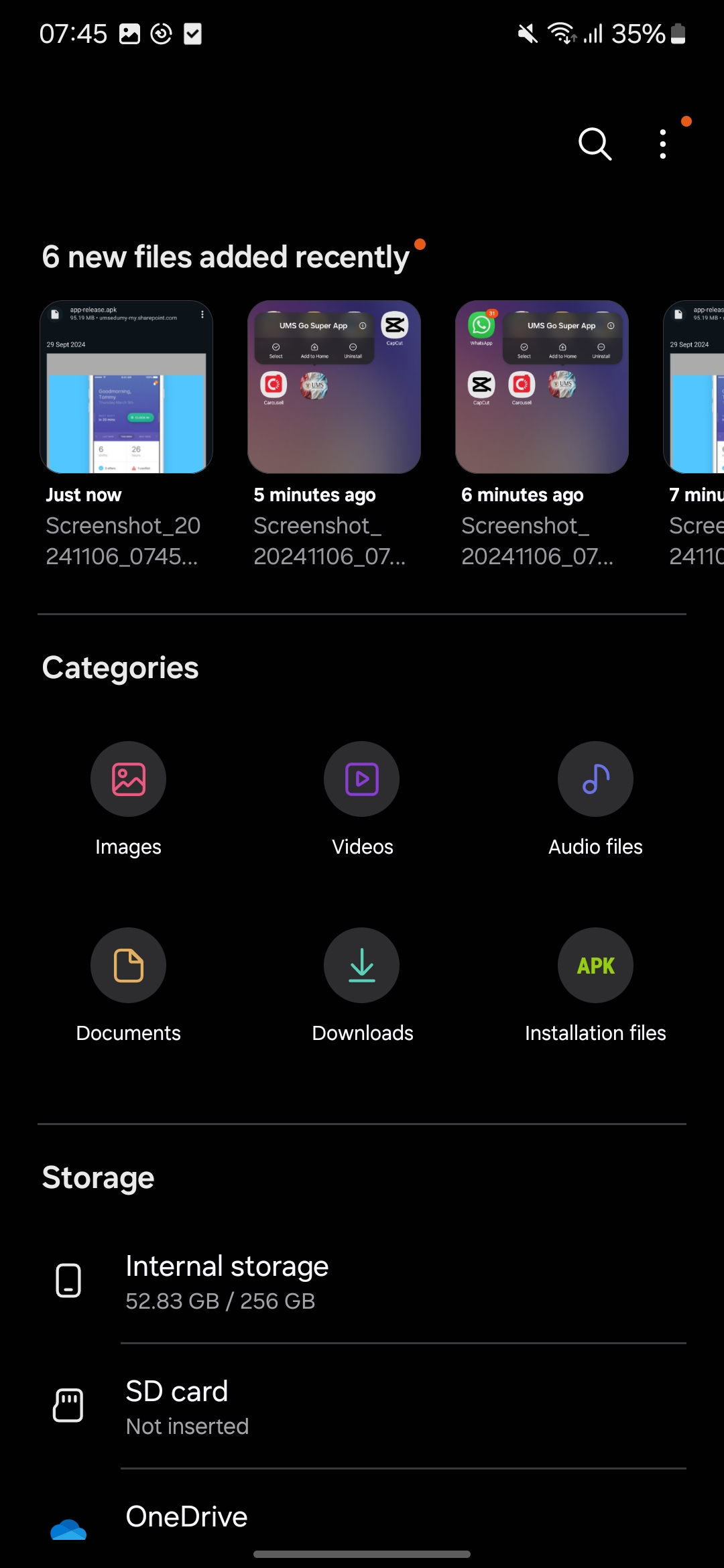
4. Please go to folder 'Download'
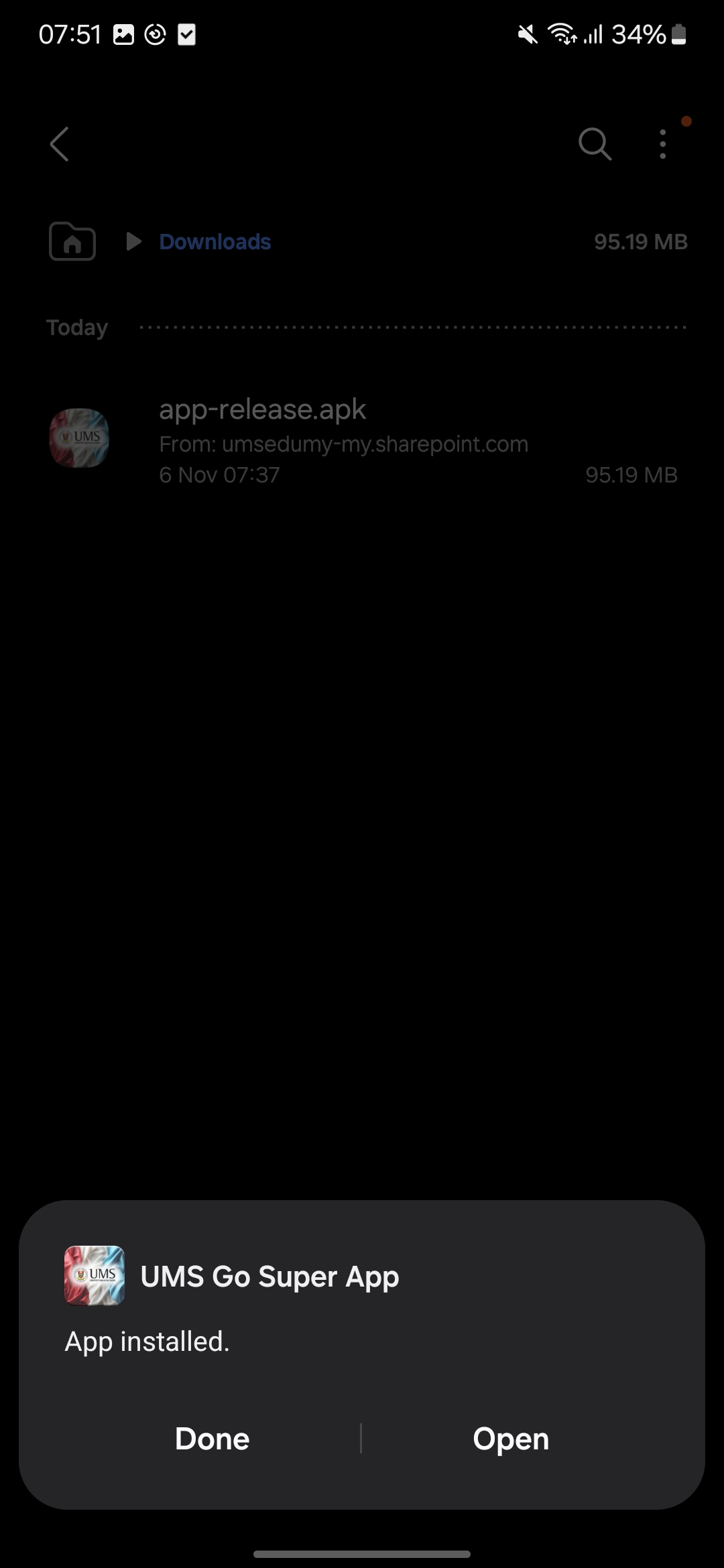
5. install the apk you just download (apk-release)

6. If you see the following screen, your installation has been completed and the application is ready to use.