Skip to main content
UMS Docs
View All
Search
Shelves
Books
Log in
Info
Content
U Hadir Event
How to scan the QR usi...
Page Revisions
Revision #5096 Changes
How to scan the QR using UMS GO?
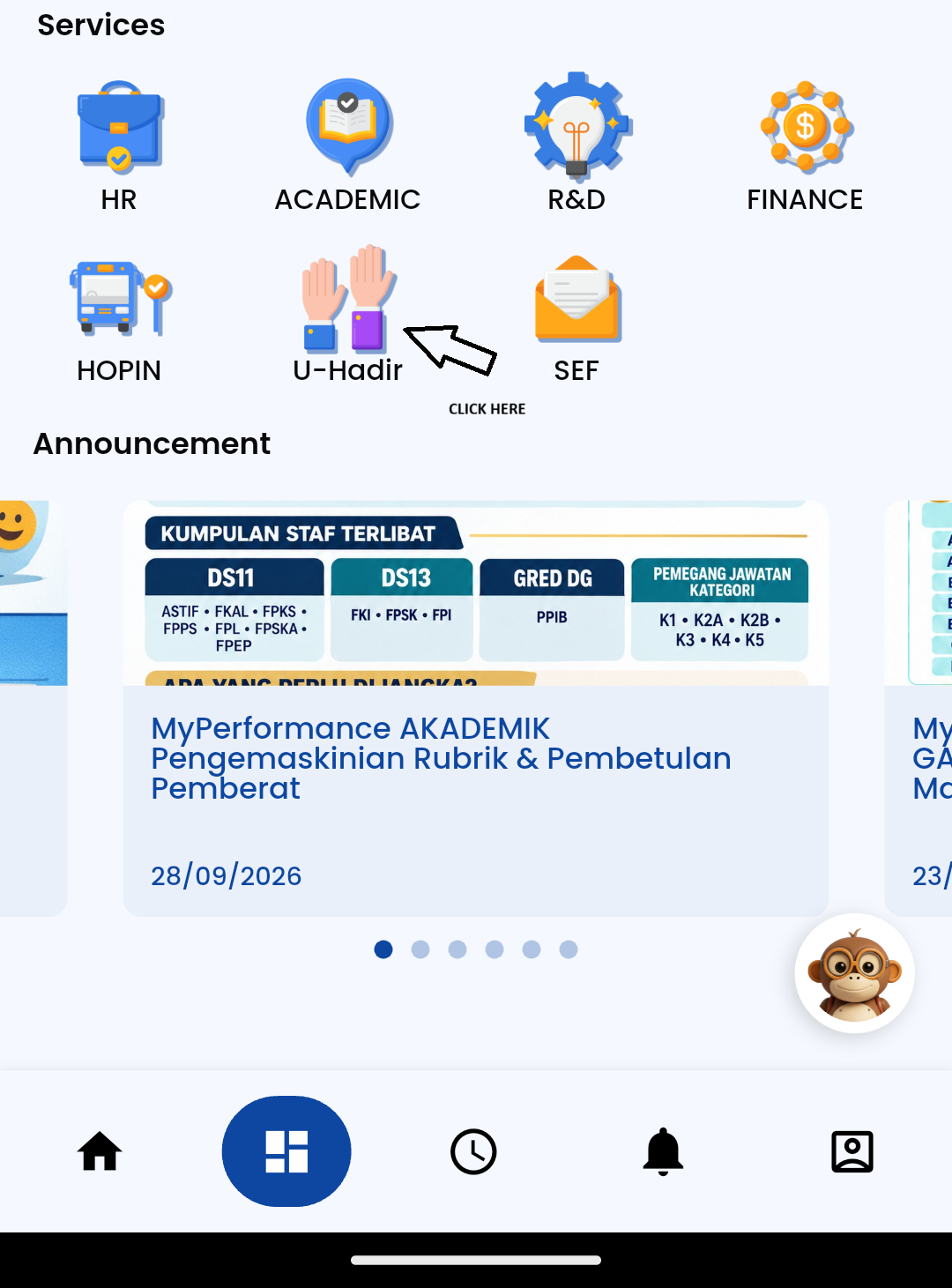
Open UMS GO at the dashboard click the icon of U Hadir.
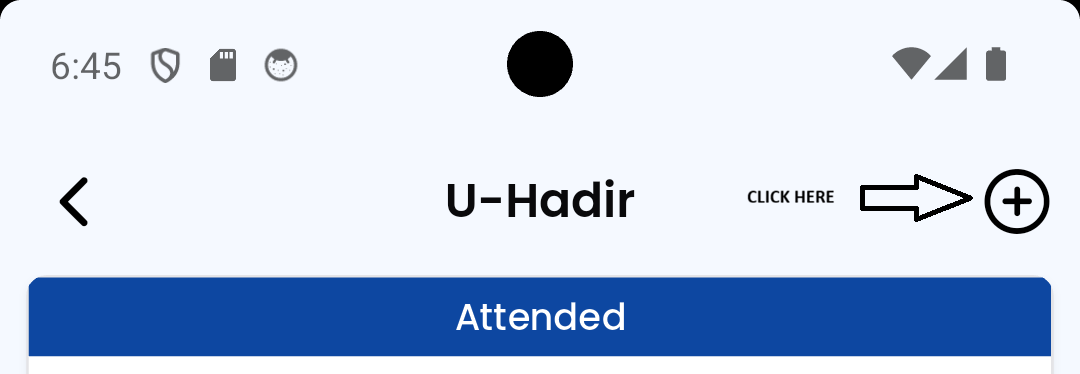
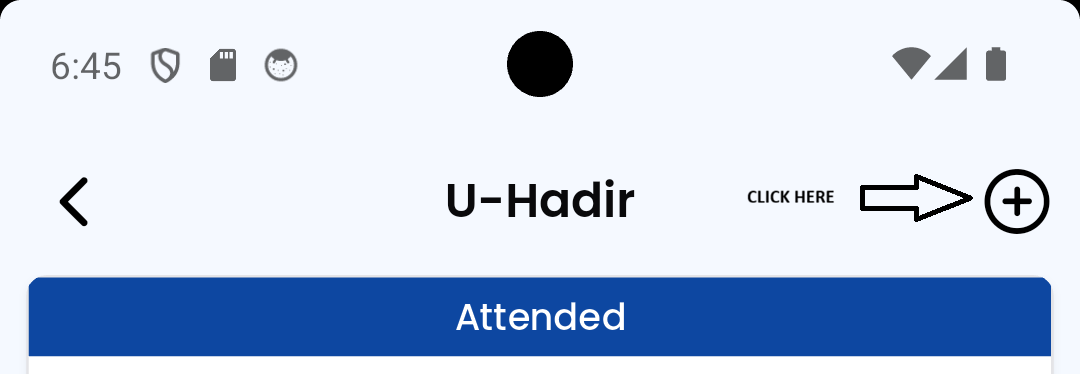
After that click the plus icon at top right.
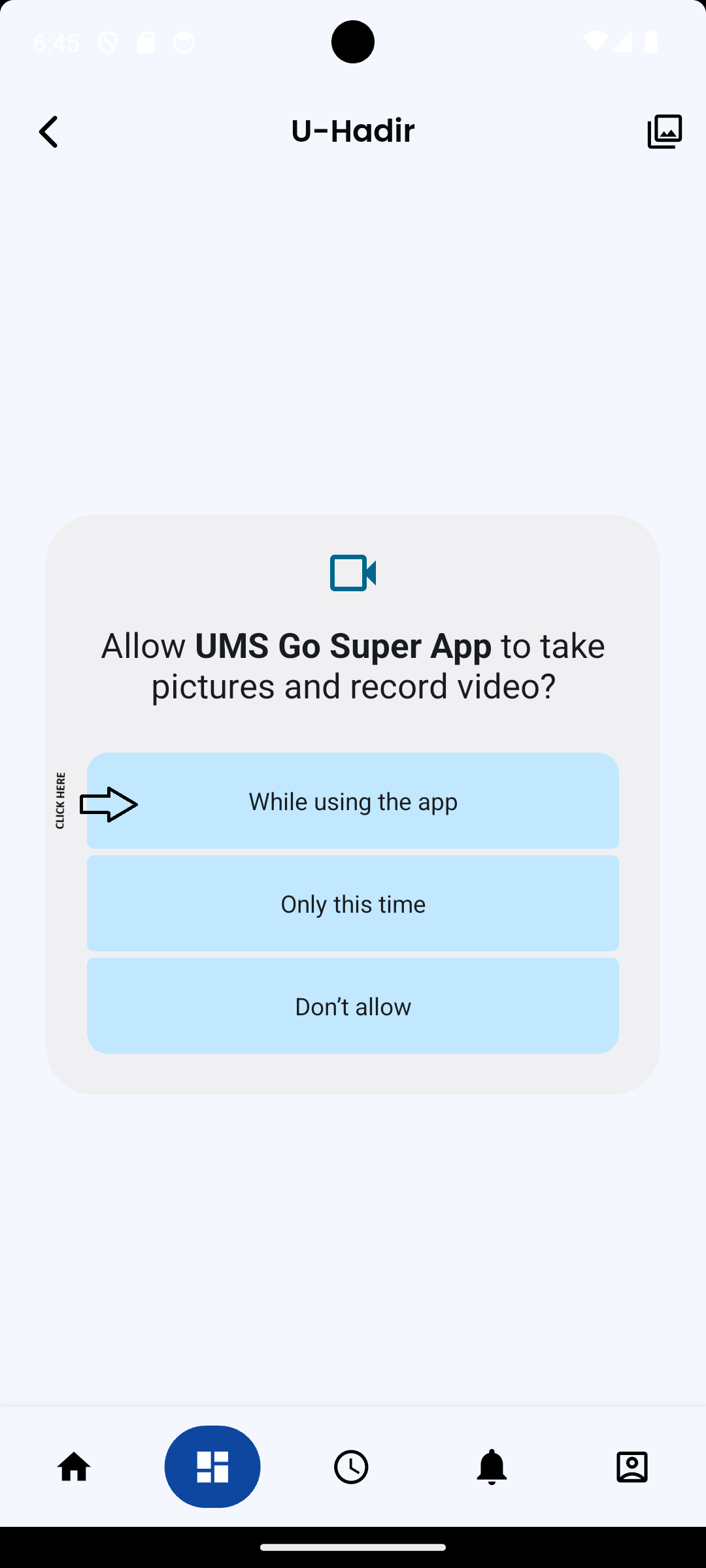
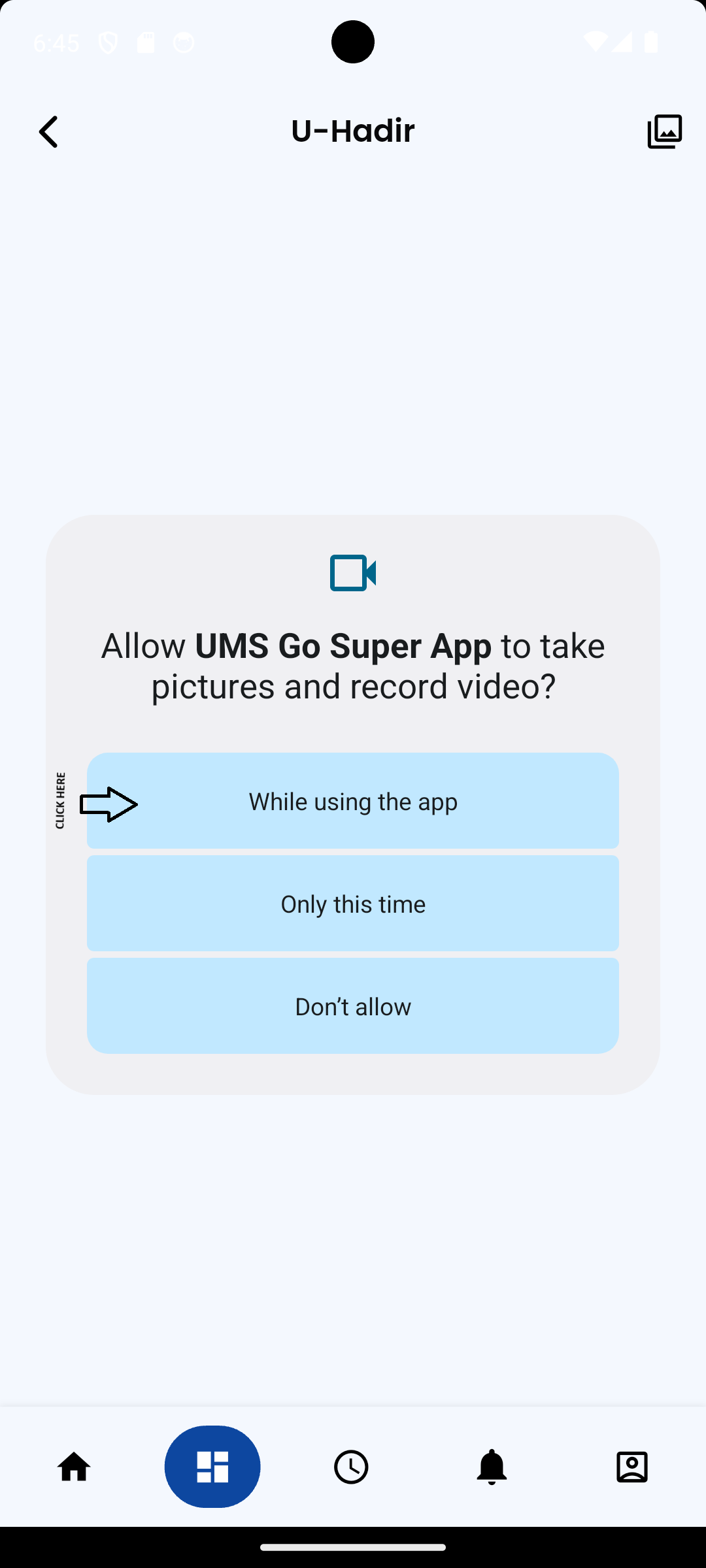
Please allow UMS GO SuperApp to access your camera to scan the QR code for the event created in IICS.
Back to top