
SPOT-ME
Step 1 : Login Page
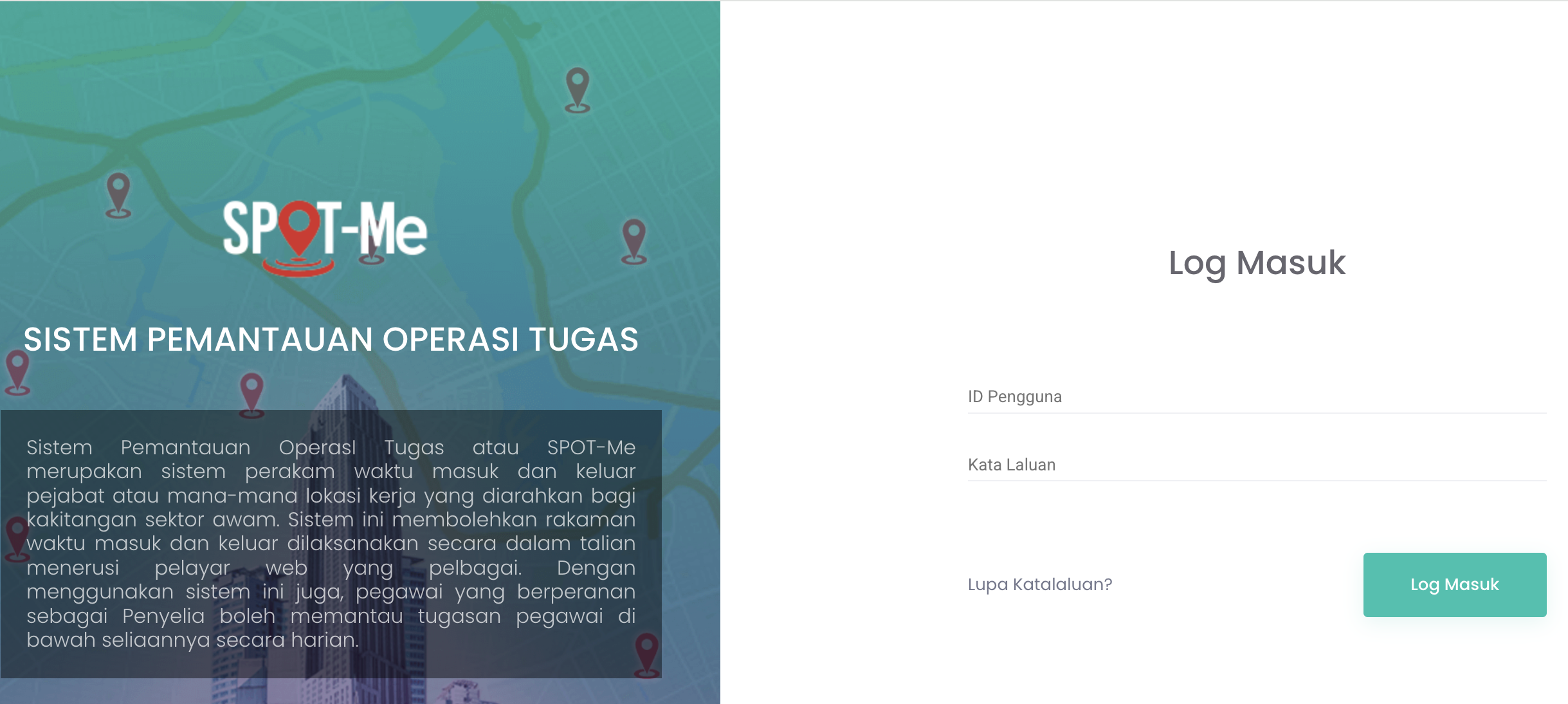
Login page
Please find your login details below:
For international staff:
- Username: Please refer to the email sent by Mr. Jude Abraham
- Password: [A password has been generated. Please refer to your email.]
For local staff:
- Username: [Identity Card Number]
- Password: UMS[username emel]@[last 6 digits of IC number]
You are kindly requested to change your password to a secure one consisting of at least 12 characters, including a combination of letters, numbers, and special characters/symbols.
Please click on the following link to update your password:
https://spotme.jdn.gov.my
Step 2 : Profile saya
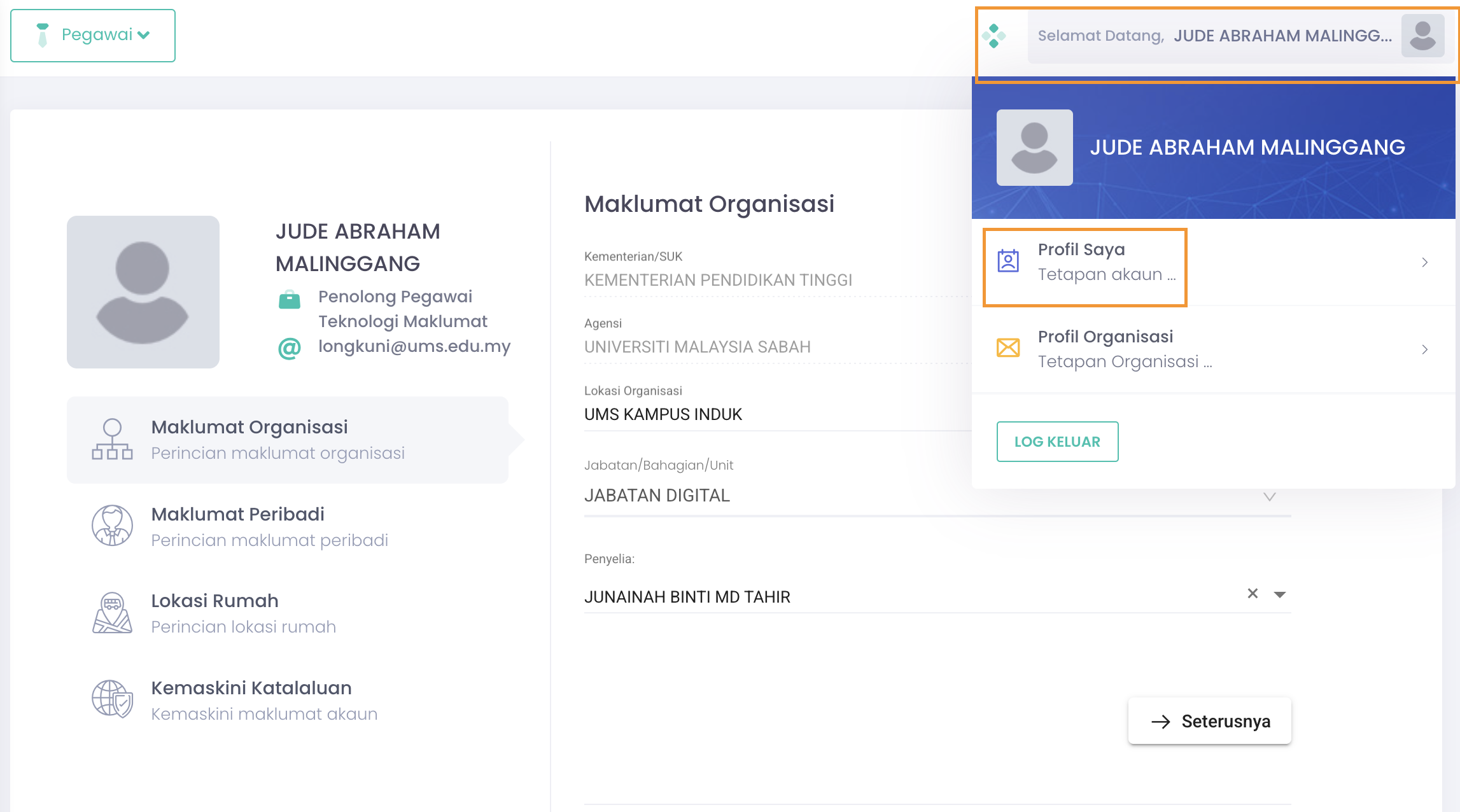
Click the Profile name at the very top right then click Profil Saya.
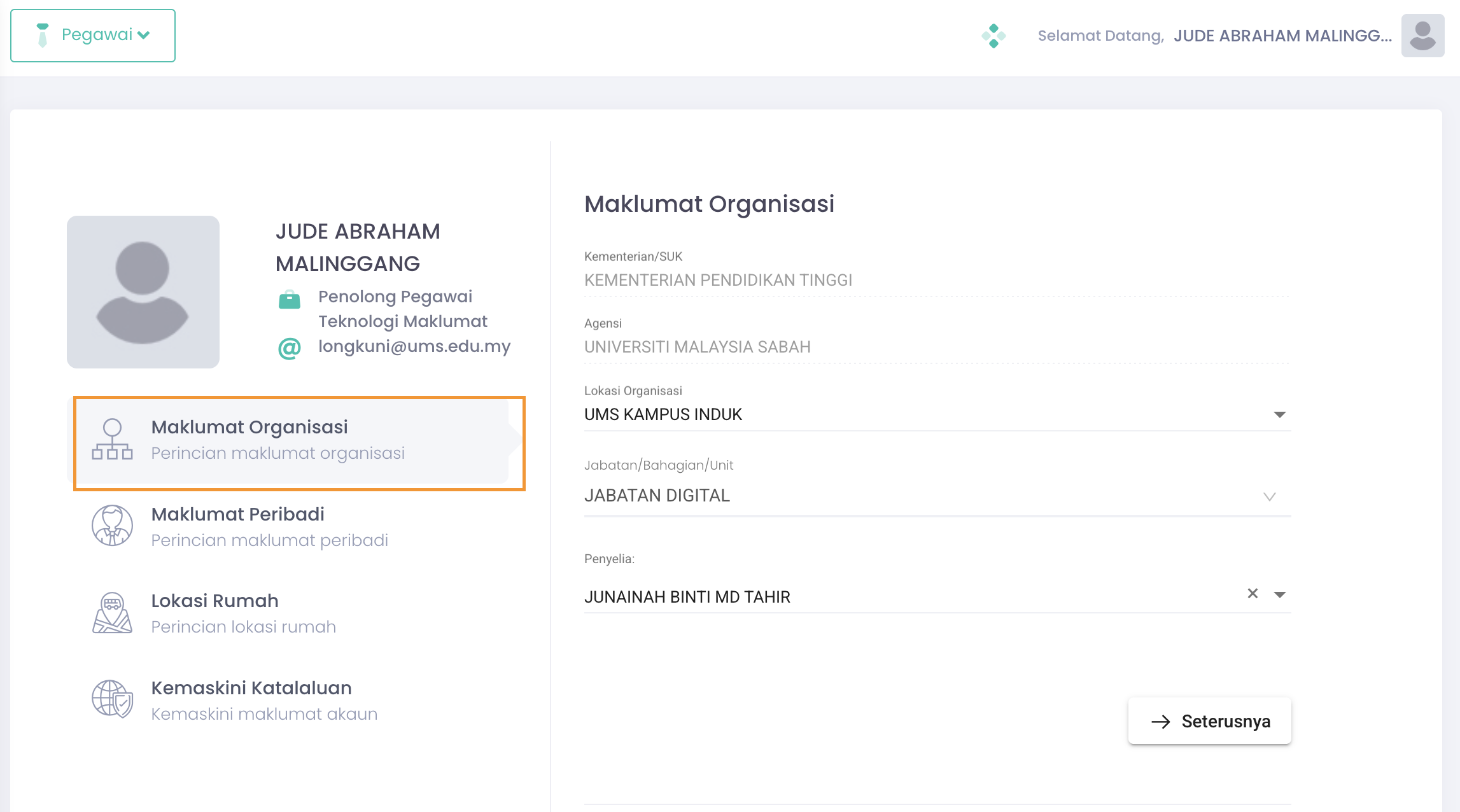
Click Maklumat Organisasi and add or update your organisation
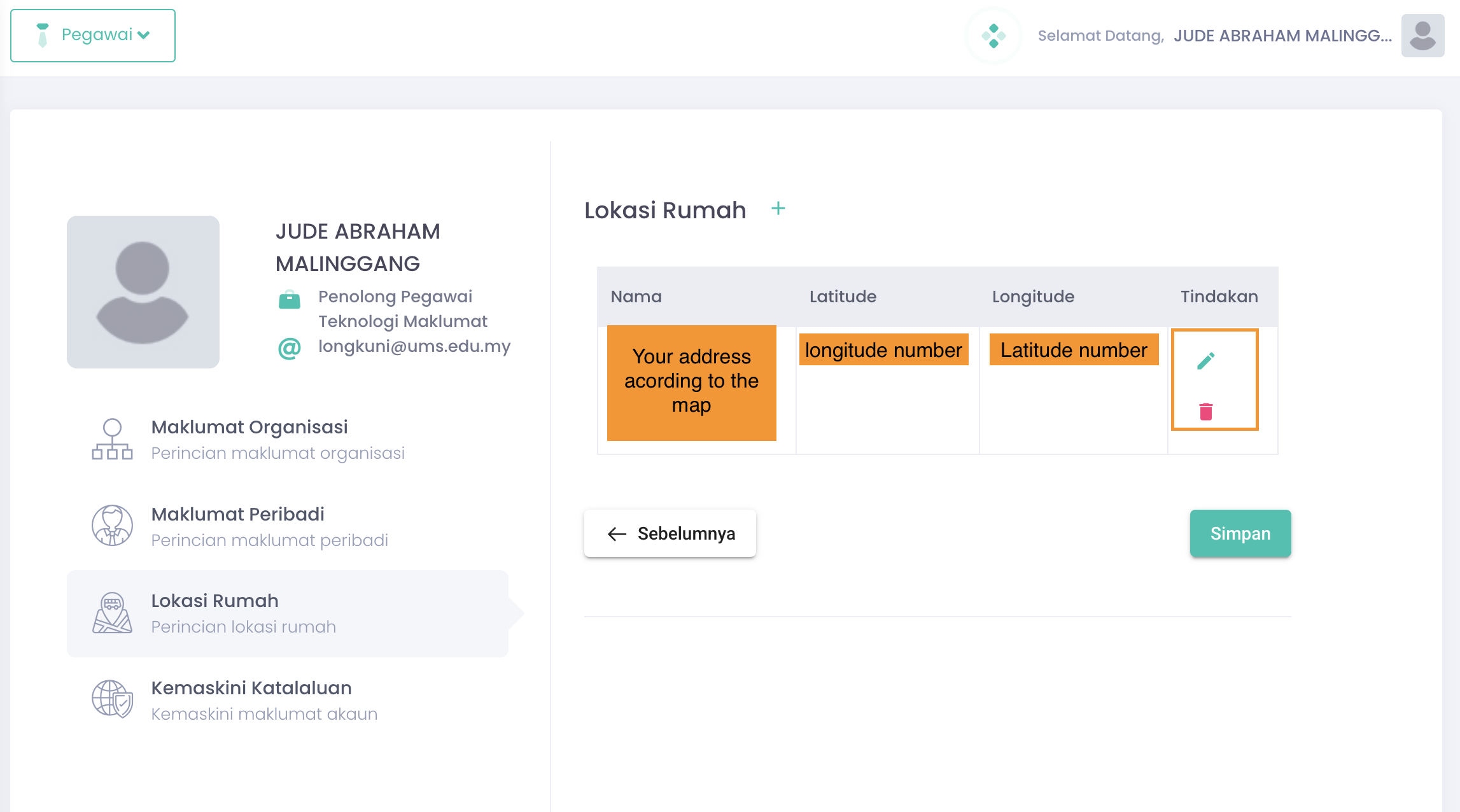
Click Lokasi Rumah then click the pencil to find your home address location
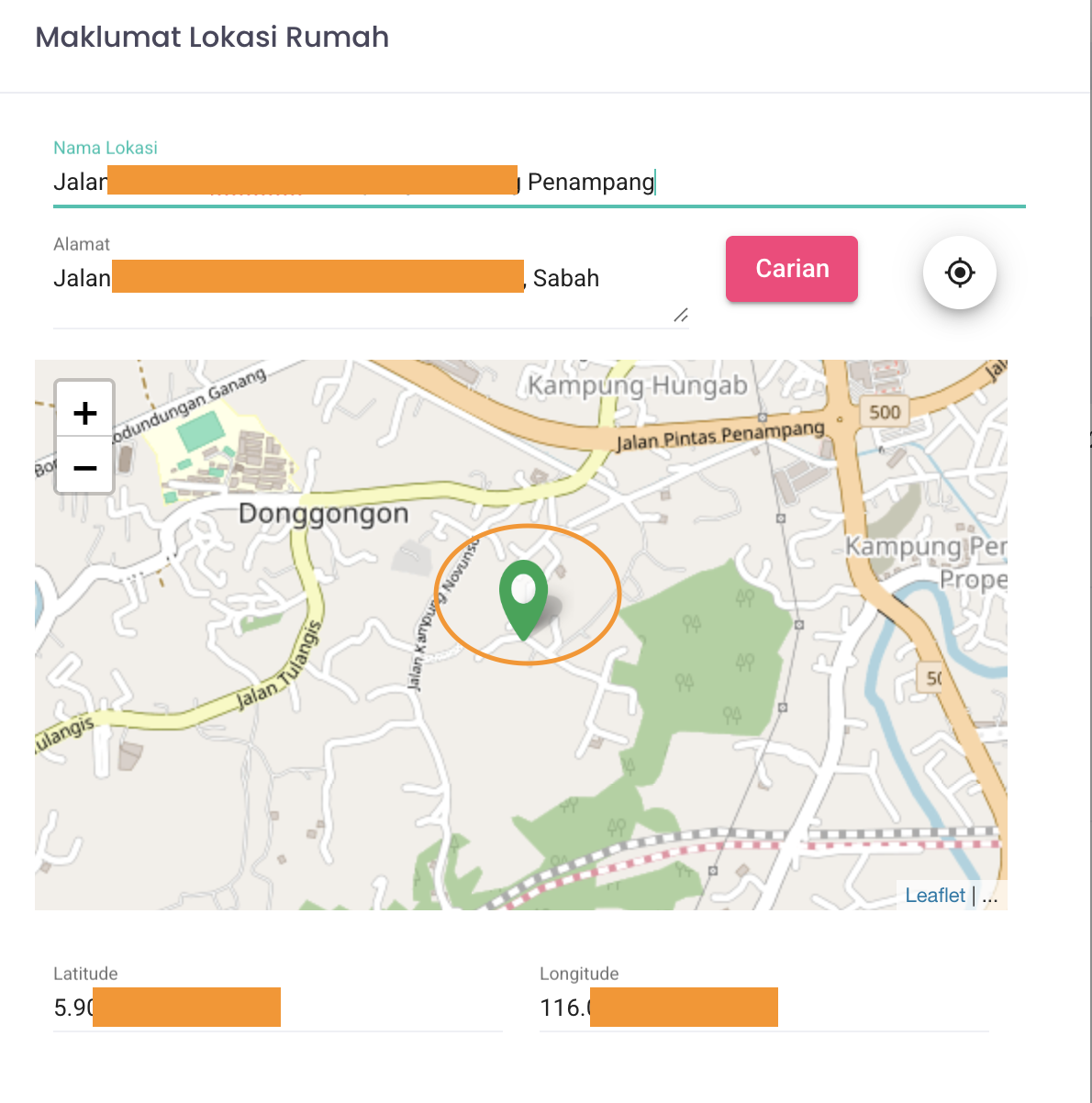
- in the Nama Lokasi and Alamat, type your home address then click Carian button
- if there is no specific address listed, you may choose which the closest home address or area listed for example : Donggongon then click the pin (green color) and drag to the your correct home address.
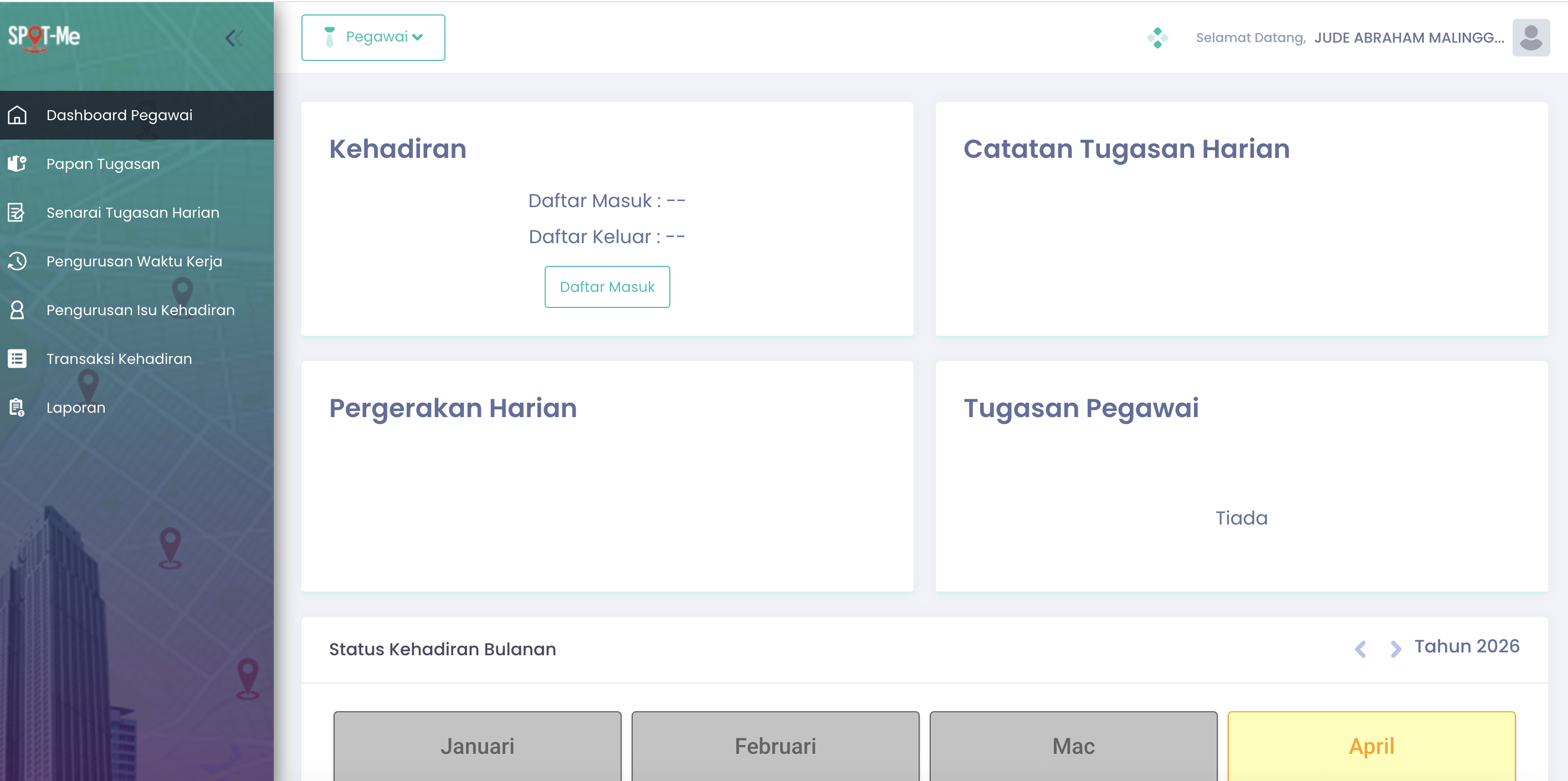

Click the Daftar Masuk tu clock in
Step 4 : Non-Compliance Detected
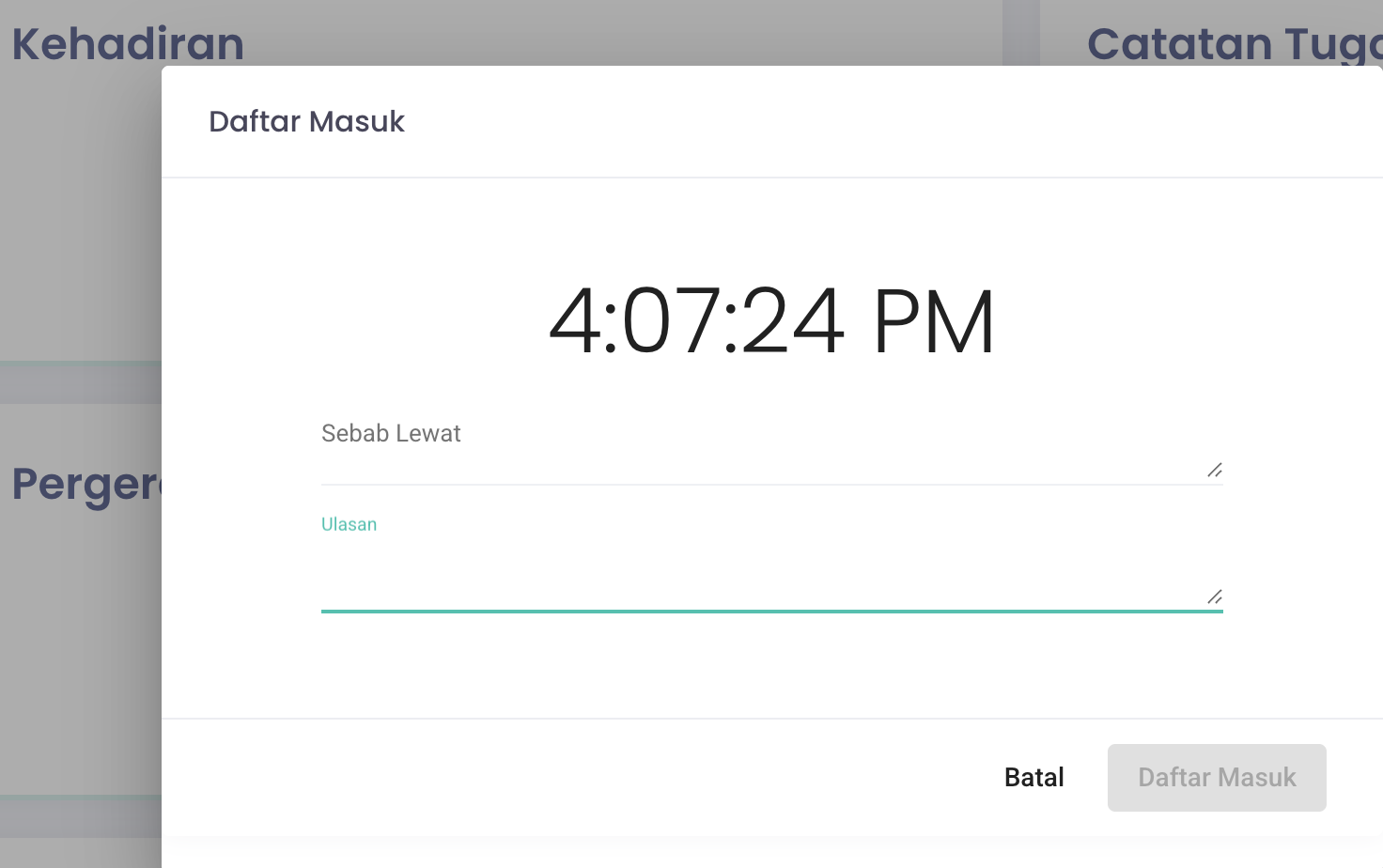
Clock in must be before 9.00am, after 9.00am system will detect Non-Compliance (Ketidakpatuhan)
Step 5 : Catatan Tugasan Harian - Add Task for the day

1. Tambah Tugasan button will appear once you Clock in
2. Click Tambah Tugasan button to add your task
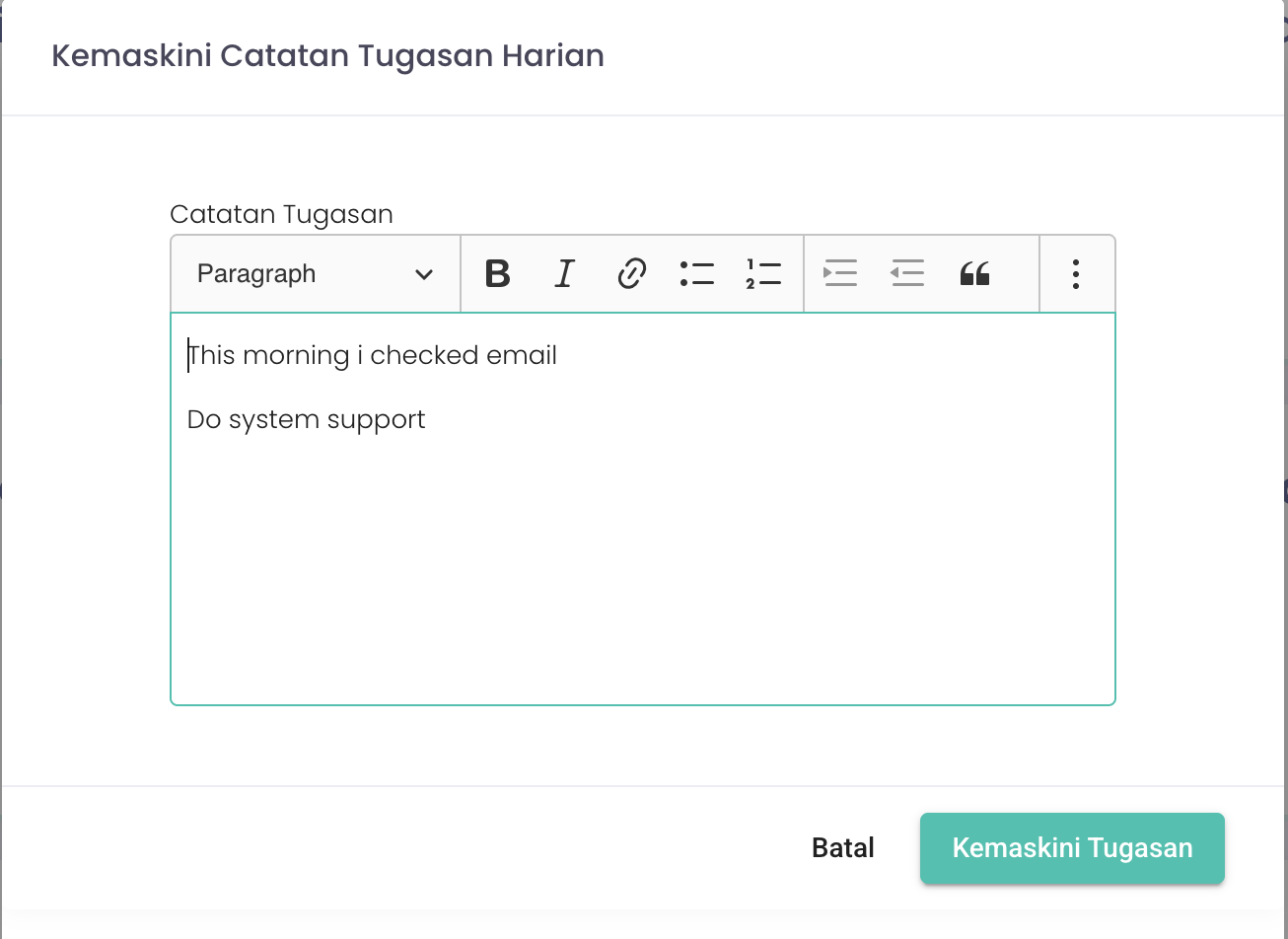
write you task for the day then click Tambah Tugasan / Kemaskini Tugasan
Step 6 : Pergerakan Harian (Daily Movement)

Click the Daftar Pergerakan button
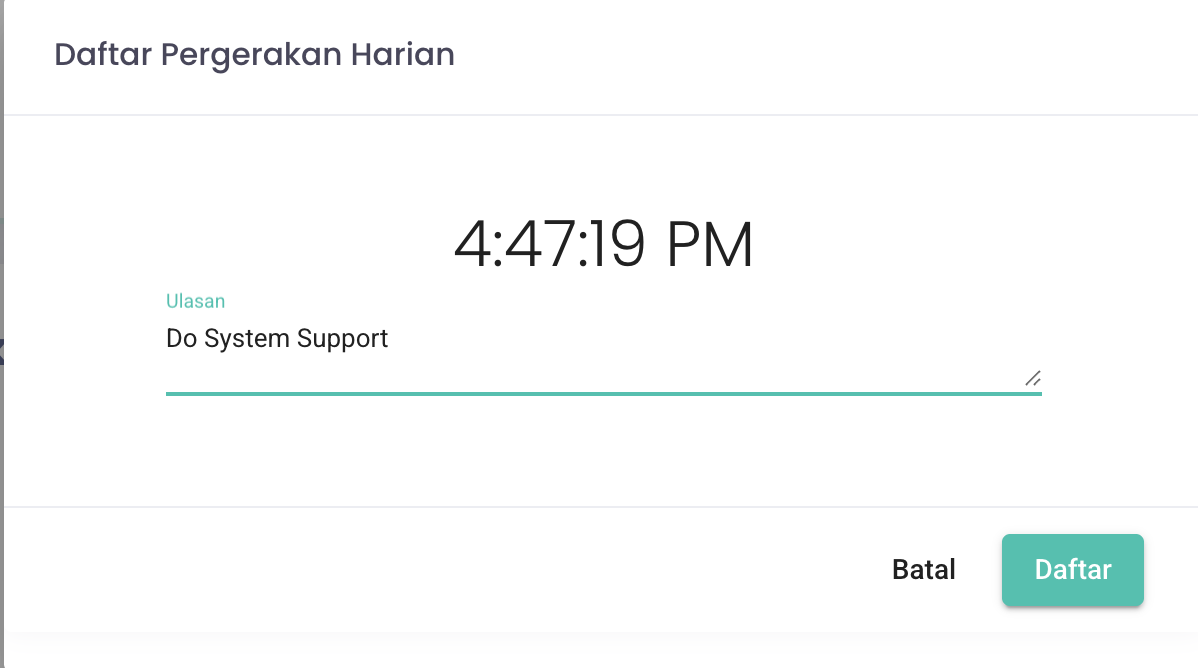
Write your ulasan / reviews
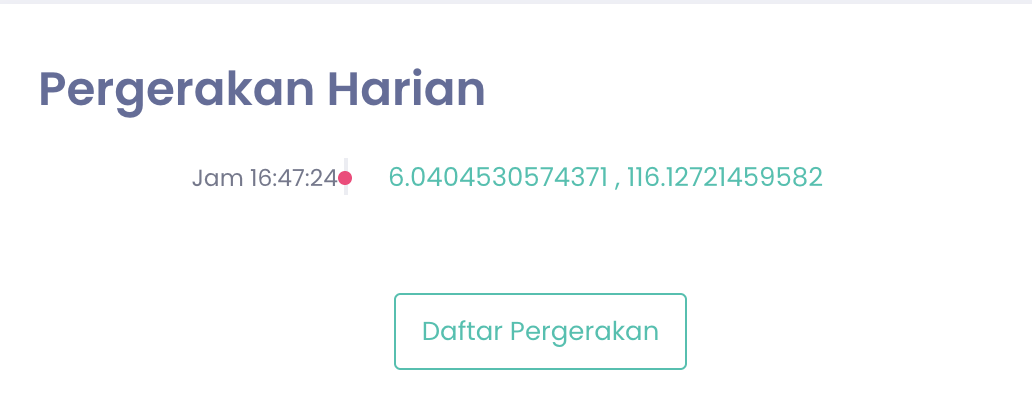
Longitude and Latitude will be registered once you register your movement