
SPOT-ME
Step 1 : Login page
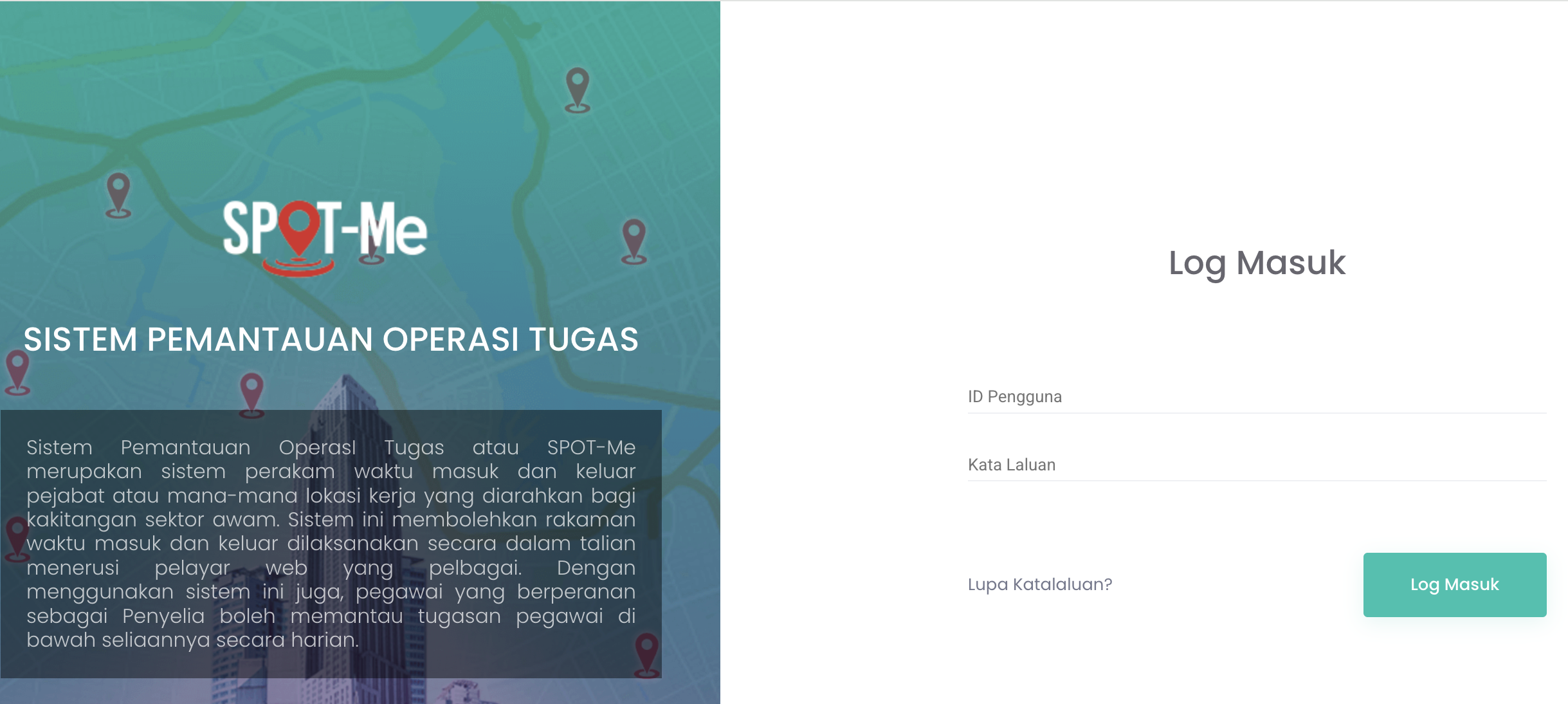
Please find your login detail below :
Username : [Identity Card number]
Password : [Paswsword has been generated, refer to your email]
You are kindly requested to change your password to a secure one consisting of at least 12 characters, including a combination of letters, numbers, and special characters/symbols.
Please click on the following link to update your password:
https://spotme.jdn.gov.my
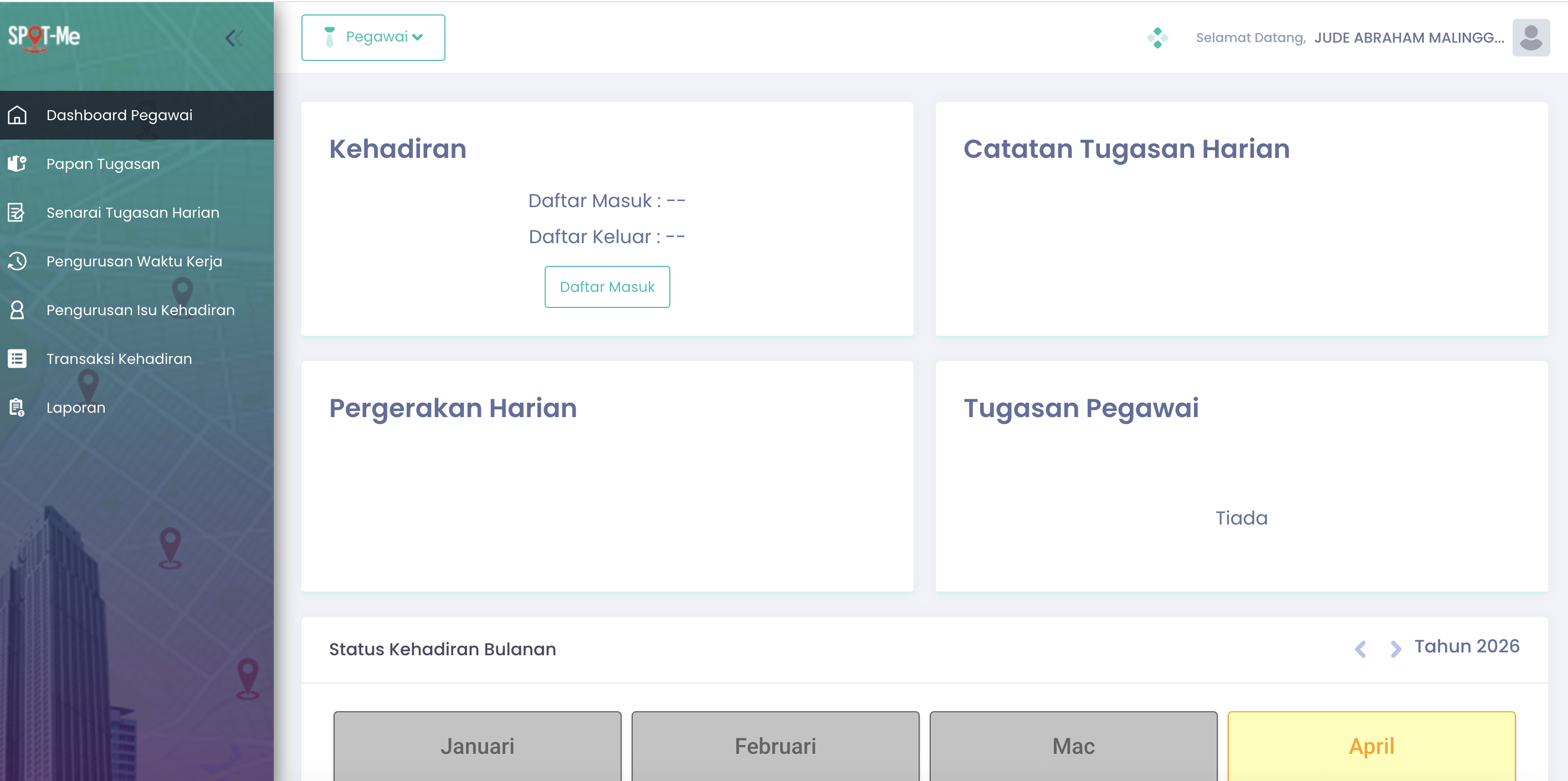

Click the Daftar Masuk tu clock in
Step 3 : Non-Compliance Detected
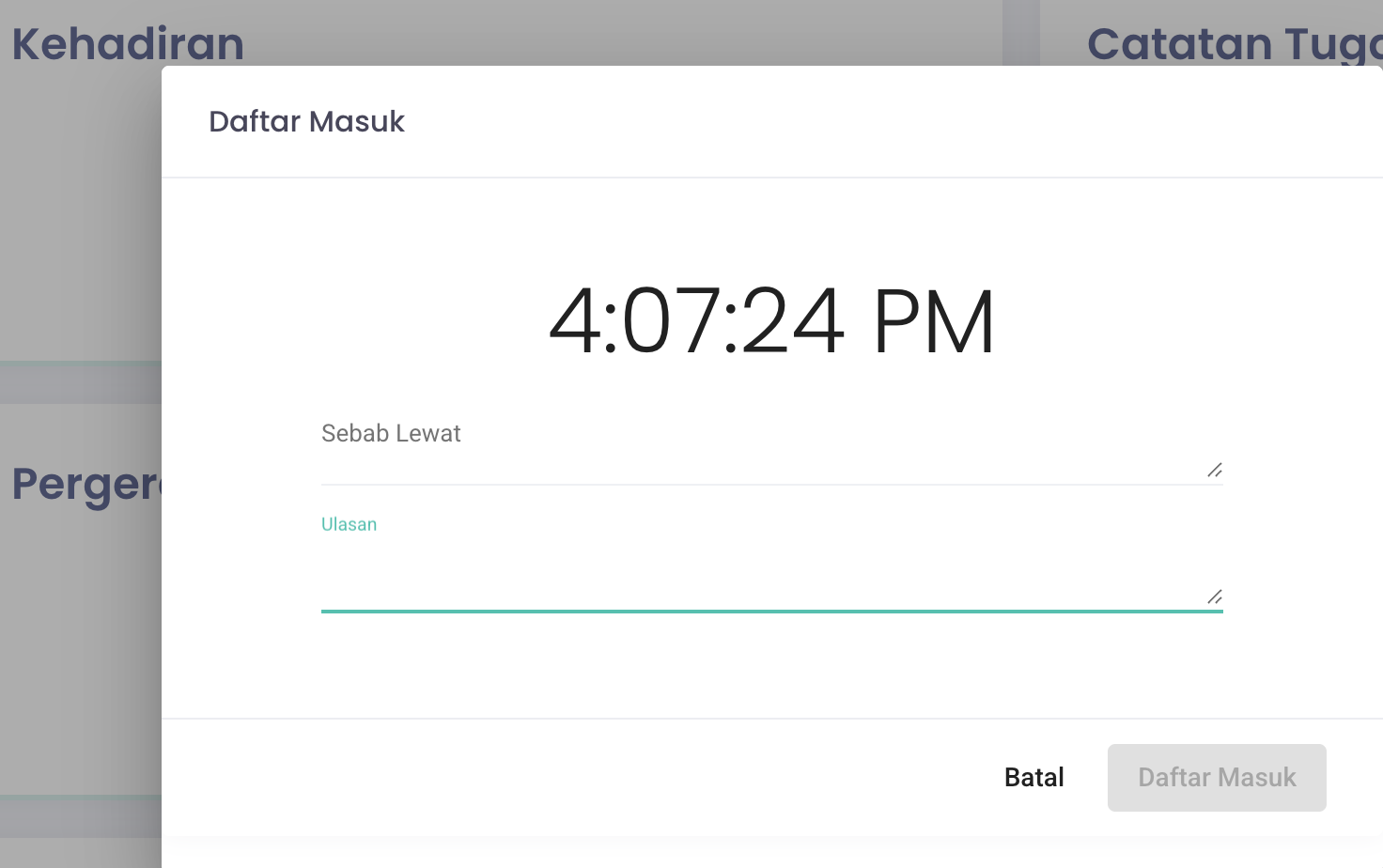
Clock in must be before 9.00am, after 9.00am system will detect Non-Compliance (Ketidakpatuhan)
Step 4 : Catatan Tugasan Harian - Add Task for the day

1. Tambah Tugasan button will appear once you Clock in
2. Click Tambah Tugasan button to add your task