Dashboard Pentadbir BPSM - Selenggara Penetapan Pegawai Penilai
SELENGGARA PENETAPAN PEGAWAI PENILAI
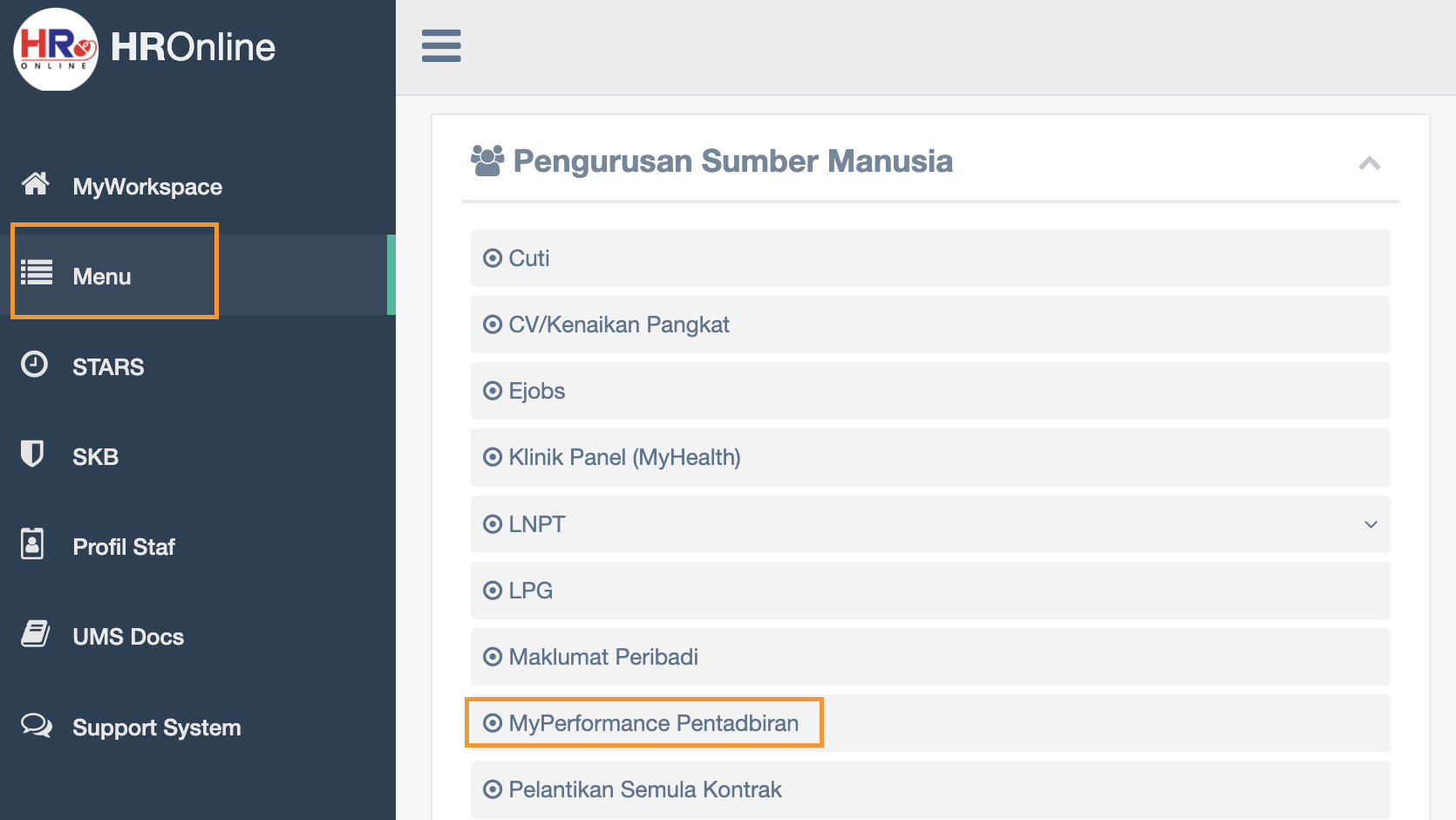
Click Menu then click MyPerformance Pentadbiran
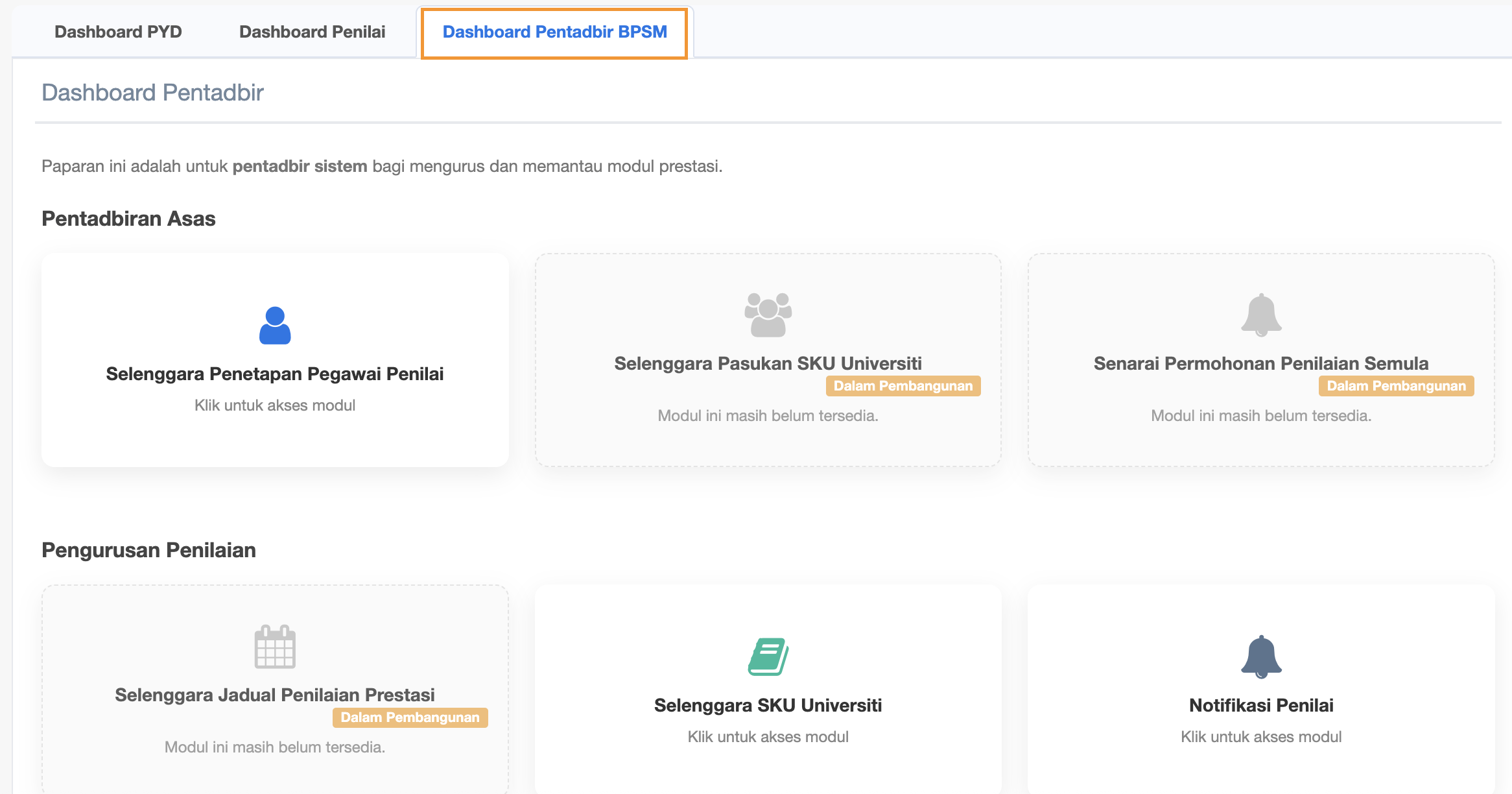
Click Dashboard Pentadbir BPSM
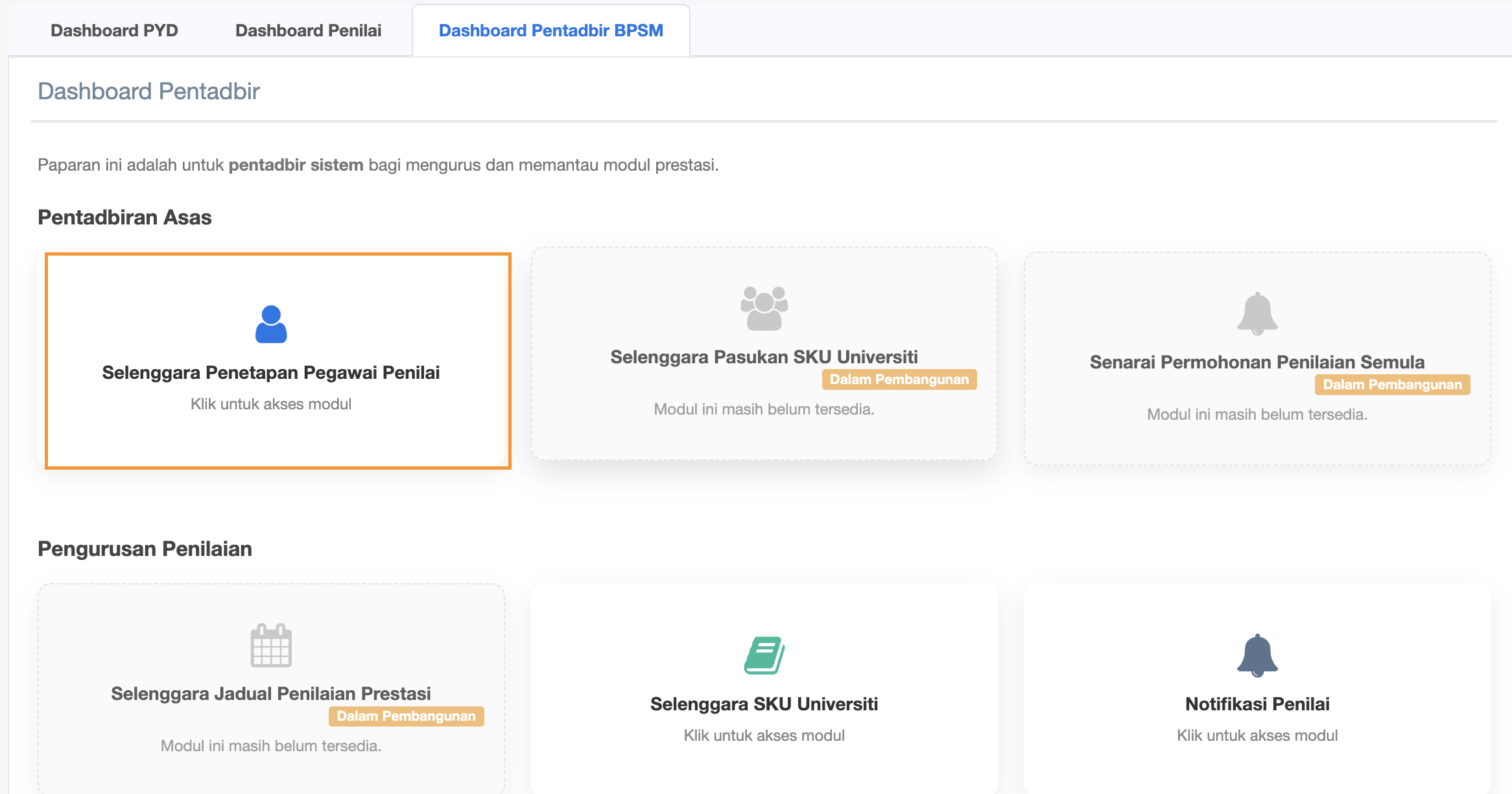
Step 2 : Click Selenggara Penetapan Pegawai Penilai
Senarai Staf Jabatan (All Department)
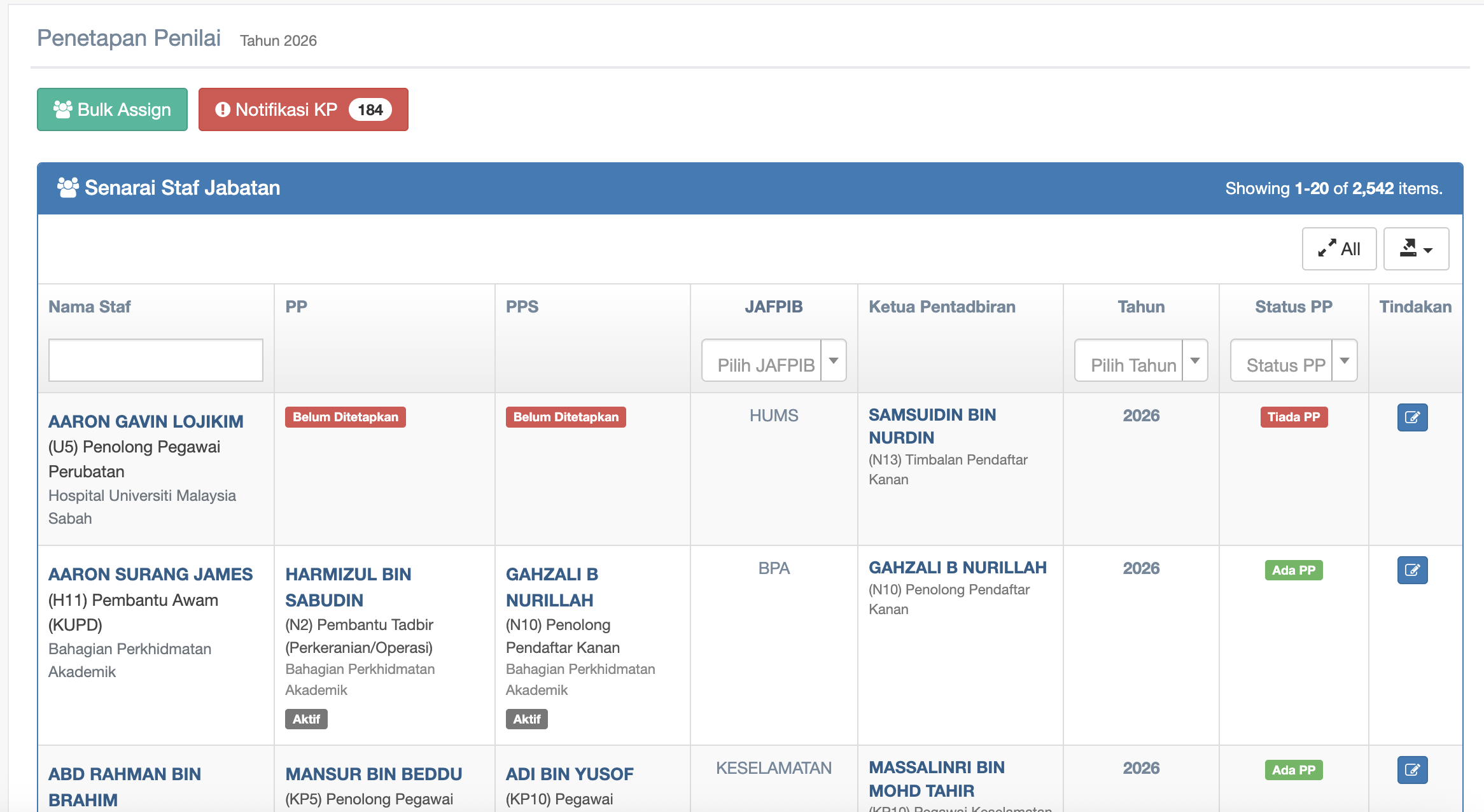
Tick the checkbox
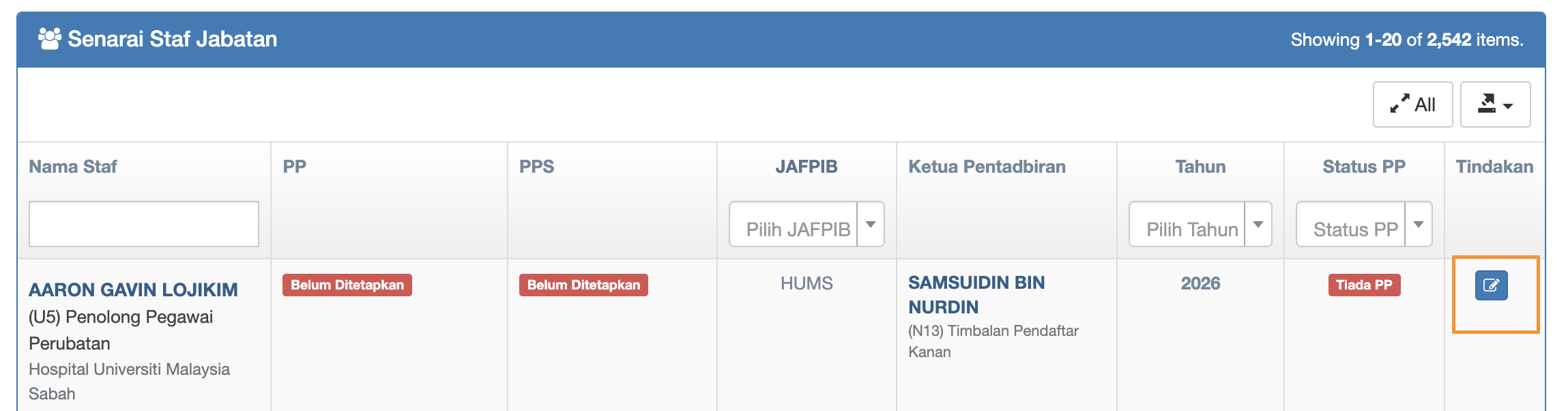
Tukar Penilai or pilih penilai
-
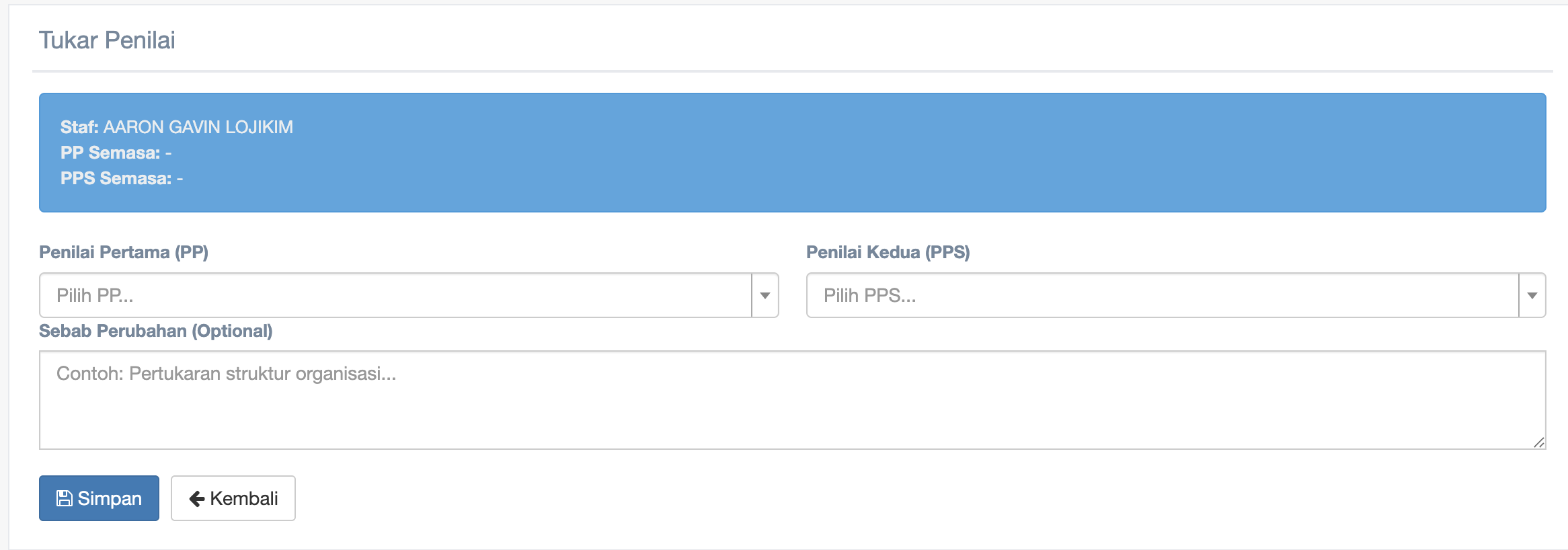
Click Penilai Pertama (PP) dropdown and choose staff
-
Click Penilai Kedua (PPS) dropdown and choose staff
-
Type your reason of changes on Sebab Perubahan (Optional)
-
Click Simpan button to save
Step 3 : Click Bulk Assign button

Bulk Assign Penilai
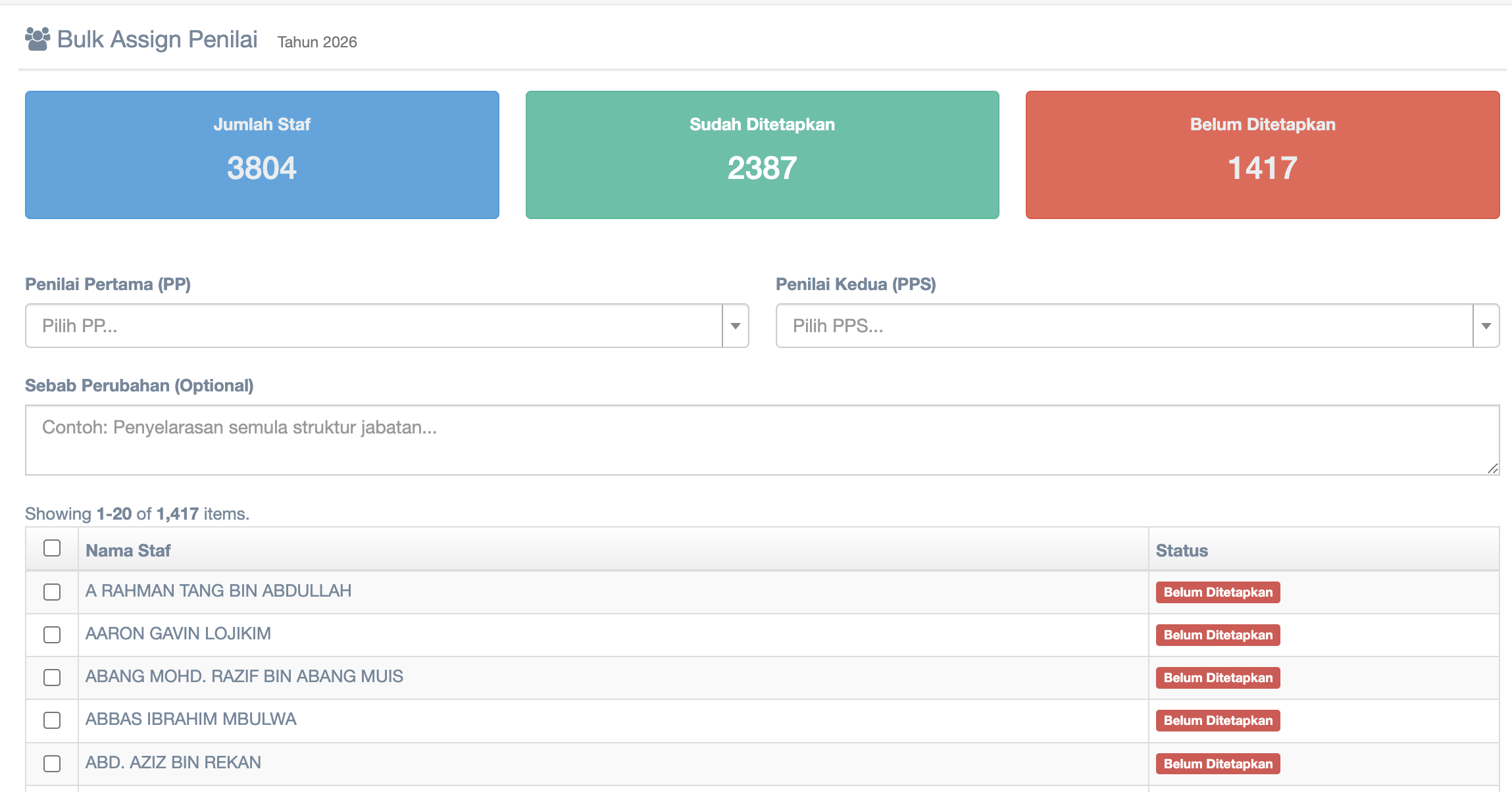
Click Penilai Pertama (PP) dropdown and choose staff
Click Penilai Kedua (PPS) dropdown and choose staff
Type your reason in Sebab Perubahan (Optional)
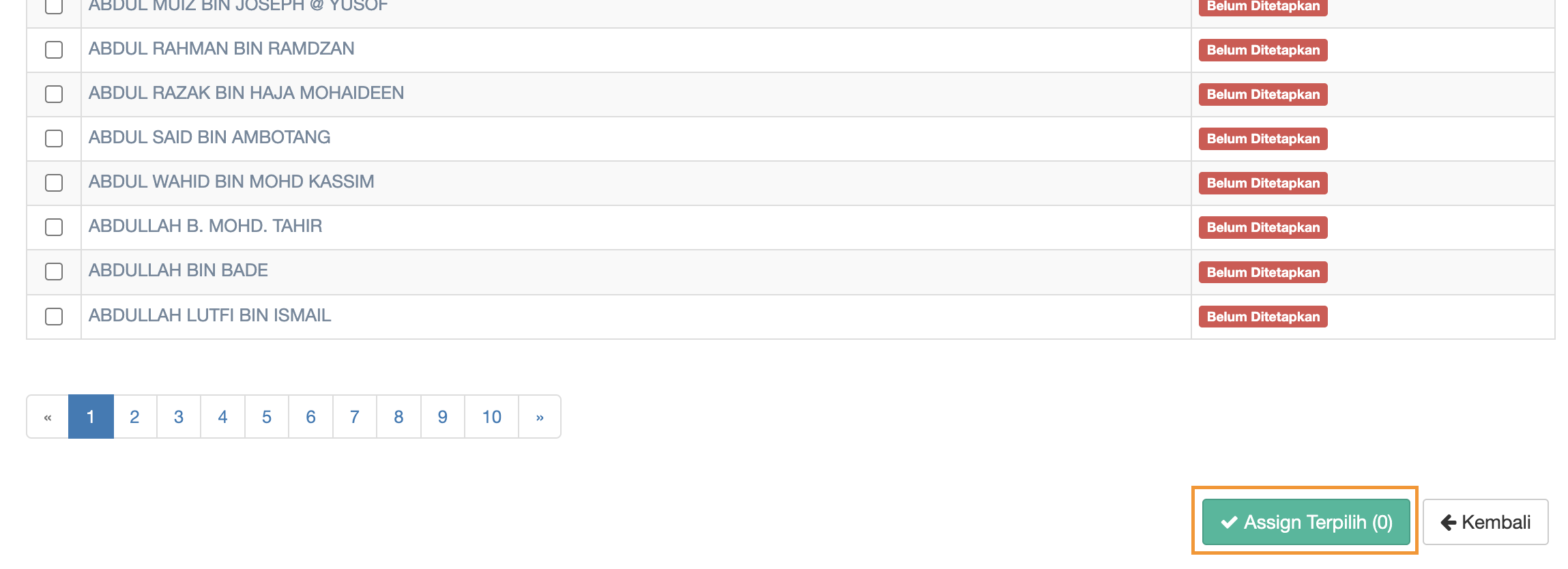
Tick more than 1 staff from the checkbox list
then click Assign Terpilih to save
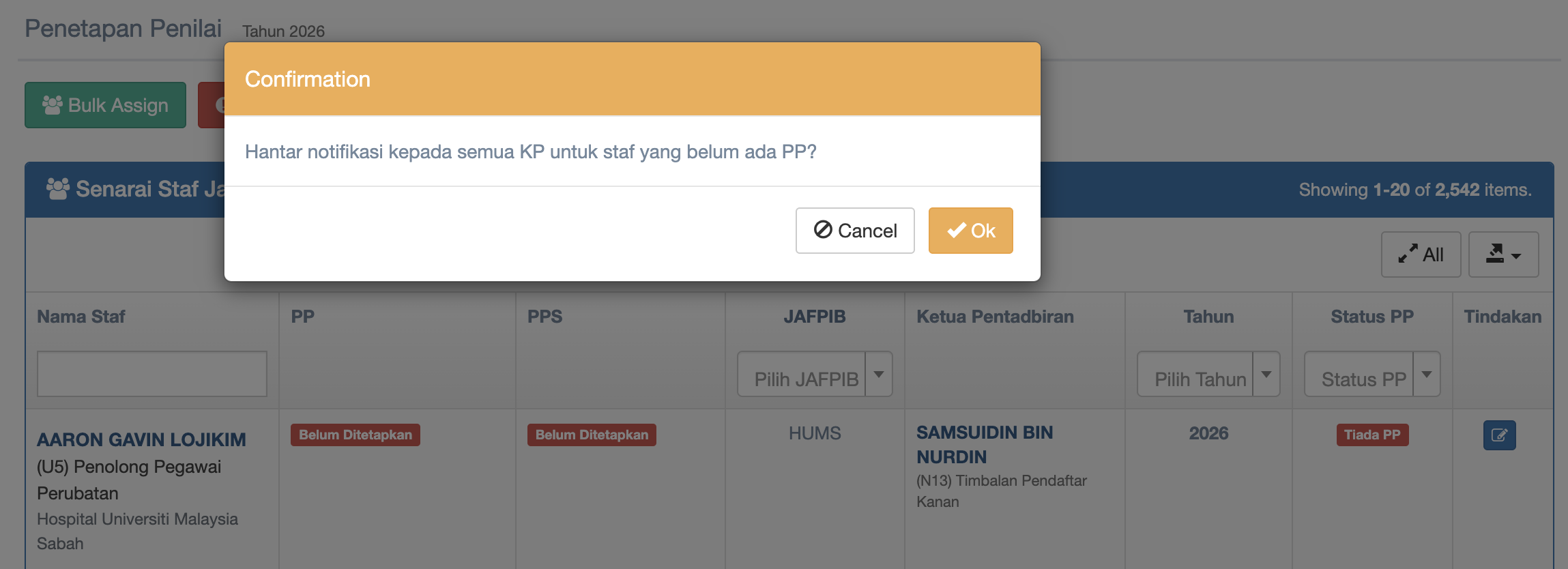
Step 4 : Click Notifikasi KP
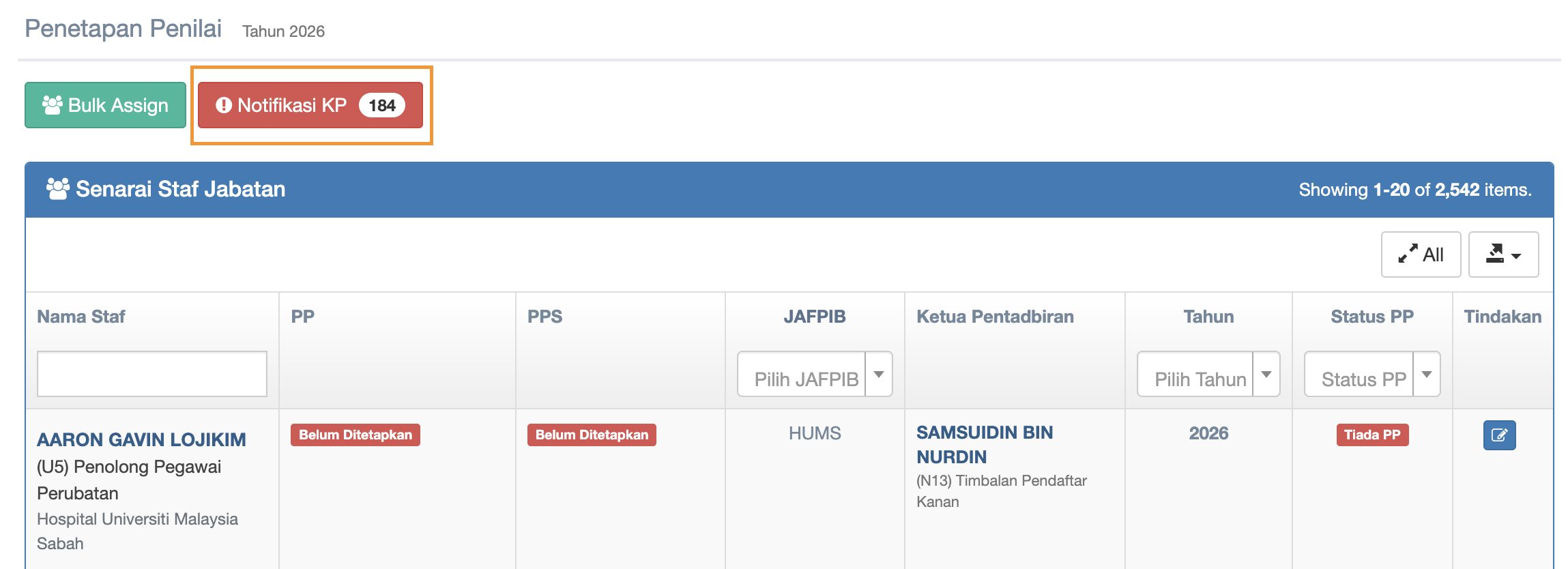
Pop up message display and click Ok to send notification to all Ketua Pentadbiran (KP)