
Dashboard Pentadbir BPSM - Pengurusan Akses Admin
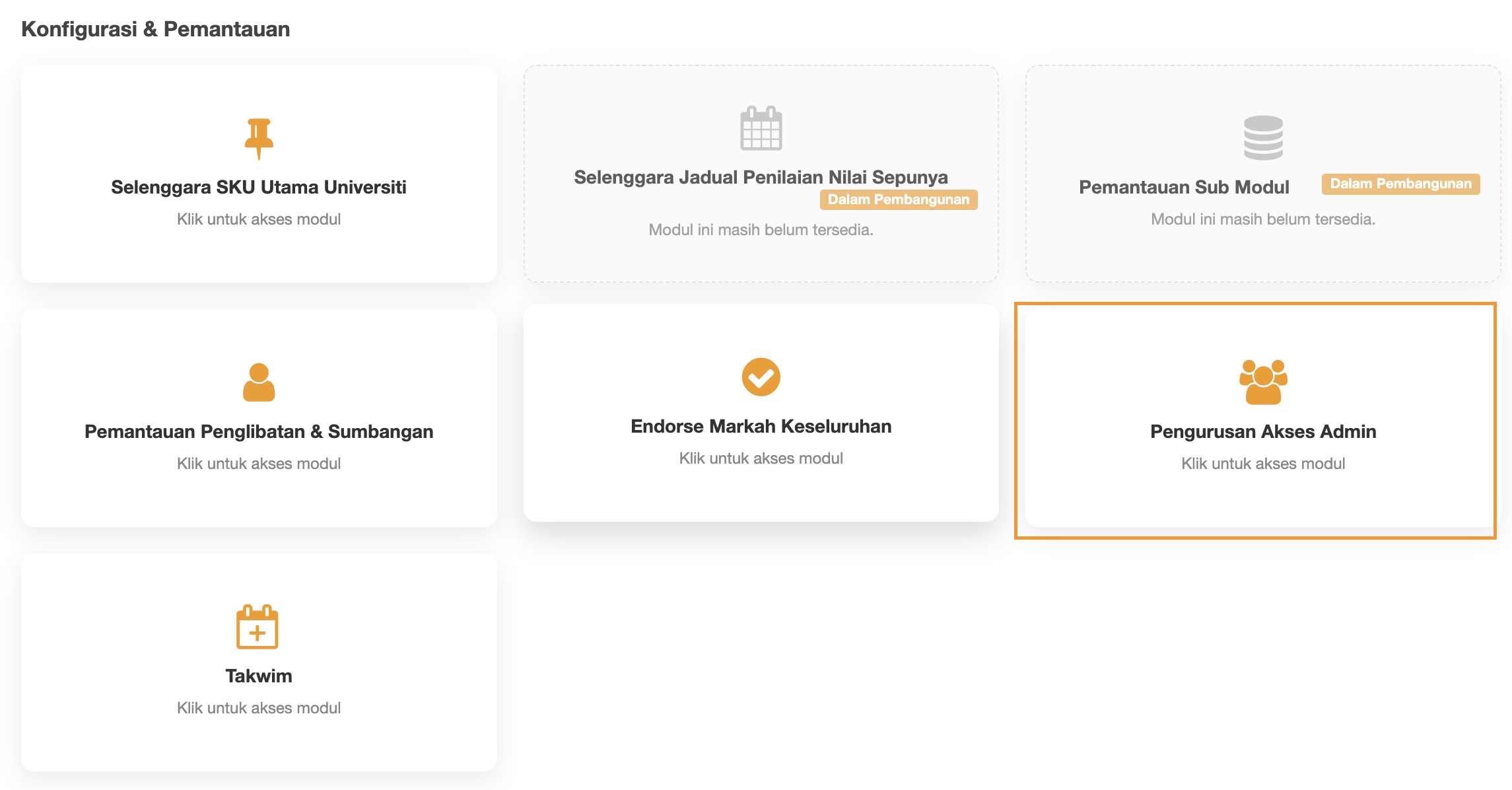
Konfigurasi & Pemantauan
- Selenggara SKU Utama Universiti
- Selenggara Jadual Penilaian Nilai Sepunya
- Pemantauan Sub Modul
- Pemantauan Penglibatan & Sumbangan
- Endorse Markah Keseluruhan
- Pengurusan Akses Admin
- Takwim
KONFIGURASI & PEMANTAUAN - PENGURUSAN AKSES ADMIN
Step 1 : Click Pengurusan Akses Admin
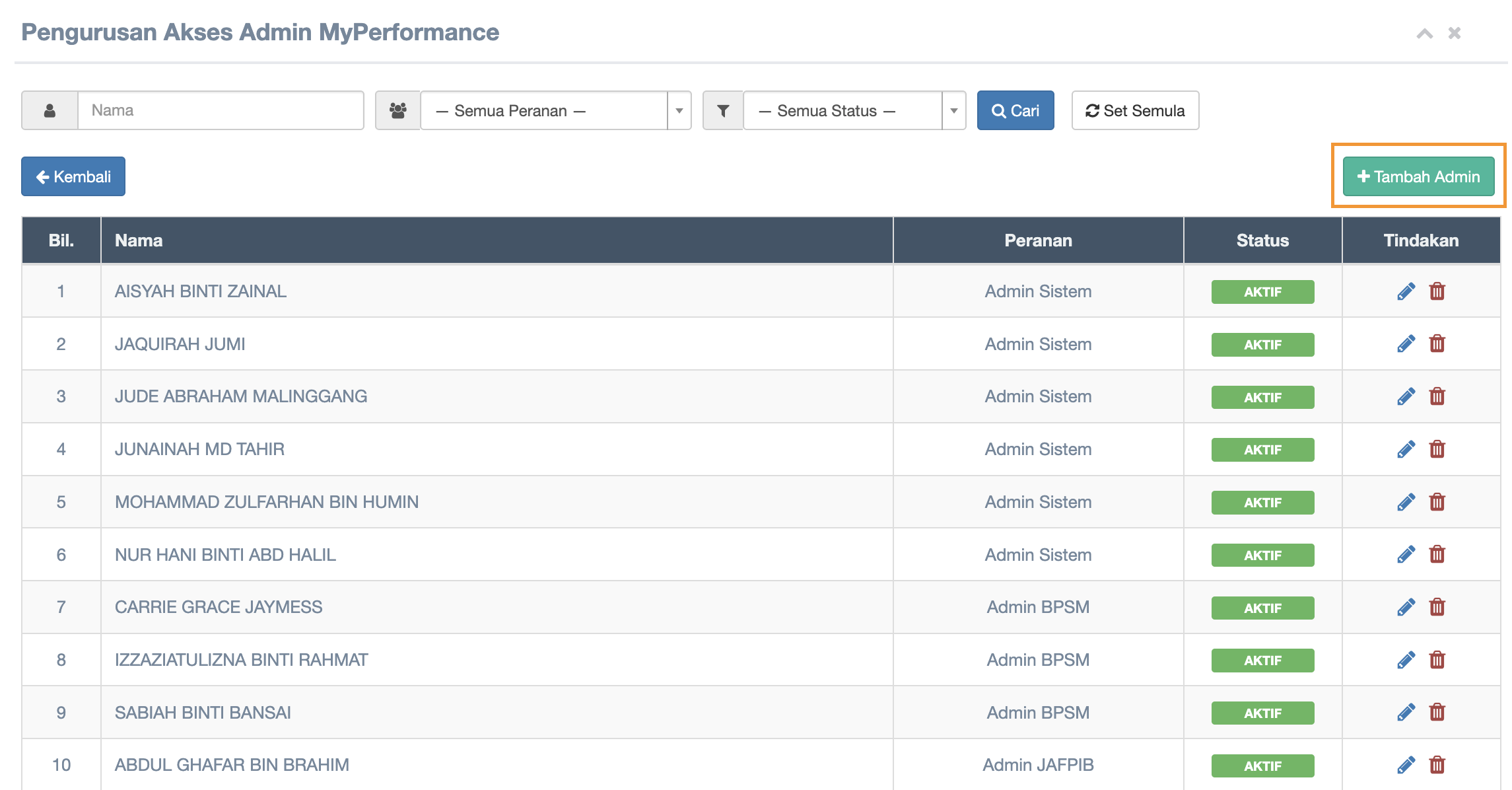
Step 2 : Click Tambah Admin button
Step 3 : Search Nama & Set Peranan Admin
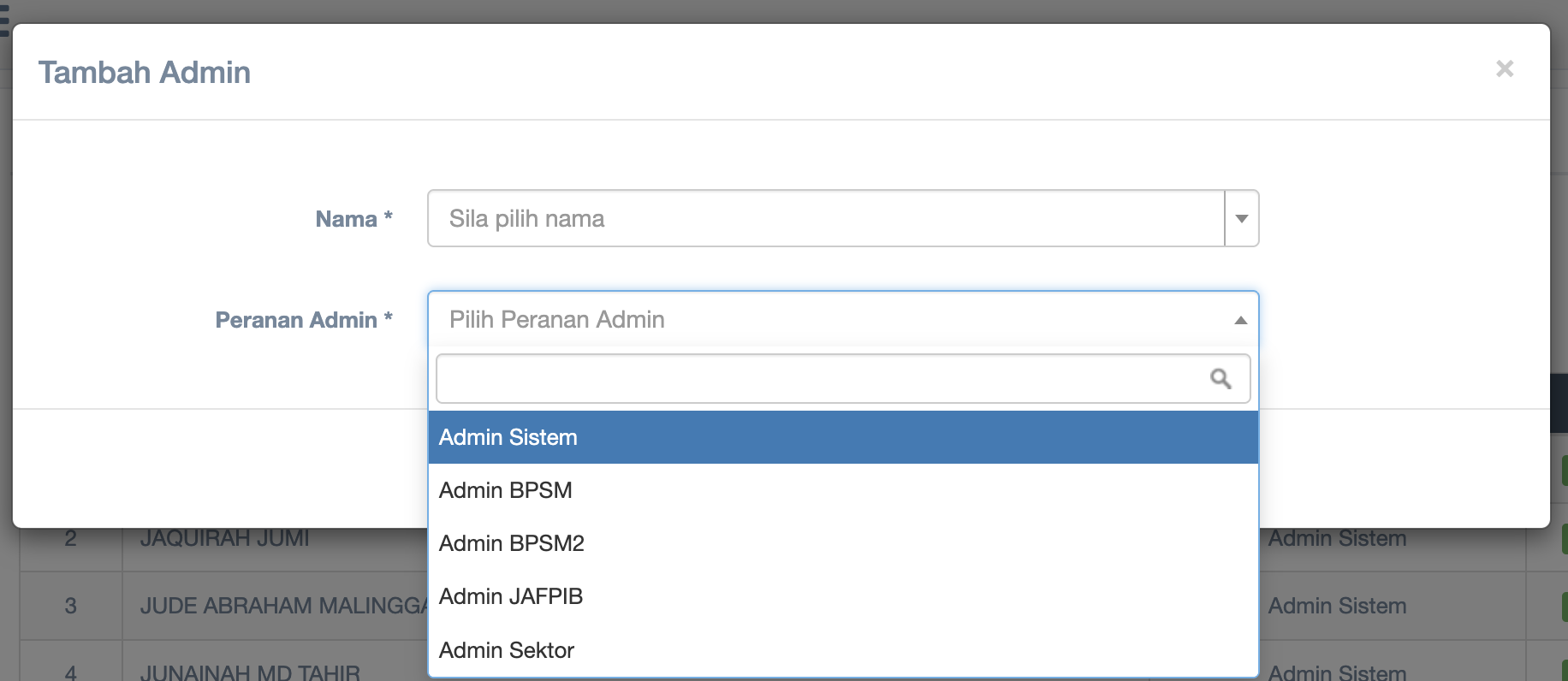
- Choose name from dropdown list Nama
- Choose Peranan Admin from the dropdown list
- Click Simpan button to save
Step 4 :
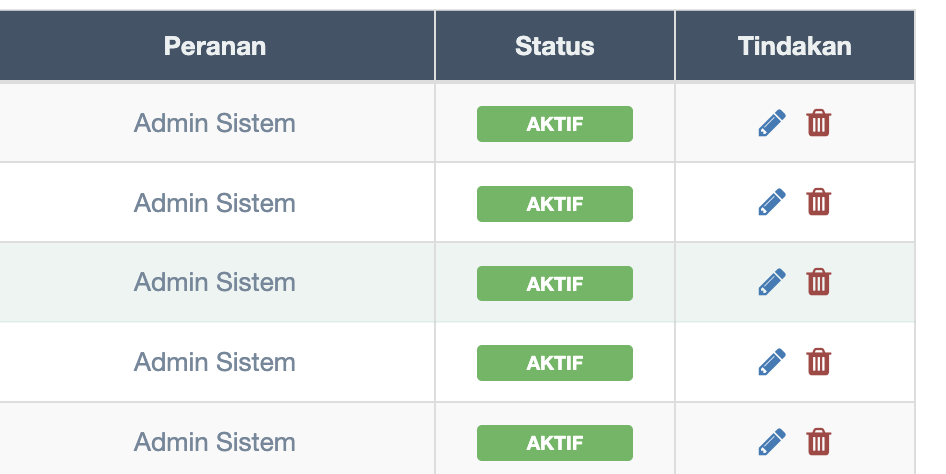
How to Update a Role
-
Click the ✏️ Update icon on the selected role row.
-
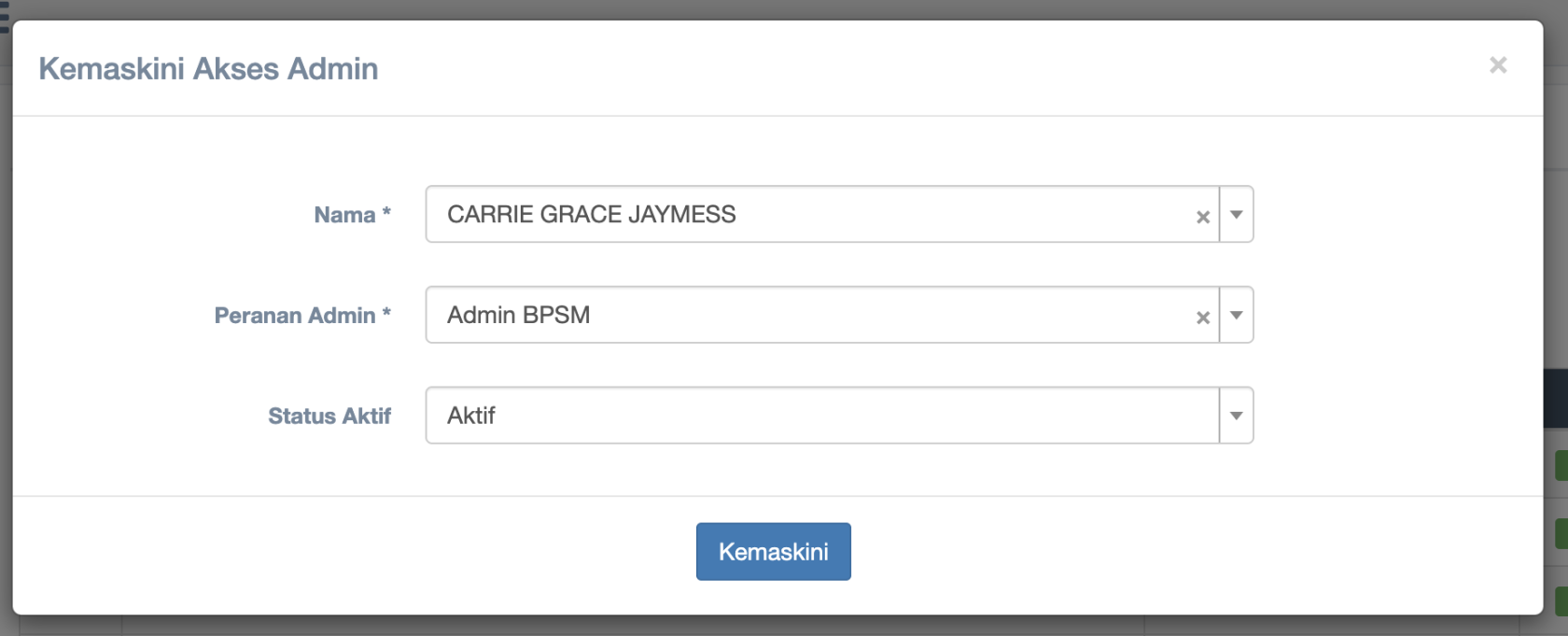
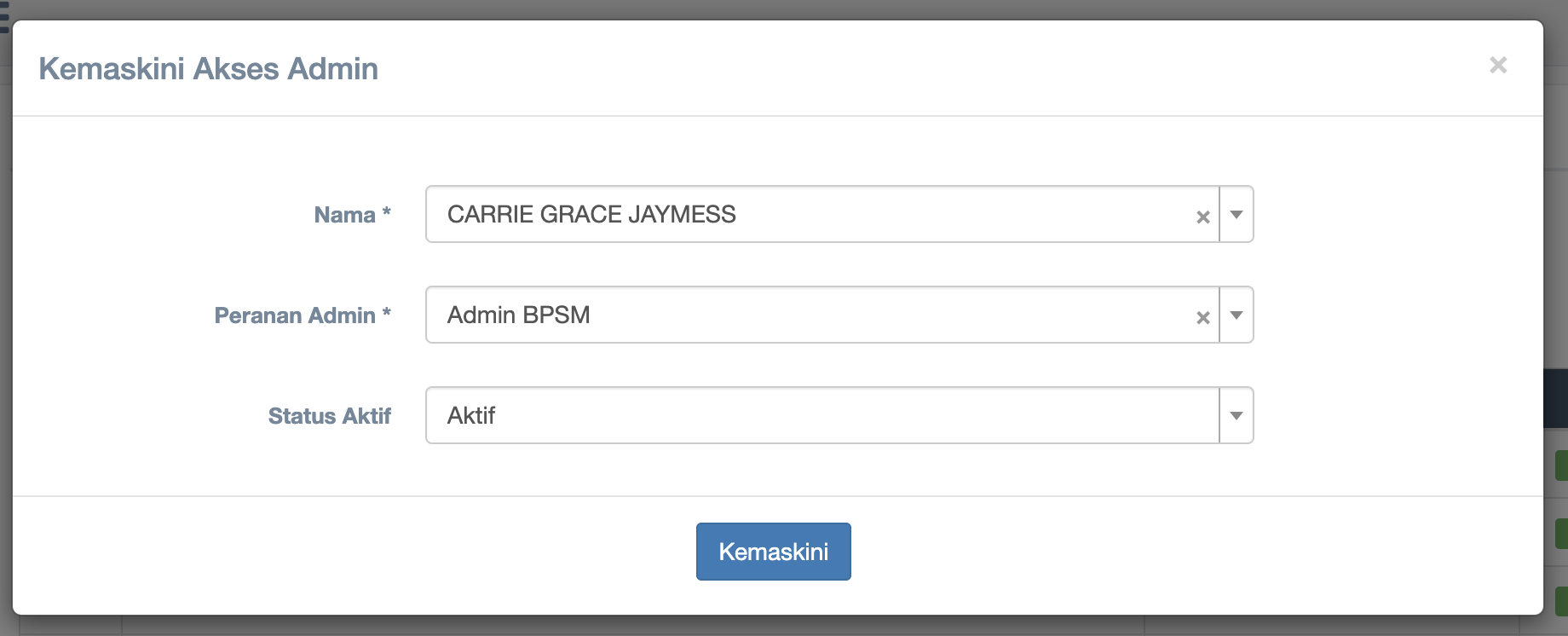
The system will display the update form.
-
Make the necessary changes.
-
Click the Save button to update the information.
How to Delete a Role
-
Click the 🗑️ Delete icon on the selected role row.
-
A confirmation message will appear.
-
Click Yes / Confirm to proceed with deletion.