
USER MANUAL - UMS Staff / UMS Student / Public
Select Category
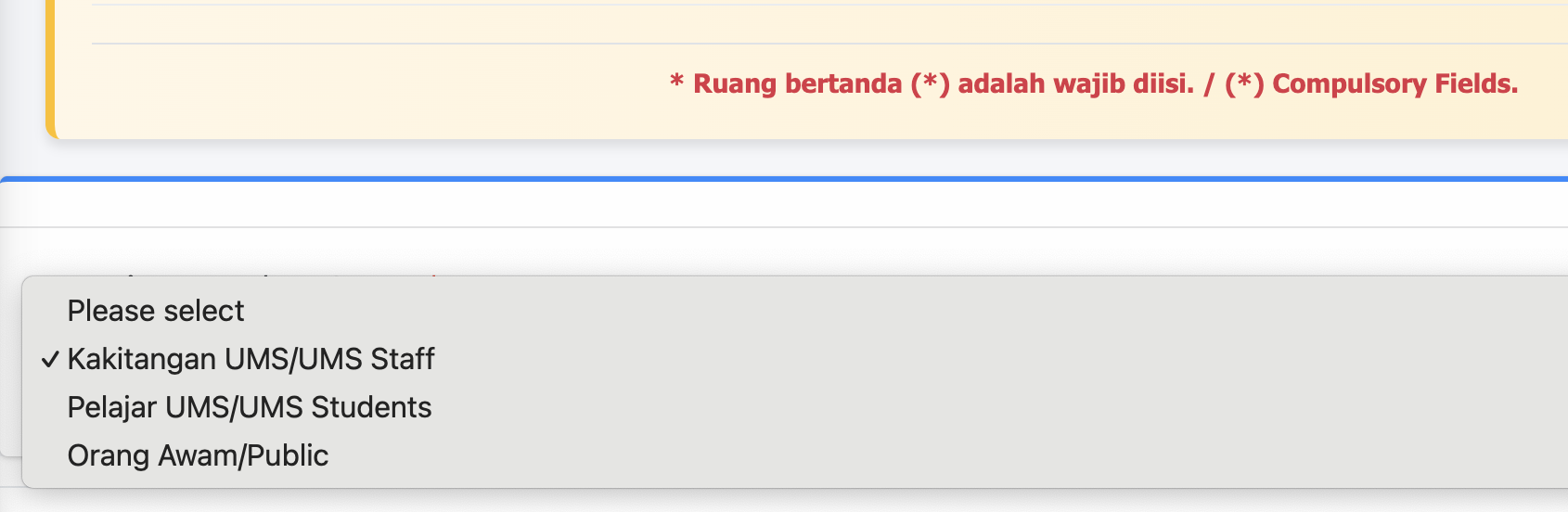
Select your category - UMS Staff / UMS Student / Public
Select Yes or No - Complaint related to Maintenance/ Service Facilities

If you select “Yes”, a message will be displayed to allow you to submit an application through the Total Asset Management System (TAMS).
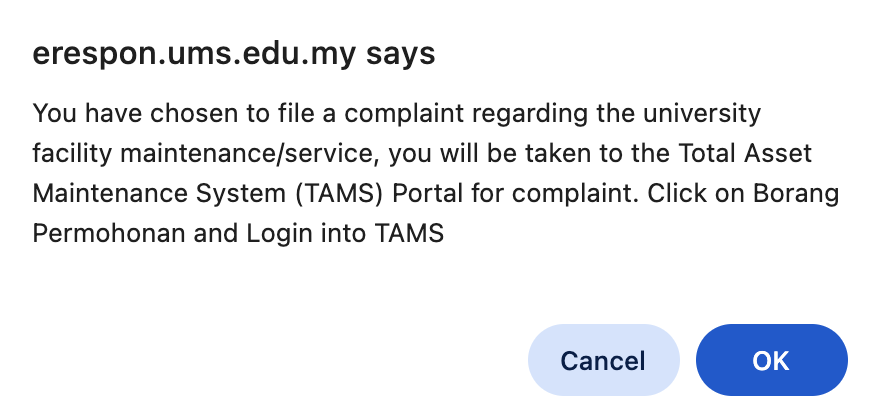
Click OK Button then it will bring you to Total Asset Management System (TAMS)
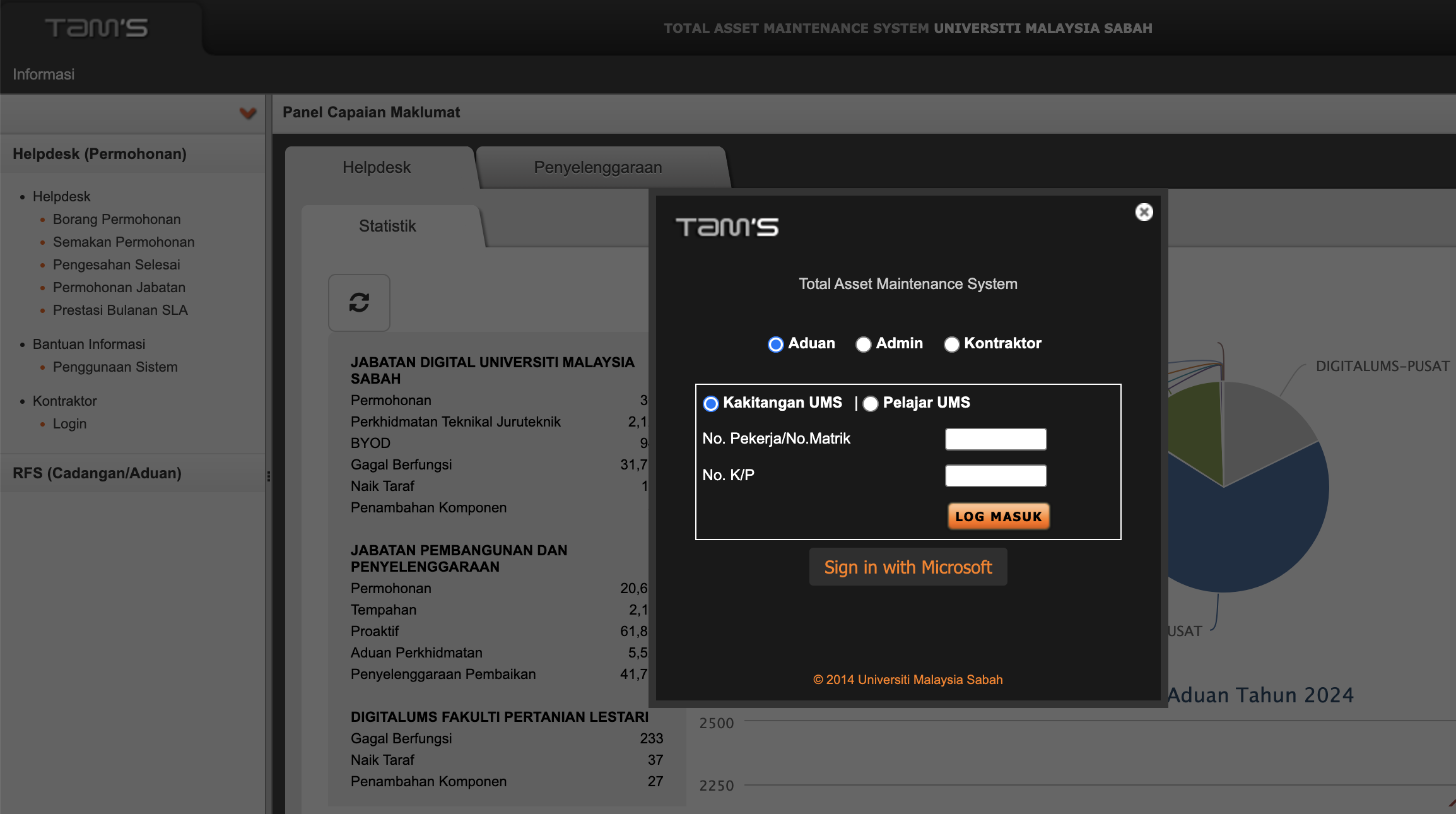
Otherwise If “Tidak / No” is selected, the system will open a form for you to fill in.
Part A : User Information
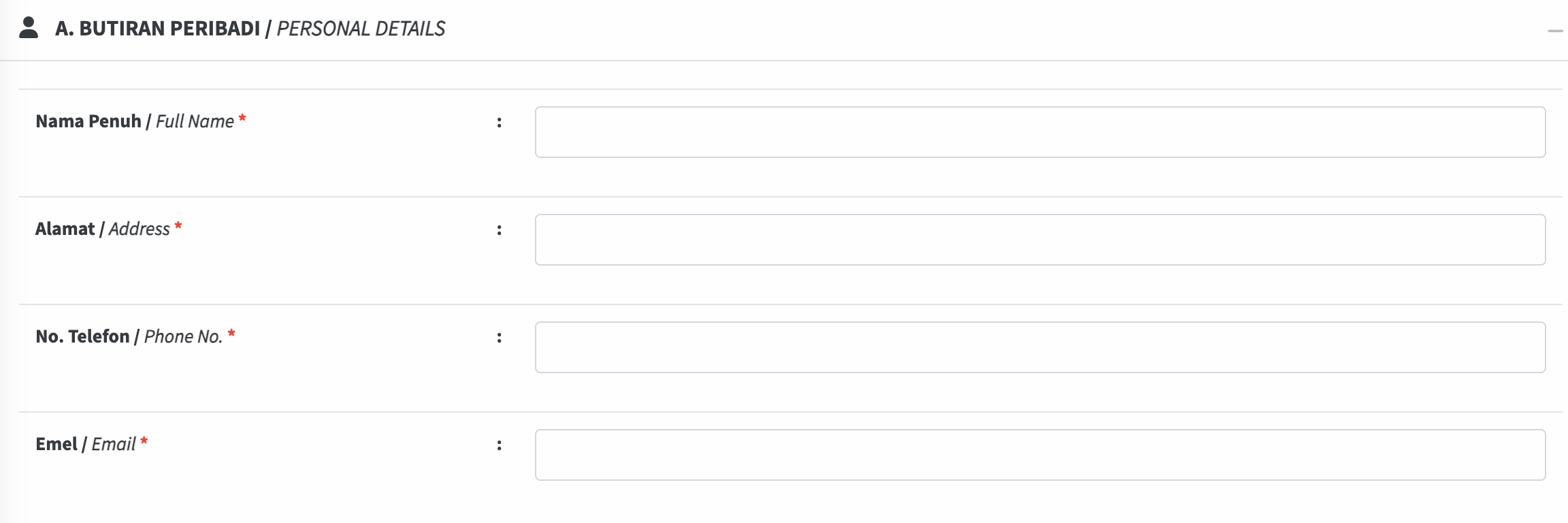
Part B : Details of complaints
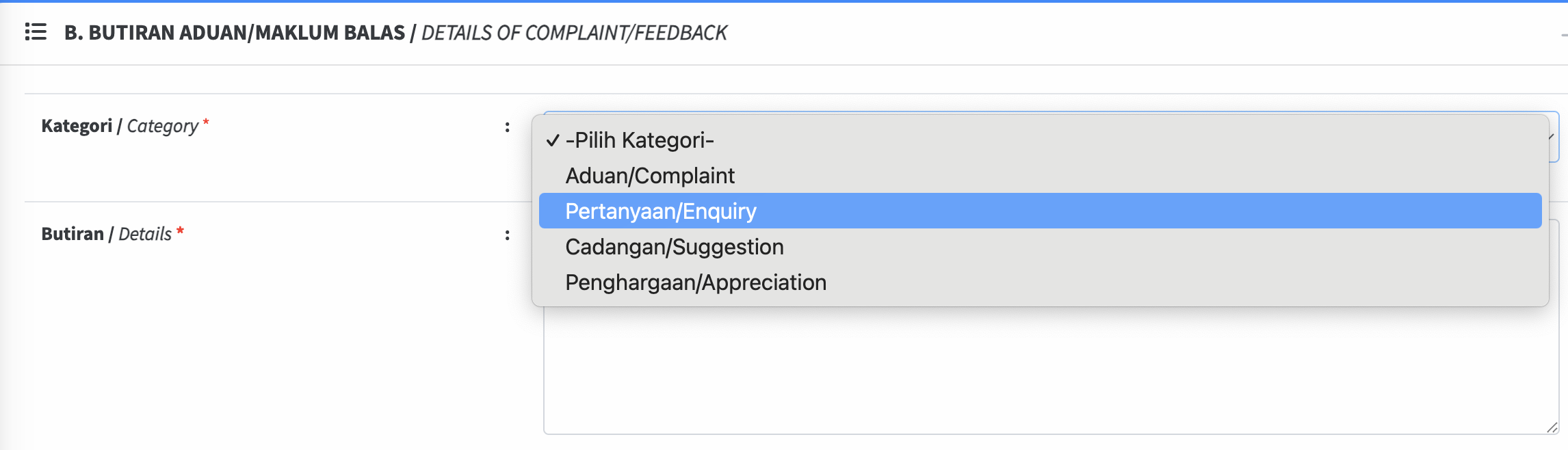
1. Select category
2. Butiran / Details : Write something to tell the admin of your Complaint / Enquiry / Suggestion / Appreciation
NOTIS PRIVASI / PRIVACY NOTICE
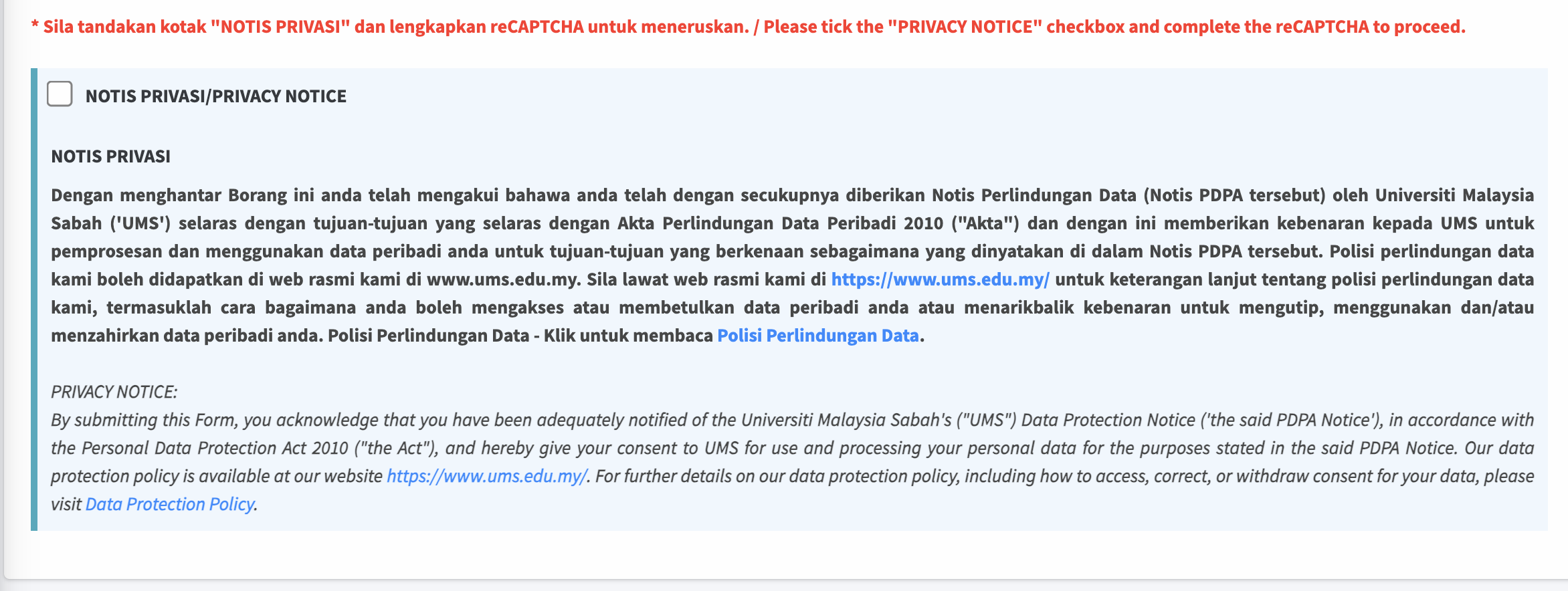
Check the NOTIS PRIVASI / PRIVACY NOTICE in order to submit your Complaint / Enquiry / Suggestion / Appreciation
reCAPTCHA
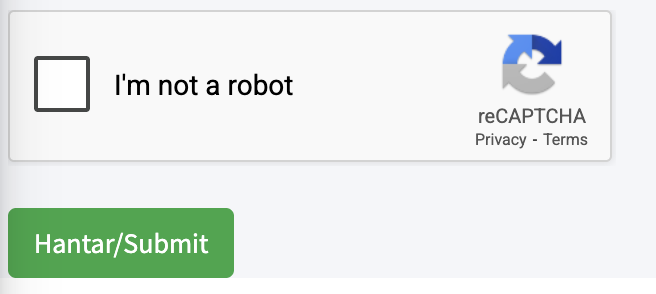
Please check the I'm not a robot and click Hantar/Submit button.
Success! Your submission has been successfully recorded. The administrator will process it according to the selected category.