E-RATING
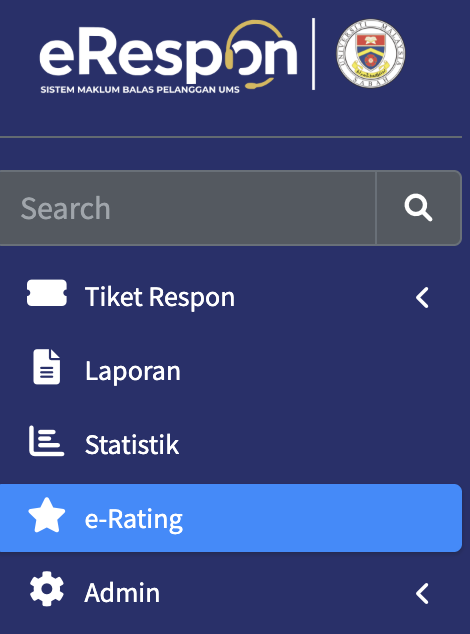
SENARAI KKP & KAUNTER
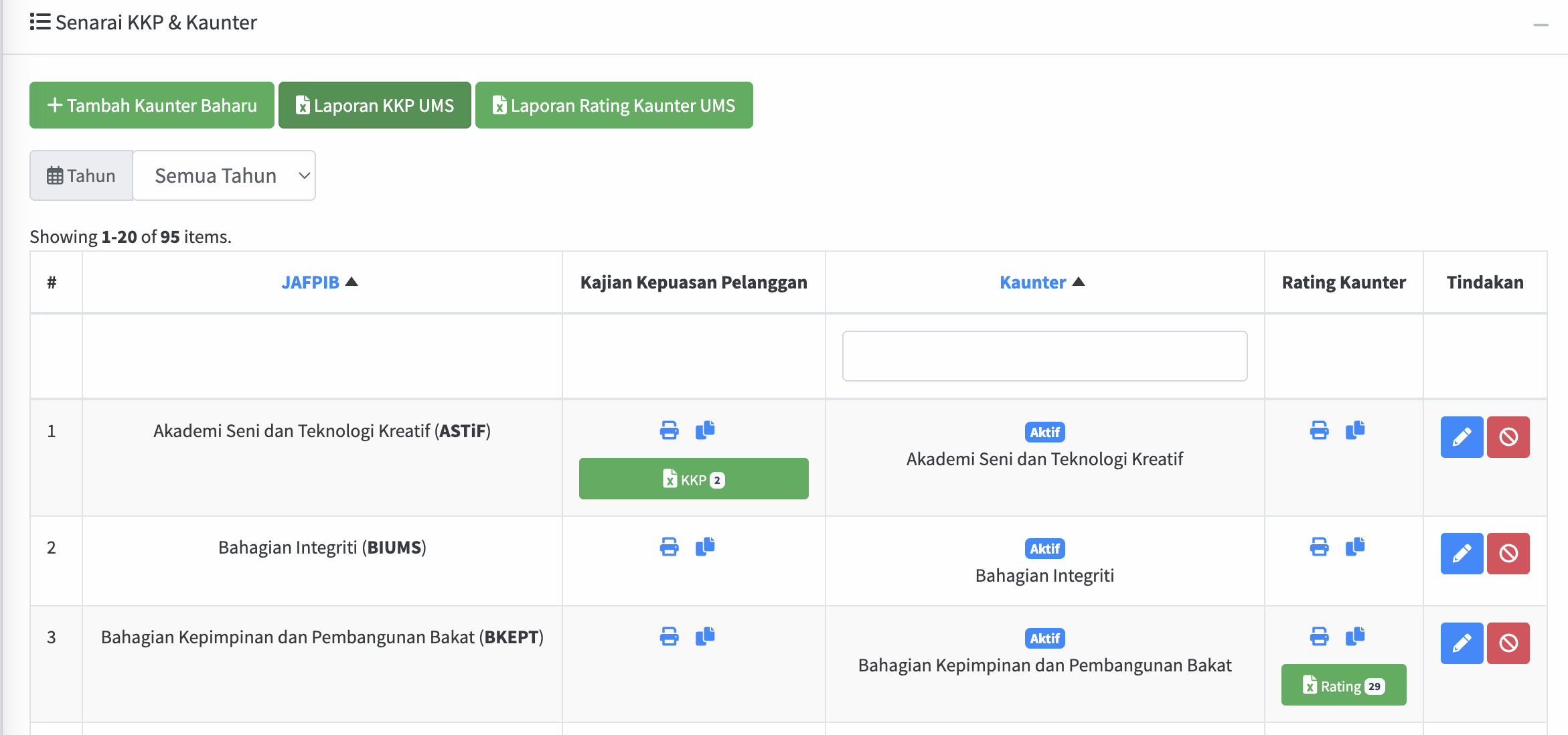
- Click Tambah Kaunter Baharu button to add new counter
- Click Laporan KKP UMS button to export the report to Excel
- Click Laporan Rating Kaunter UMS to export the report to Excel
- Click pencil icon to edit
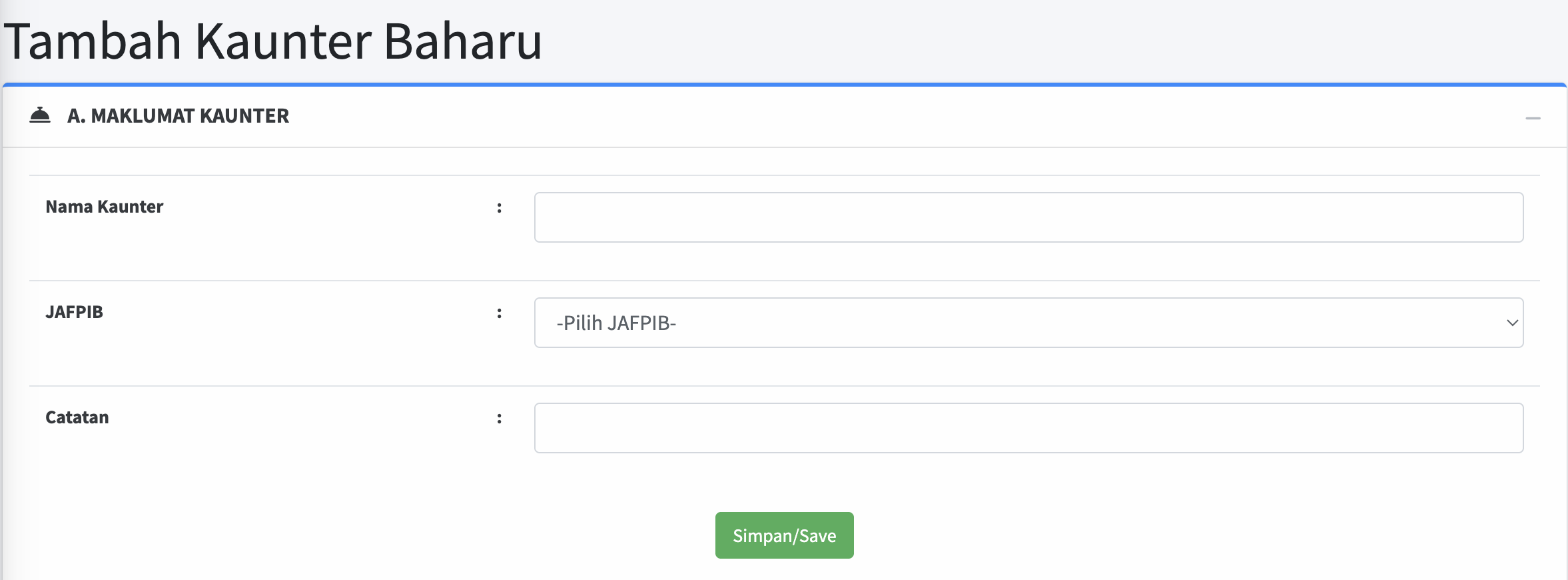
Tambah Kaunter Baharu
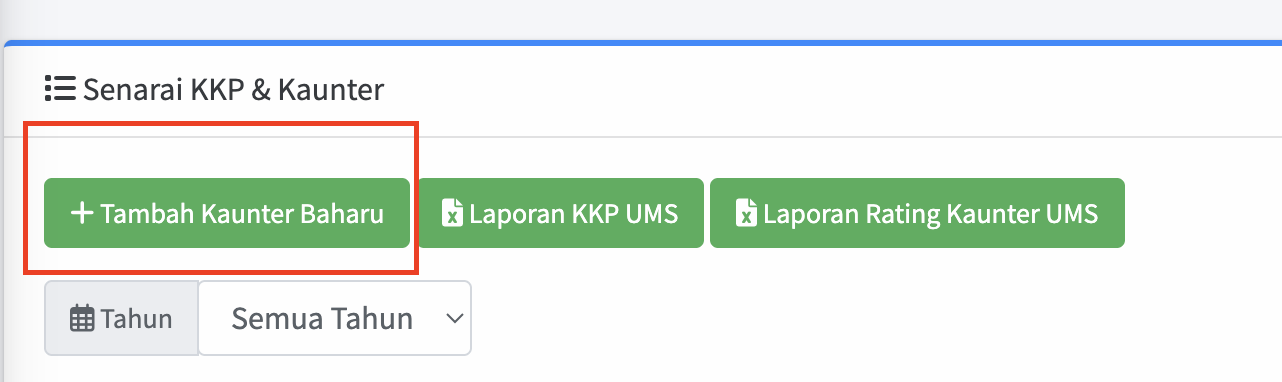
Click Tambah Kaunter Baharu button to add new counter
Add new counter